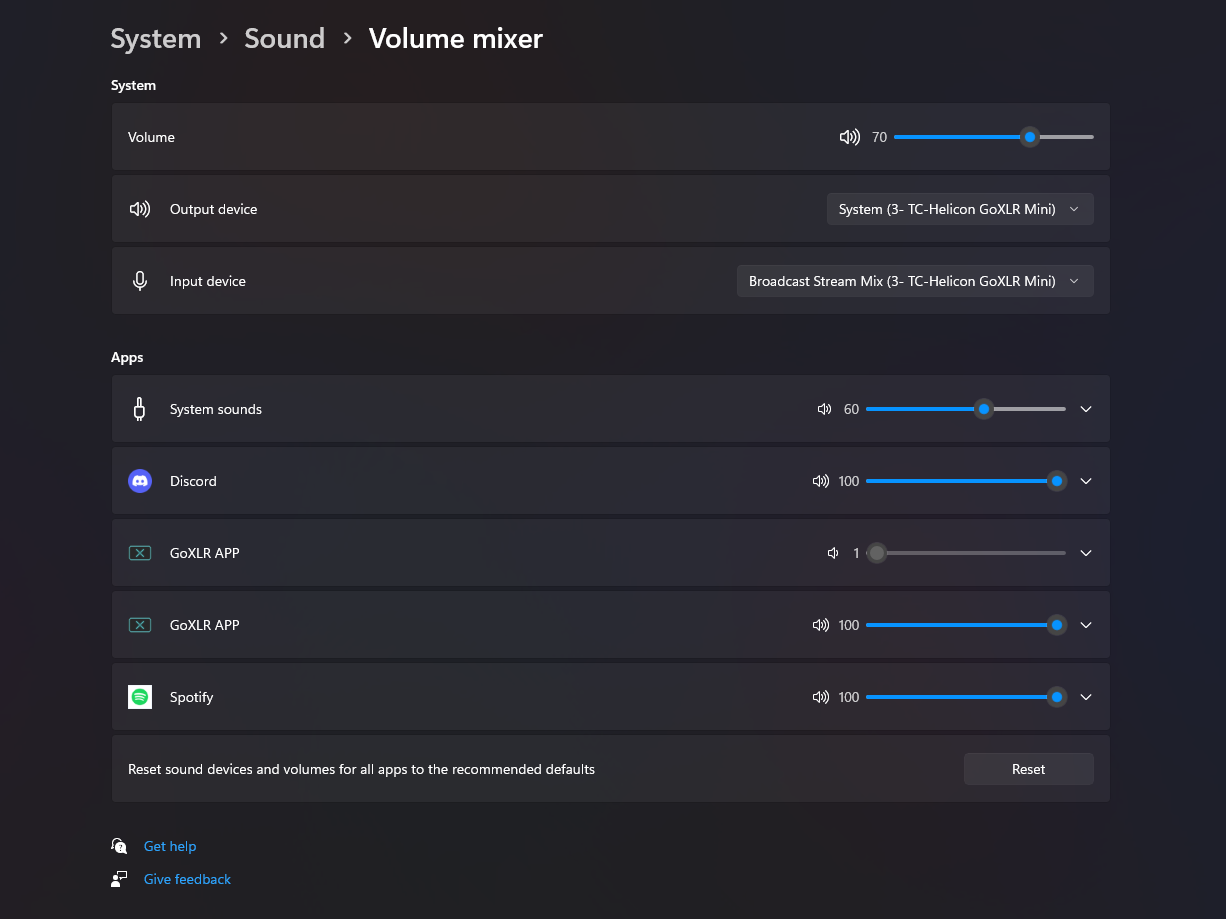
No audio at all on Firefox

So i have had no issues with firefox until yesterday when i unplugged everything to give my pc a clean, i set it back up and solely firefox doesnt play any audio, it doesnt appear in the windows volume mixer at all. I have tried refreshing it, deleting and reinstalling. Audio still works on other browsers so i have no idea what the issue is
Tất cả các câu trả lời (2)
Can we get a similar screenshot? see screenshot What OS? What version of Firefox? Did you try updating the audio driver? You can also try a different version of Firefox. Make sure to install in a different directory than your current install. https://www.mozilla.org/en-US/firefox/channel/desktop/
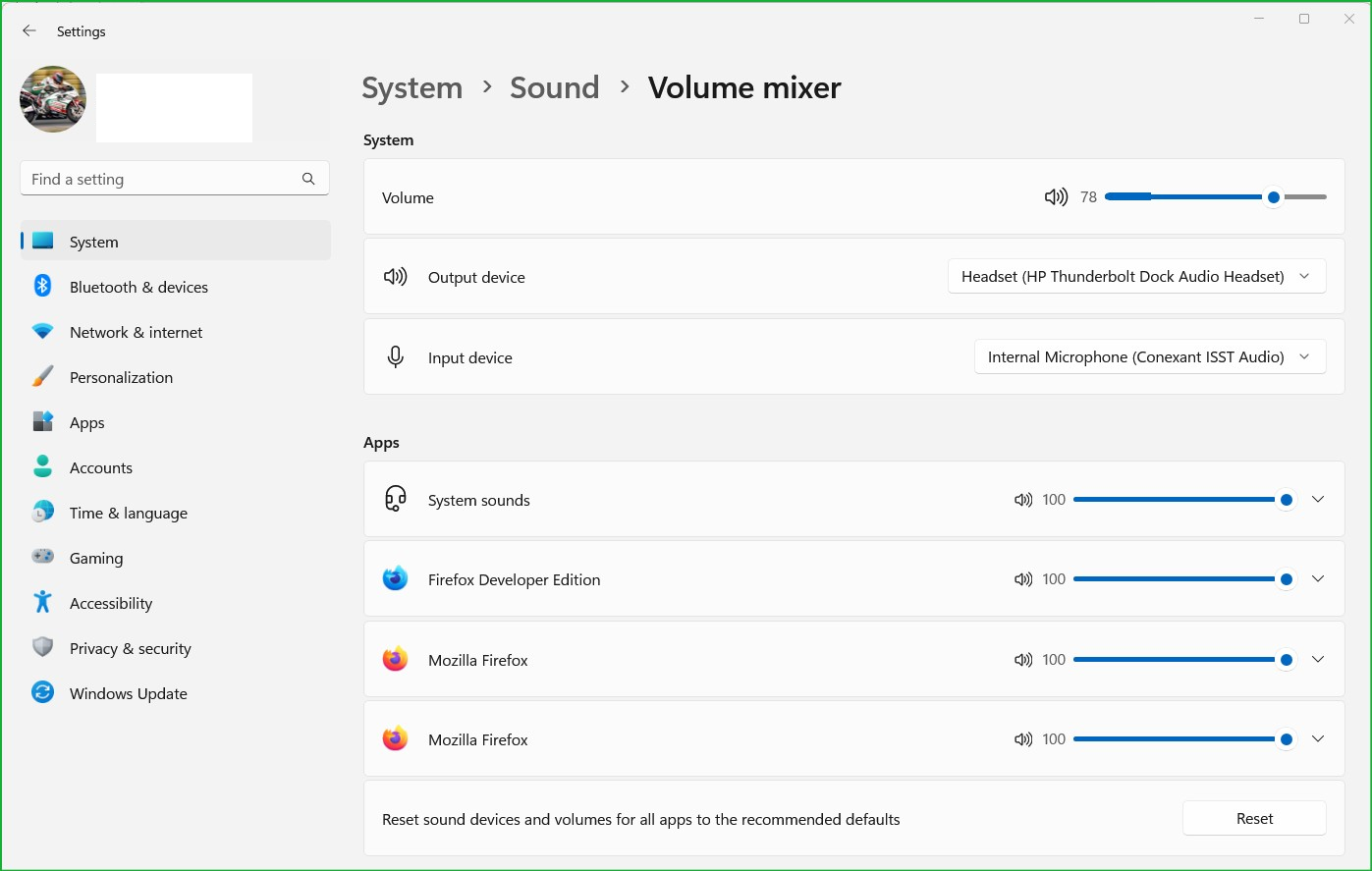
OS is 64 bit, Currently using the 64bit Beta version of firefox (see image). Was previously using the standard 64bit version, same issue applied with both versions. All drivers are up to date