


YouTube not displaying

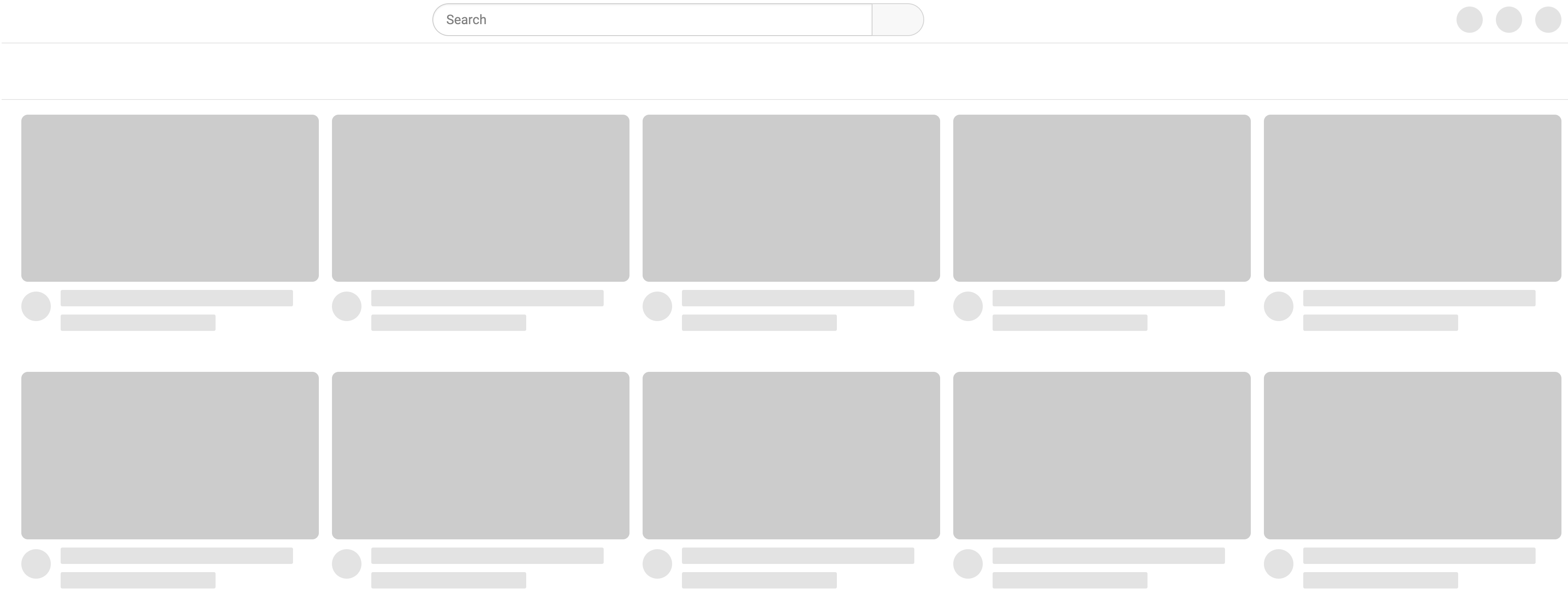
For about a week now YouTube doesn't display correctly. No content shows. I can open private browsing and works fine. Also works fine on other browsers just not Firefox.
I'm on an iMac running Firefox version 124.0.2 and I've tried disabling all add-ons but nothing has changed to the browser so shouldn't cause any issues.
Any help?
Tất cả các câu trả lời (4)
Tried all that but the issue persists. I checked Twitter (X) and looks like others are experiencing the same issue.
You can check the Web Console (Tools -> Web Developer) for messages about blocked content and about the presence of mixed or unsafe content.
You can check the Network Monitor to see if content is blocked or otherwise fails to load.
If necessary use "Ctrl+F5" or "Ctrl+Shift+R" (Mac: Command+Shift+R) to reload the page and bypass the cache to generate a fresh log.
And it still works in private windows? Try turning on HTTPS-Only Mode.
Does it still happen in a new profile? An easy way to test a new profile is to install Developer Edition and see if it happens there or refresh your existing profile. Make sure you stay signed out of your sync account when testing.