


Unified search/url bar does not search by default
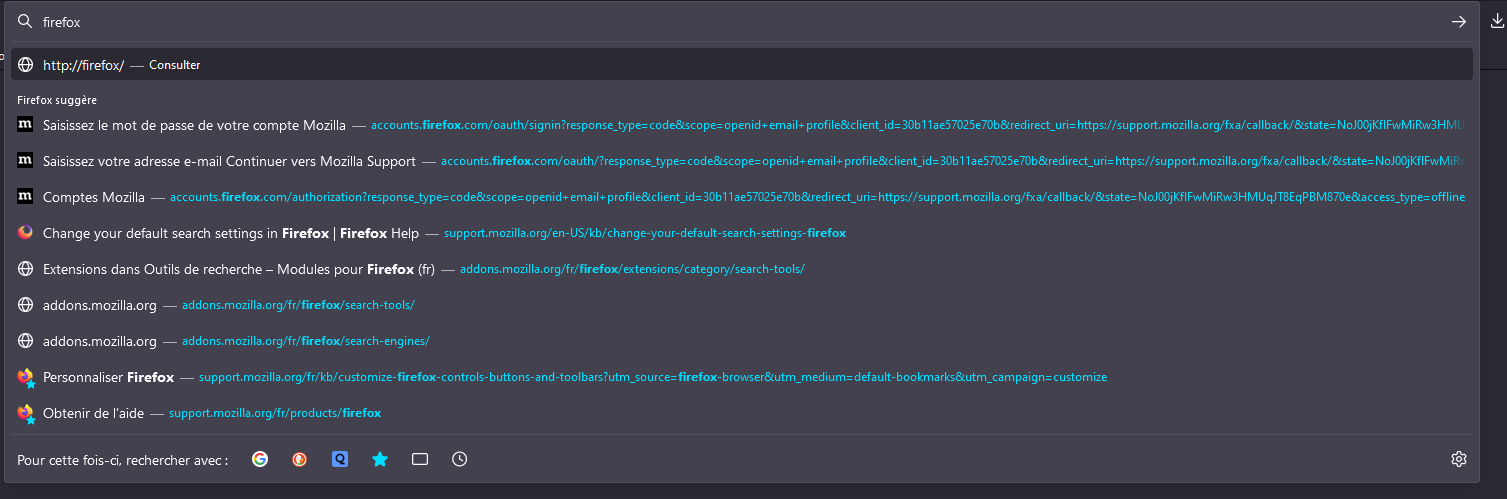
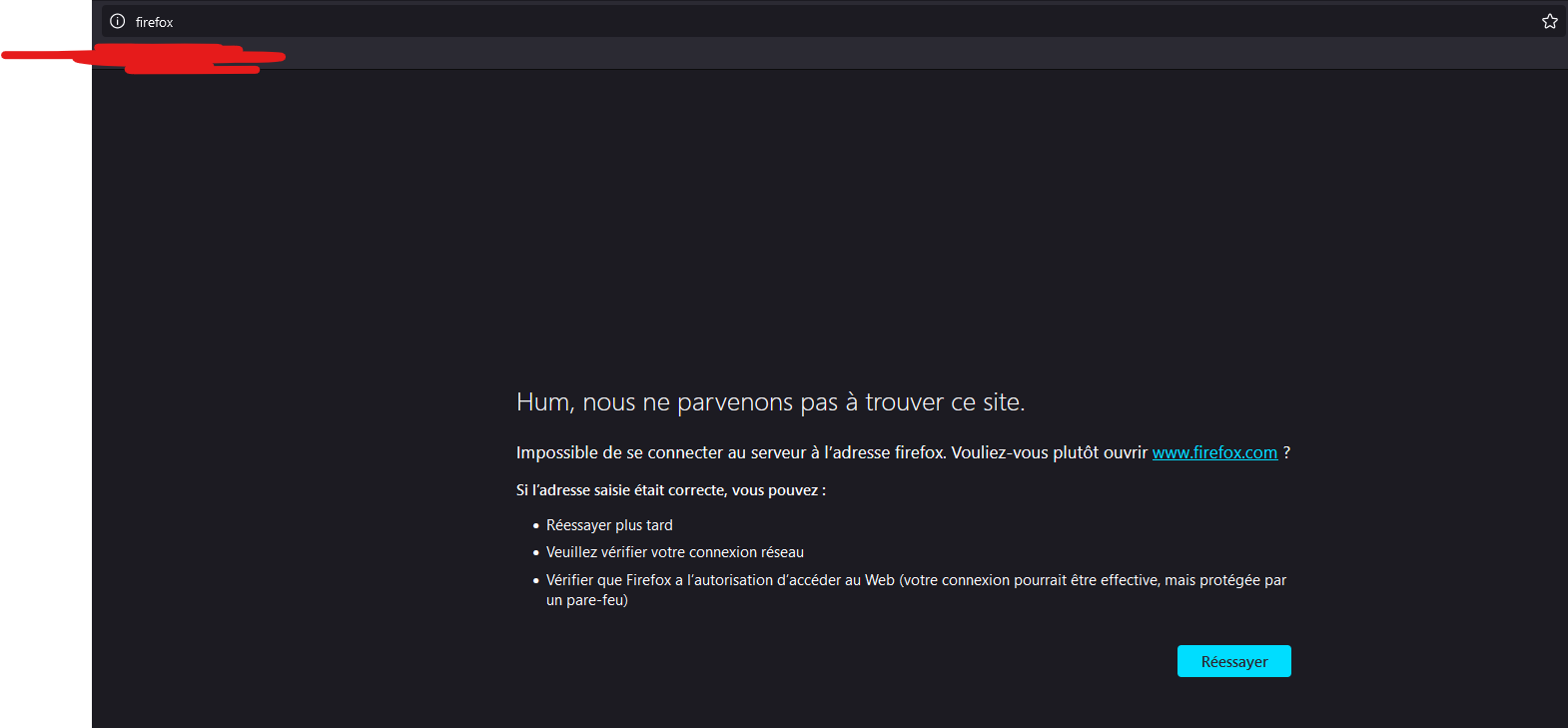
Hi, I've set in my settings to use the unified search+url bar, Also I've set Google as my search engine, but when I type a search request Firefox searchs by default an URL, leading to an error every time, I don't know what to change and Ive tried different settings with no change
Giải pháp được chọn
zeroknight said
Check your profile folder for a user.js file and try renaming/moving it.
I just checked and there is no user.js in any of my profiles.
EDIT: I also searched a bit and found this setting is locked with lockPref("keyword.enabled", false); by the admin...
Đọc câu trả lời này trong ngữ cảnh 👍 0Tất cả các câu trả lời (5)
Make sure keyword.enabled is default true in about:config.
zeroknight said
Make sure keyword.enabled is default true in about:config.
When I go to about:config I have keyword.enabled set to false but I cannot change it because it is shown in grey with a lock on the left side... Might be related to a system lock?

Check your profile folder for a user.js file and try renaming/moving it.
Giải pháp được chọn
zeroknight said
Check your profile folder for a user.js file and try renaming/moving it.
I just checked and there is no user.js in any of my profiles.
EDIT: I also searched a bit and found this setting is locked with lockPref("keyword.enabled", false); by the admin...
Được chỉnh sửa bởi blac vào