


Firefox browser did an update and deleted all of my bookmarks and history

Firefox decided to do an update and when I restarted it all of my bookmarks and history were gone. Is there any way to recover them?
Tất cả các câu trả lời (6)

There is a support article which may help.
https://support.mozilla.org/en-US/kb/recover-user-data-missing-after-firefox-update
When I check, there are no other profiles, just the new, empty default.

Doesn't Mac have a Wayback Machine?
I was traveling at the time and did not have access to my time machine backup. At that time, I tried restoring bookmarks to a prior date. This recovered the bookmarks but not the history. When I got home, I used the time machine backup to copy in the older version of Firefox's Application Support directory. This restored the bookmarks and the history. I was unable to find the older version of the Cache directory, so I don't know if the restoration was complete or the correct way to do it.
HOWEVER, in the last couple days since that recovery, Firefox has spontaneously reverted my default search engine to Google and has deleted the bookmarks and history two additional times.
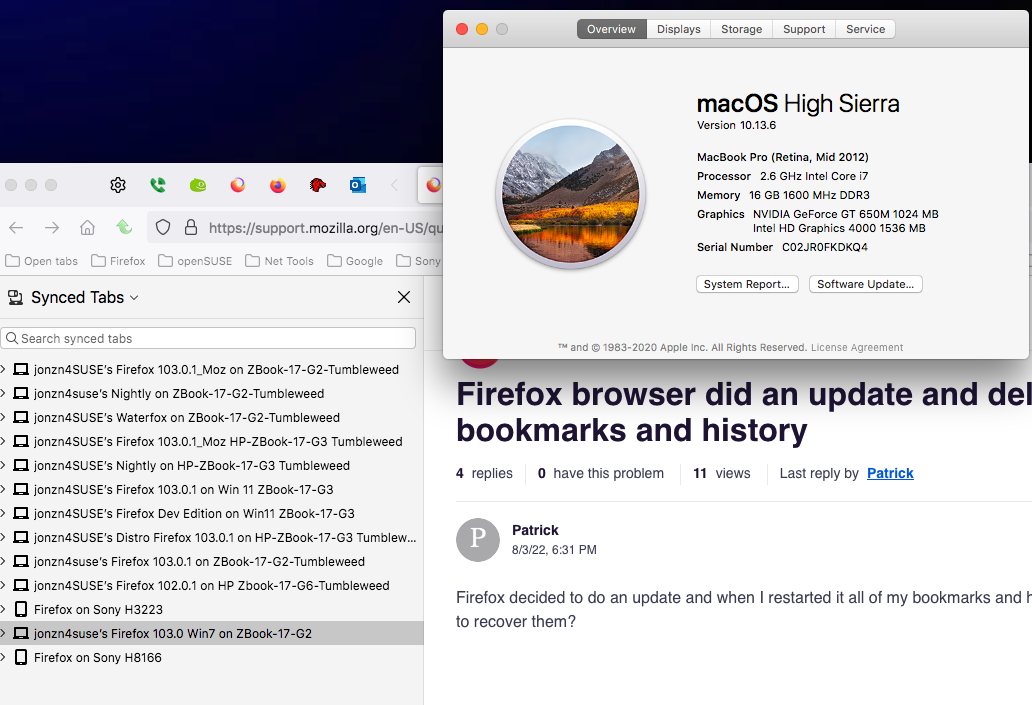
I recommend you run different versions of Firefox so that you data is syned in different browsers like a "backup". see screenshot
This question has been locked because the original author has deleted their account. While you can no longer post new replies, the existing content remains available for reference.