


Builtin screenshot tool does not save my pic
I use built-in screenshot tool to take picture. When I click to the Download button, no file is saved. Try to open Firefox in Troubleshoot Mode but file is still not saved.
Firefox 102.0.1, 64-bit on Ubuntu 22.04, install from https://launchpad.net/~mozillateam/+archive/ubuntu/ppa.
Tất cả các câu trả lời (4)
Hi
If you install xdg-desktop-portal-gtk, does this fix the issue?
This is what you will need to enter in the terminal:
sudo apt install xdg-desktop-portal-gtk
Paul said
If you install xdg-desktop-portal-gtk, does this fix the issue?
I already have `xdg-desktop-portal-gtk`, but file is still not saved.
Can you use OBS to walk us through the steps so we can see? Also, try downloading Firefox from Mozilla, run it from the folder and see if you have the same issue. https://www.mozilla.org/en-US/firefox/all/#product-desktop-release
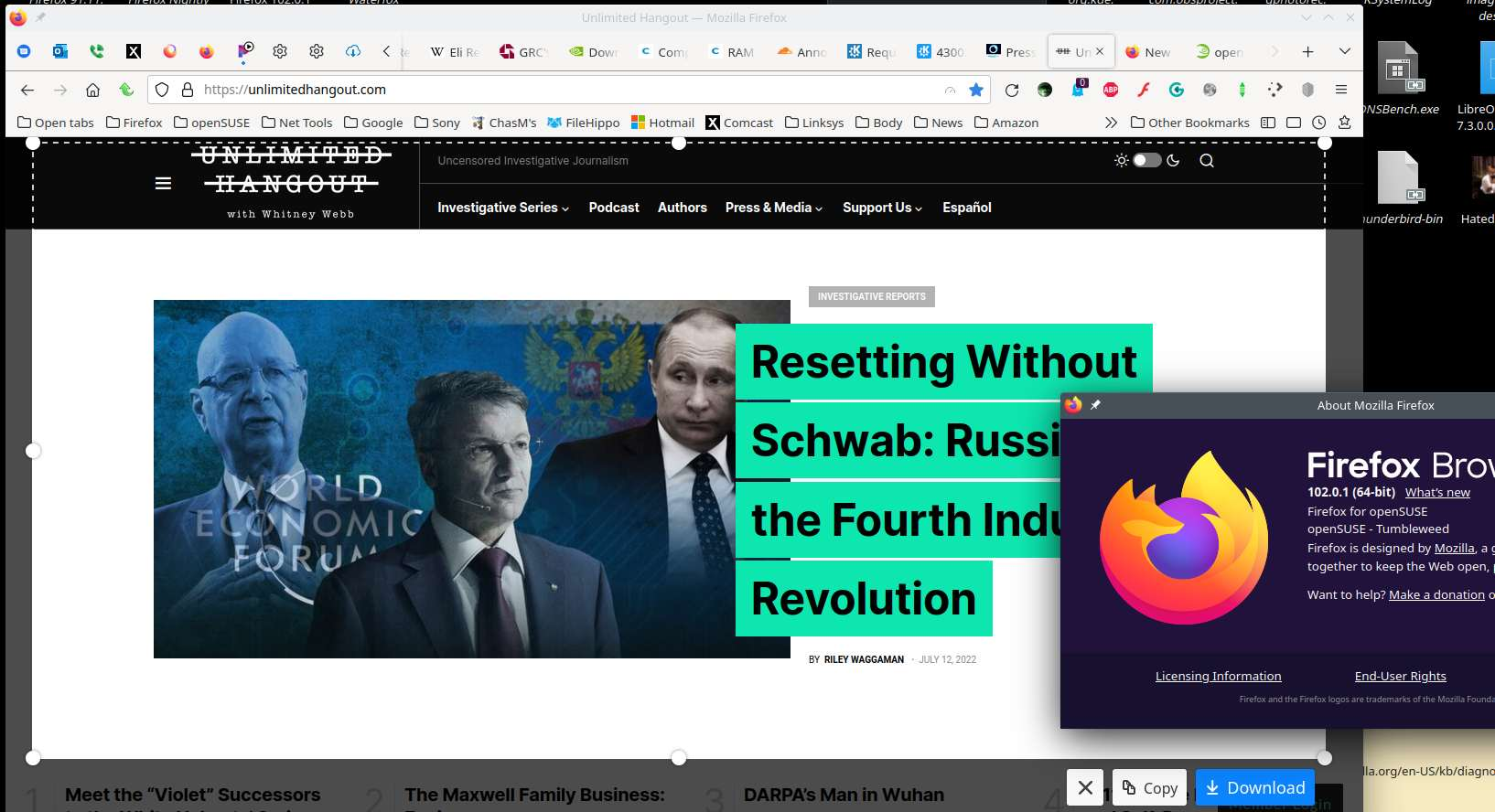
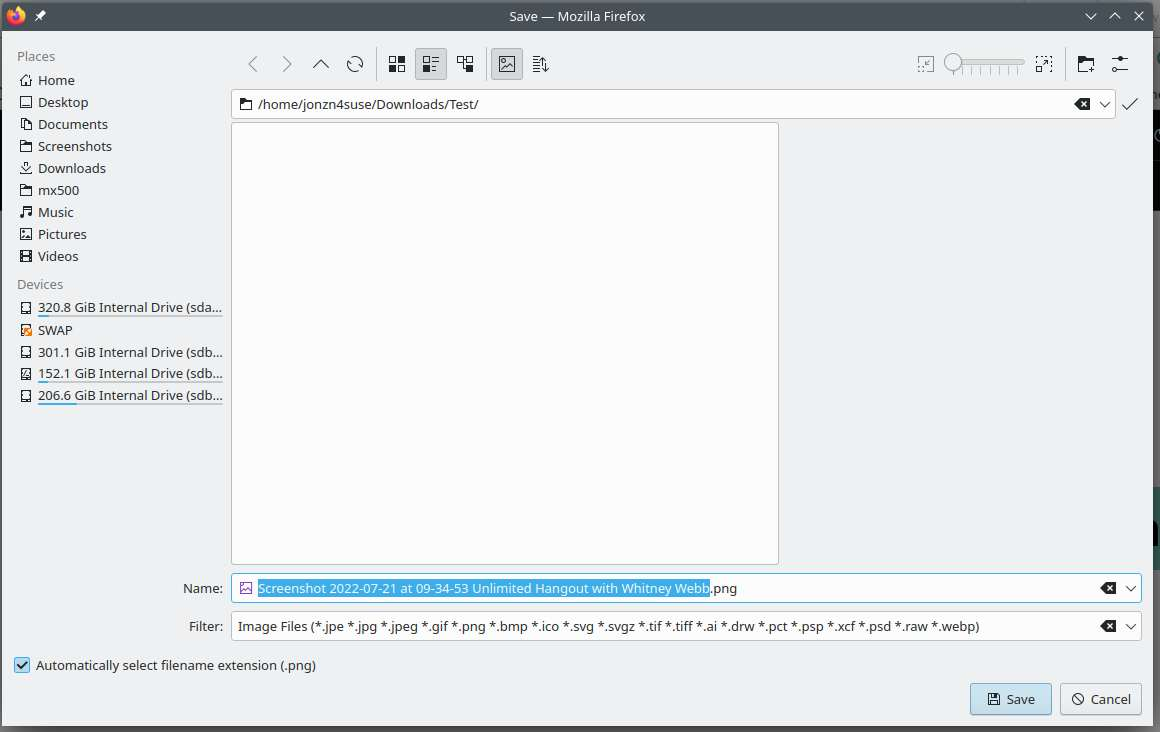
It works for me in my distro and Mozilla version. I run both. see screenshot
Được chỉnh sửa bởi jonzn4SUSE vào
Any relevant-looking messages in the Browser Console about this issue ?