


Can not connect Thunderbird to AWS Workmail

I am using the latest version of Thunderbird (91.5.0 32-bit) and a valid configuration of Amazon workmail.
Using Thunderbird's default wizards and all the settings I can think of, I am not able to integrate Thunderbird with my email accounts.
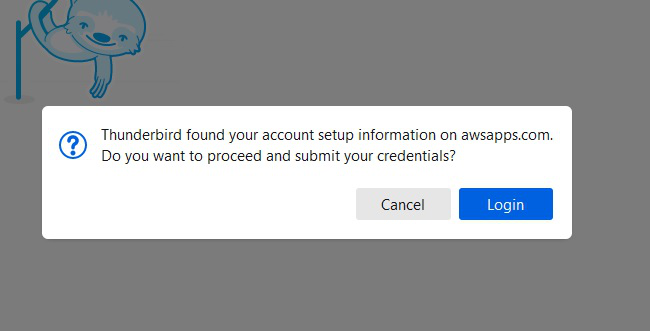
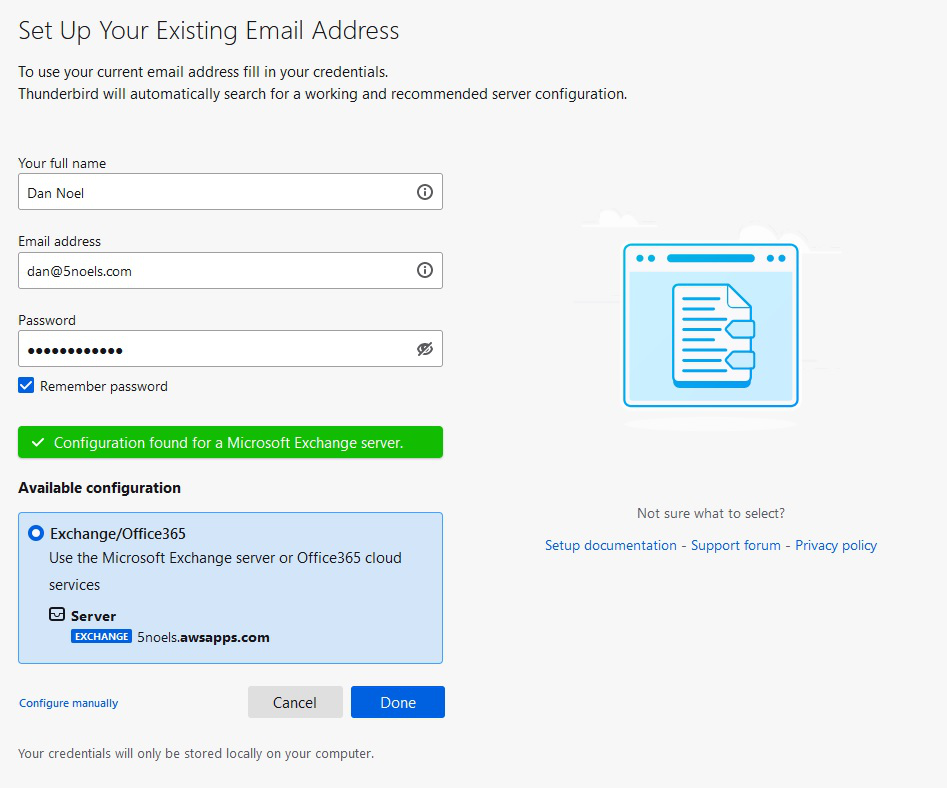
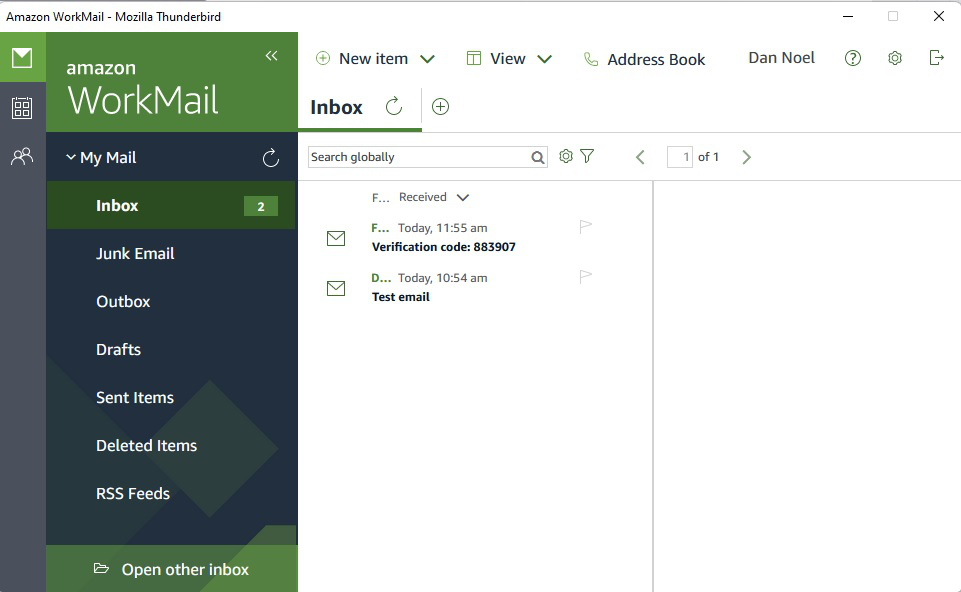
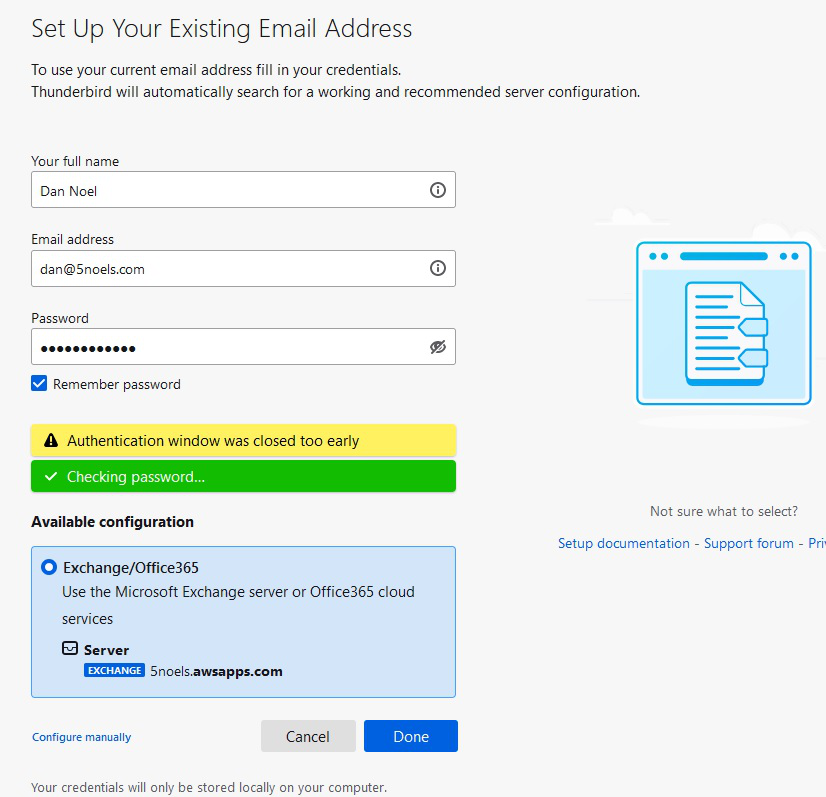
Using the default wizard, Thunderbird presents me with a dialog "Thunderbird found your account setup information on awsapps.com. Do you want to proceed and submit your credentials" Clicking the [Login] dialog brings up a control which will reads "Use the Microsoft Exchange Server or Office365 cloud service. " When I click Done, I see the dialog for the Amazon workmail client which asks me to submit my username and password where I validate my user name. Closing this dialog, however, leads to a message back in Thunderbird reading "Authentication windows was closed too early"
It seems that Thunderbird is expecting some sort of validation token back from AWS which it never receives.
Tất cả các câu trả lời (2)
First, I am not prepared to give a solution here, as I am not well-versed in AWSmail. However, I have used Exchange successfully in another setting with the addon, ExQuilla, that was developed especially to integrate Thunderbird with Exchange. That may not solve your problem, but I offer it as a possibility. Good luck.
I found a solution in the Amazon Docs.
https://docs.aws.amazon.com/workmail/latest/userguide/using_IMAP.html
Everything is working now.
I needed to reference the AWS servers:
smtp.mail.us-west-2.awsapps.com and imap.mail.us-west-2.awsapps.com
The amazon doc explains all the necessary settings.