


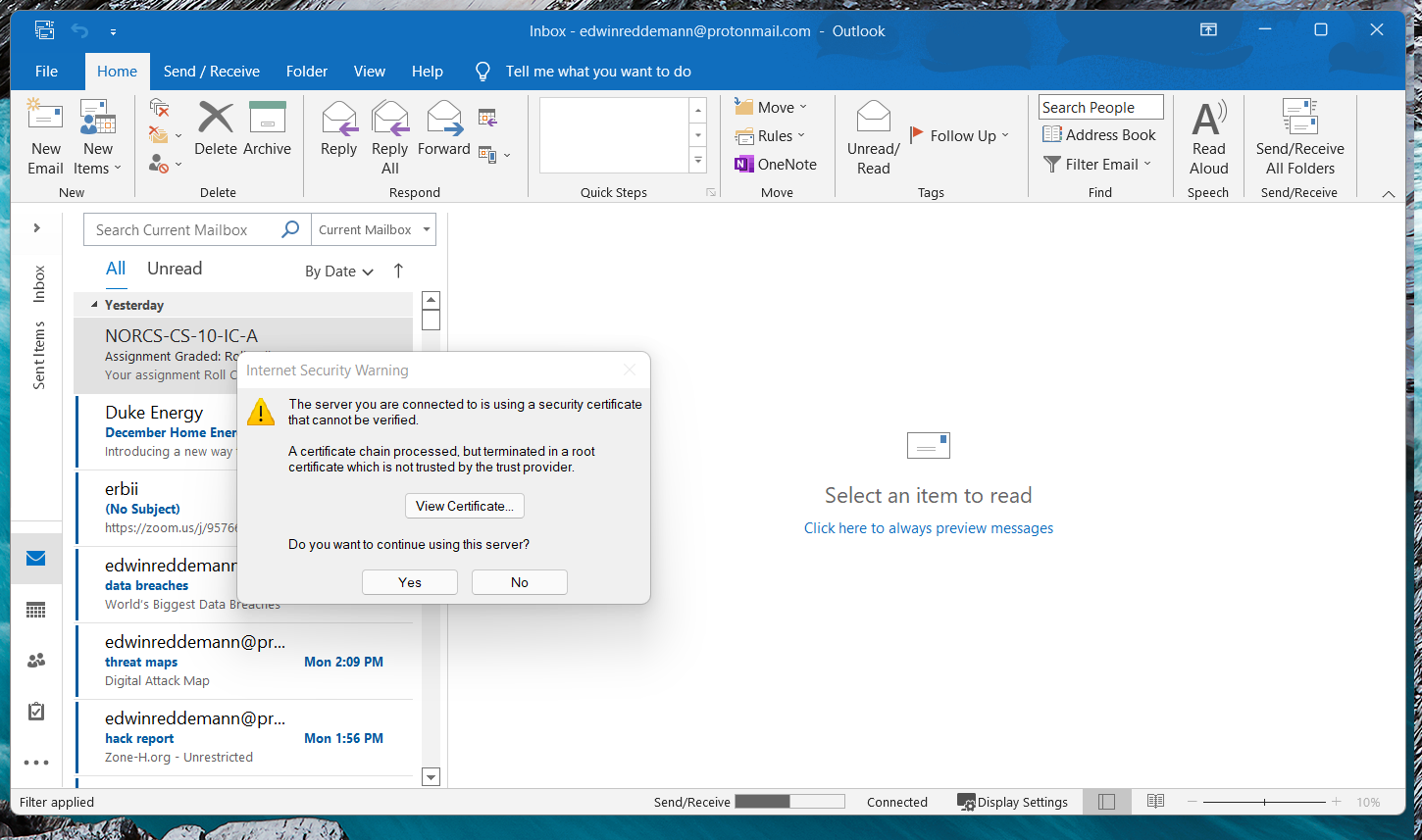
"internet security warning" pop up.

Every time I open up outlook I get "internet security warning" pop up. i am using proton mail with proton bridge to get it on outlook and I use Proton VPN. Proton isn't secure?
Tất cả các câu trả lời (2)
Giải pháp được chọn
Hi, I'm not sure this forum will be able to help. That looks like the Microsoft Outlook desktop app, and your browser seems to be running in Windows 11, communicating through Proton VPN. It seems that no Mozilla products are involved in this problem?
My general comment would be as follows:
Programs like web browsers and email software try to verify that the server responding to a connection is the server it claims to be. That is the point behind checking the certificate. There is something about the Proton software/service that is breaking the verification. However, I couldn't tell you what it is. I suggest asking Proton support whether this is normal/expected and/or how to resolve it.
thanks for pointing me in a direction