


Auto Fill Not Working
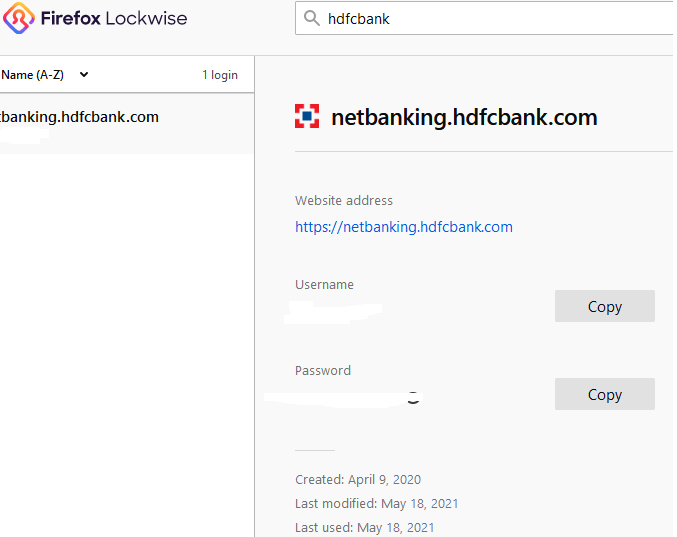
Hello Team, I'm facing a weird issue with my Firefox Browser version 88.0.1 (64-bit). I can't use the auto-fill feature (for username and password) for the below website - https://netbanking.hdfcbank.com/netbanking/CCLogin.html I find it really irritating as every time I have to view my password to login to this website's account. I checked with Chrome, it's performing well, auto-fill feature is working for every website. Could you please check and help. Thanks! Prakash
Tất cả các câu trả lời (6)

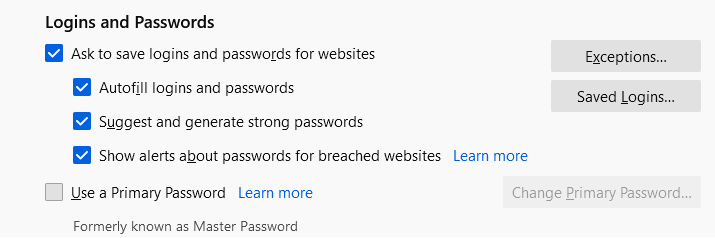
hello it is possible that this is still switched off in the settings, you can find this in the settings under the heading privacy and security and then under the heading Logins and passwords here you can turn this function on or off
Hello, I just checked, the function was already turned on. PFA snapshot. I can't find any workaround for this issue. Thanks!
This is likely because the website uses autocomplete="off" in the login form as you can see in the Inspector (right-click the form -> Inspect).
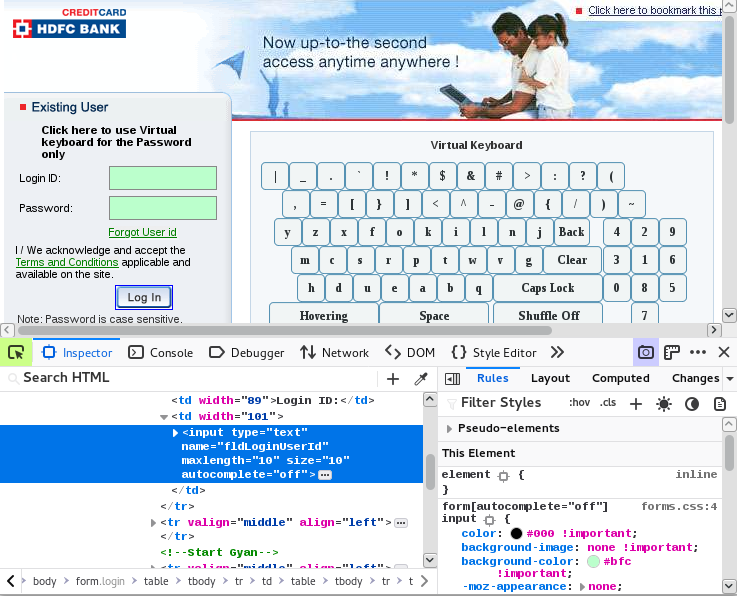
Oh ok I checked that. But I wonder, how is that Goggle Chrome is able to auto-fill the username and password and not Firefox? Can't Firefox Developers get a workaround to bypass this autocomplete="off". Thanks!
A long time ago autocomplete="off" was meant to stop browser from asking to store a password, but that was abandoned and is no longer used whether to save a new login. It is possible that Firefox still uses it to determine whether to autofill the login credentials.
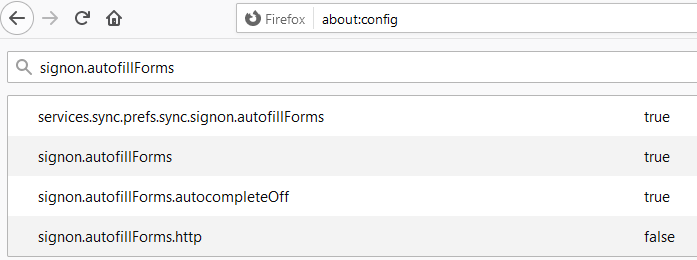
I notice this signon.autofill pref on the about:config page, but that pref defaults to true what would suggest that autofill isn't blocked.
- signon.autofillForms.autocompleteOff
- https://support.mozilla.org/en-US/kb/about-config-editor-firefox
Hi! Can you please raise a ticket to Firefox Developers to debug this issue. Thanks!