Windows 10 reached EOS (end of support) on October 14, 2025. If you are on Windows 10, see this article.

Tìm kiếm hỗ trợ

Tránh các lừa đảo về hỗ trợ. Chúng tôi sẽ không bao giờ yêu cầu bạn gọi hoặc nhắn tin đến số điện thoại hoặc chia sẻ thông tin cá nhân. Vui lòng báo cáo hoạt động đáng ngờ bằng cách sử dụng tùy chọn "Báo cáo lạm dụng".

Tìm hiểu thêm
Đã lưu trữ

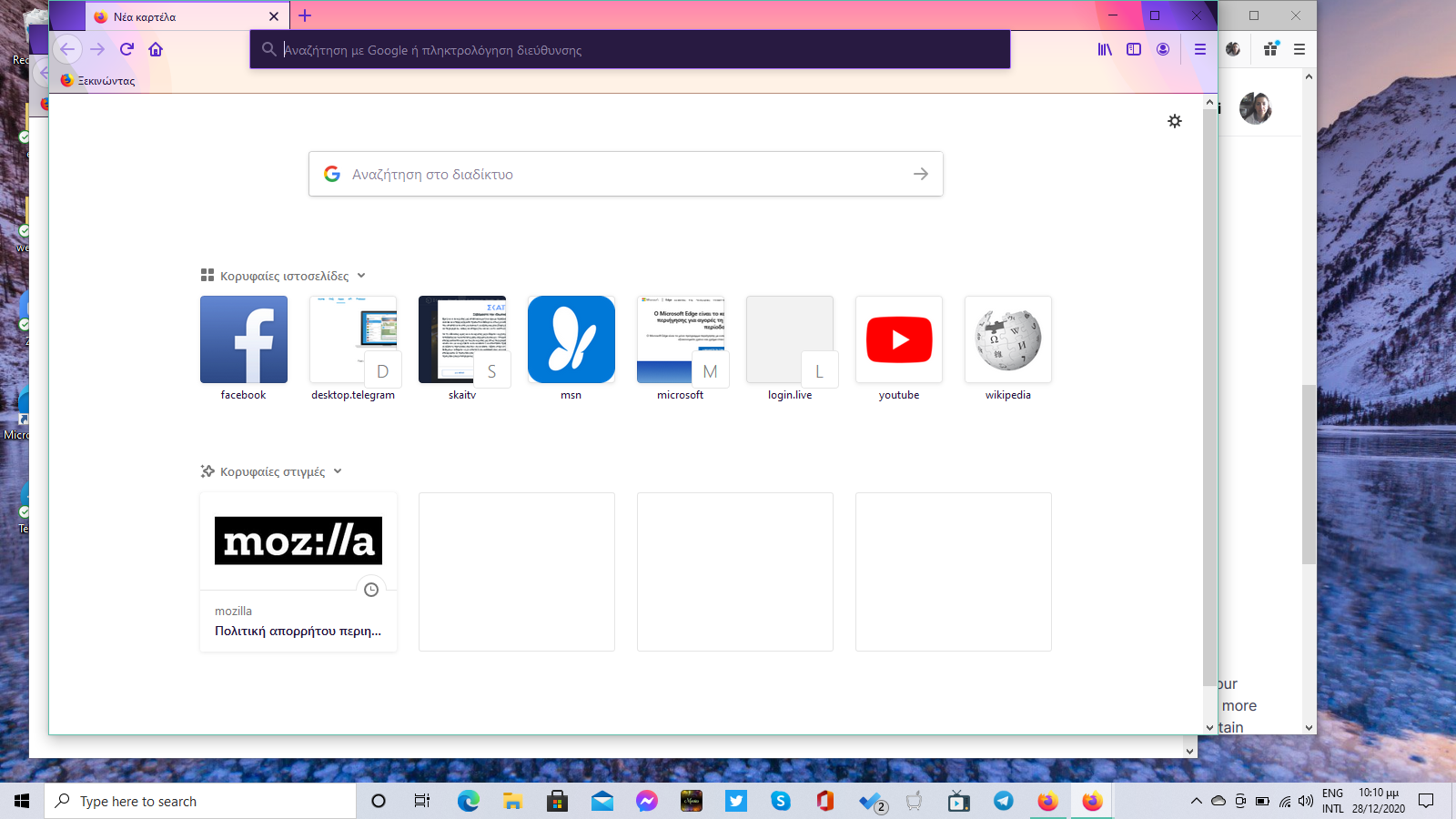
Why after downloading Firefox and signing in my account two programs Firefox run in my PC?

Eleni Dimaki

I have downloaded Firefox recently and have signed in my Firefox account. After dowwnloading, I was asked to install updates, which I did. After the second installation although at my programs menu I have one Firefox installed at the start page there are two icons of Firefox. Also, at the recently added programs there are there are two firefox icons. If I will press the one it opens the Firefox browser showing me signing in. If i will press the other icon it does not show me signing in. Is it a normal state. Can you figure out the two Firefox icons created. How can I delete the one? It does not let me delete them by pressing delete. Thank you for reading.
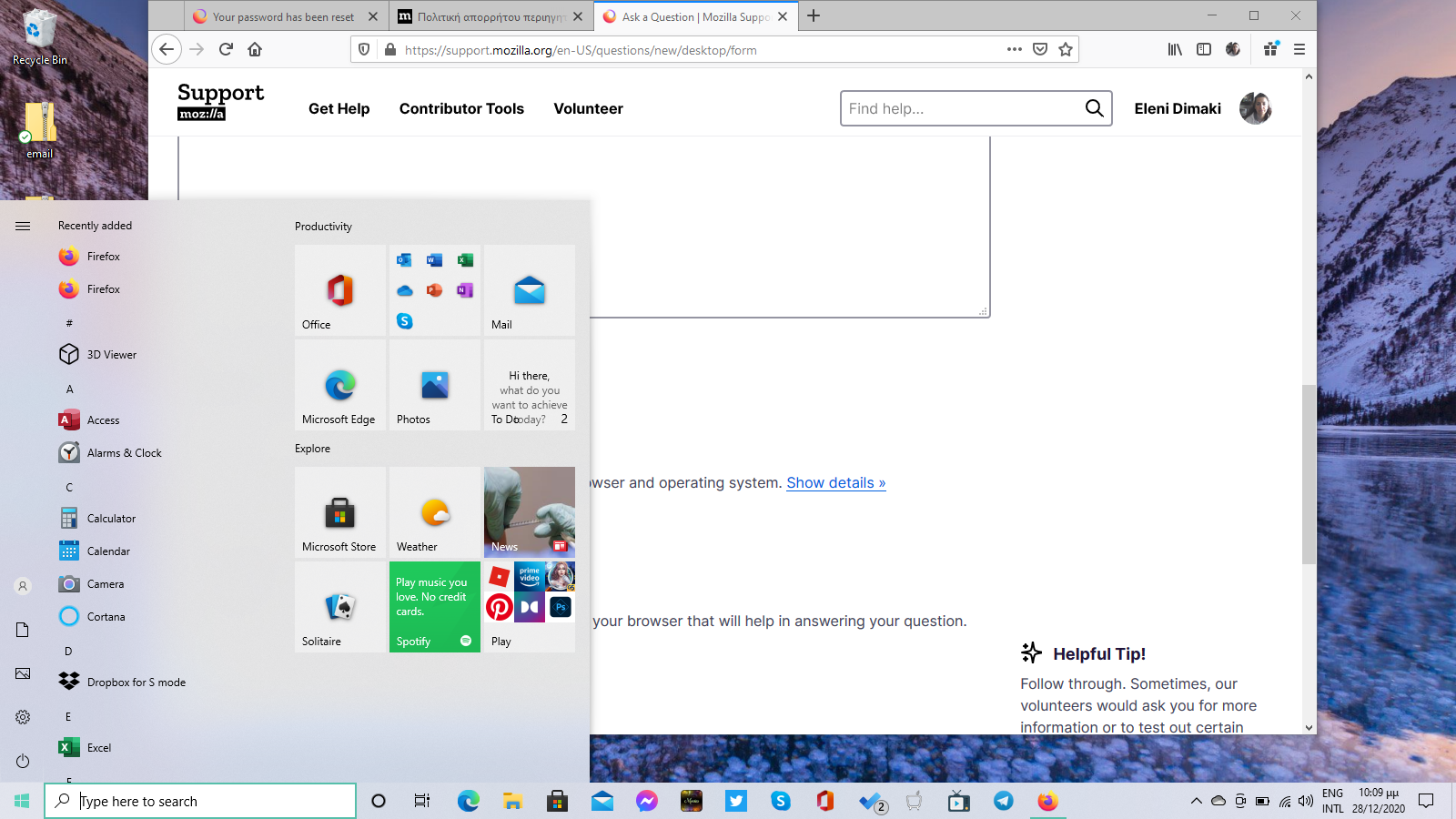
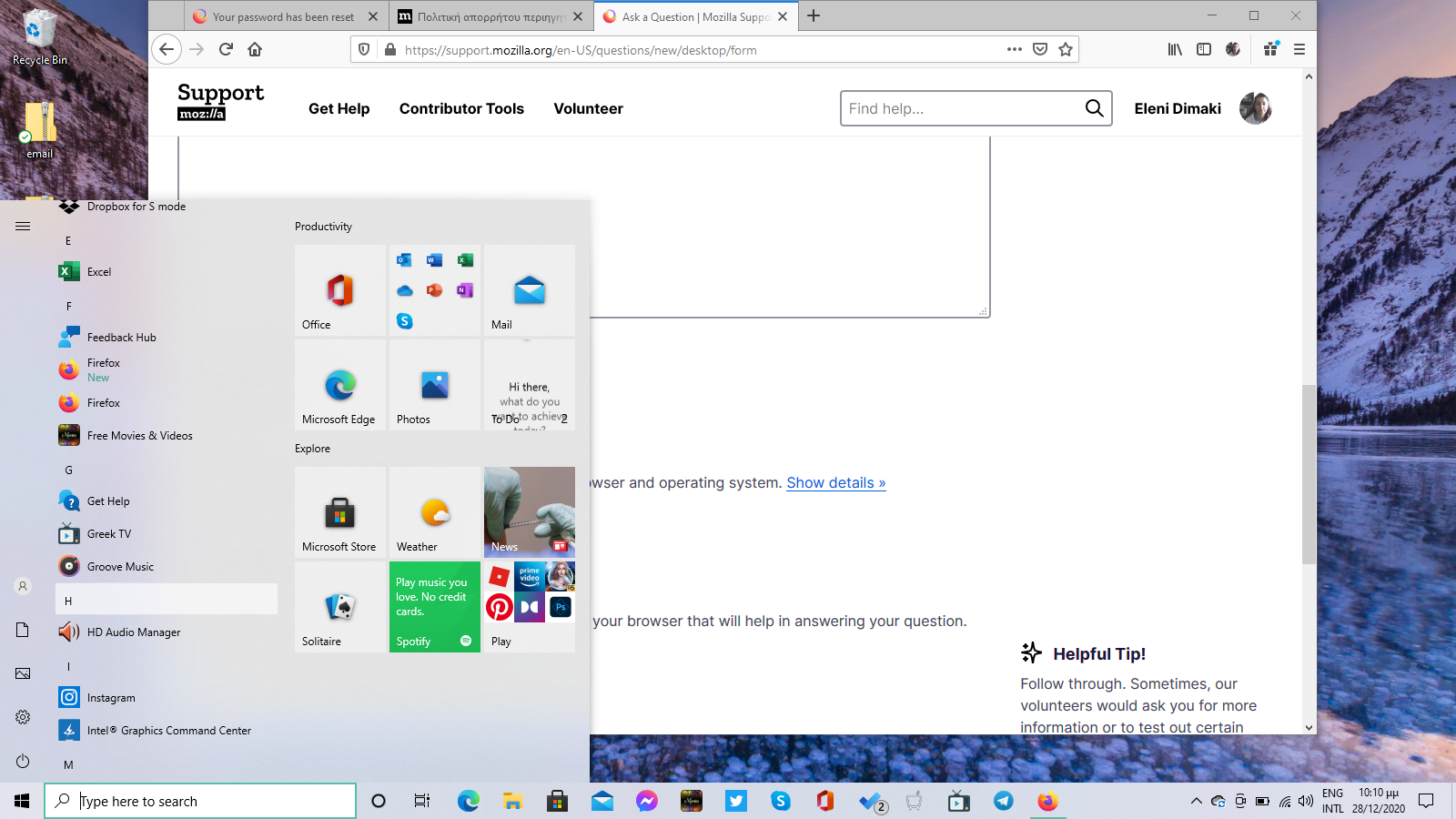
I have downloaded Firefox recently and have signed in my Firefox account. After dowwnloading, I was asked to install updates, which I did. After the second installation although at my programs menu I have one Firefox installed at the start page there are two icons of Firefox. Also, at the recently added programs there are there are two firefox icons. If I will press the one it opens the Firefox browser showing me signing in. If i will press the other icon it does not show me signing in. Is it a normal state. Can you figure out the two Firefox icons created. How can I delete the one? It does not let me delete them by pressing delete. Thank you for reading.
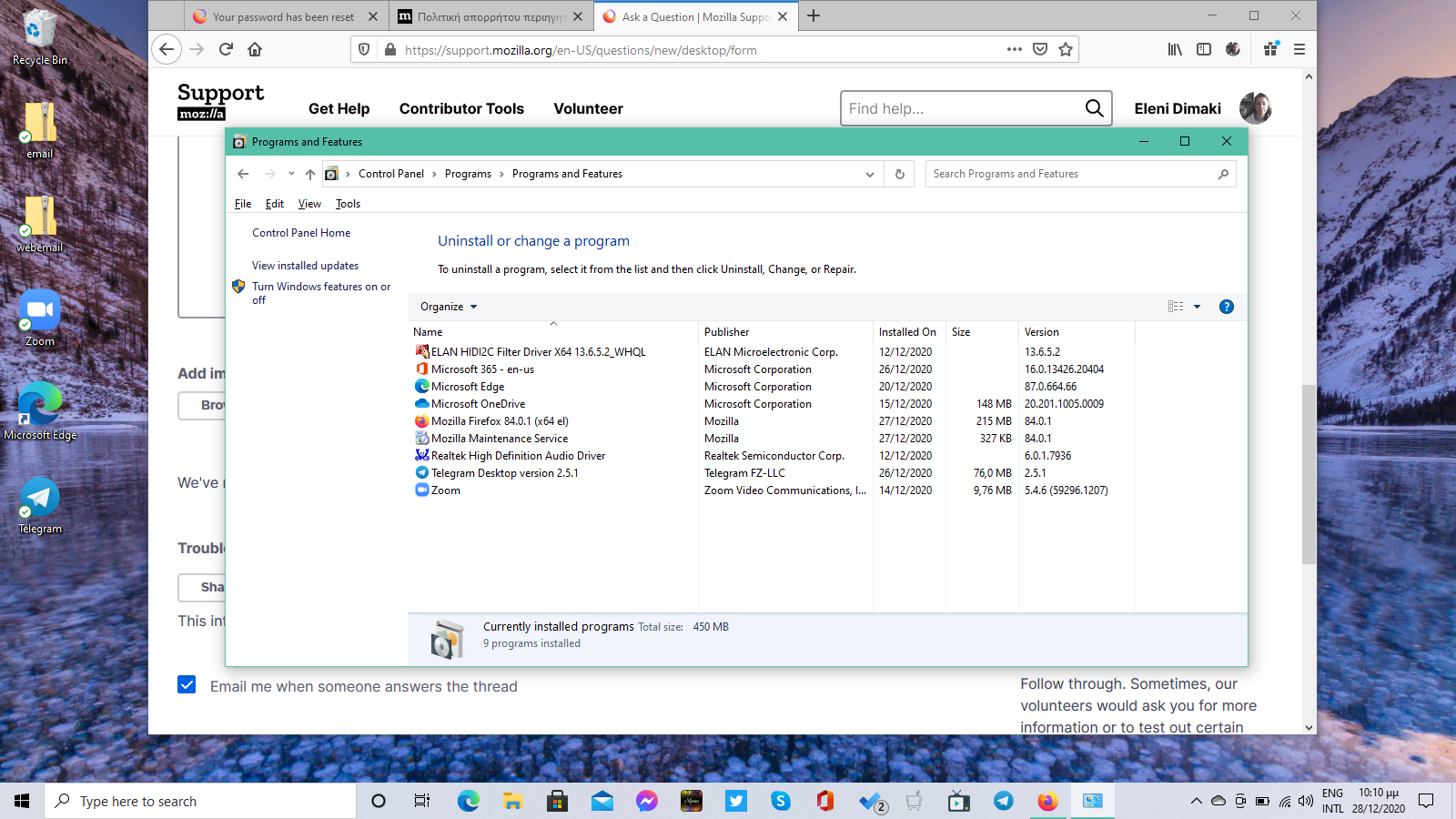
Đính kèm ảnh chụp màn hình

Tất cả các câu trả lời (1)