


Problem with Youtube videos not opening in FF74 on desktop

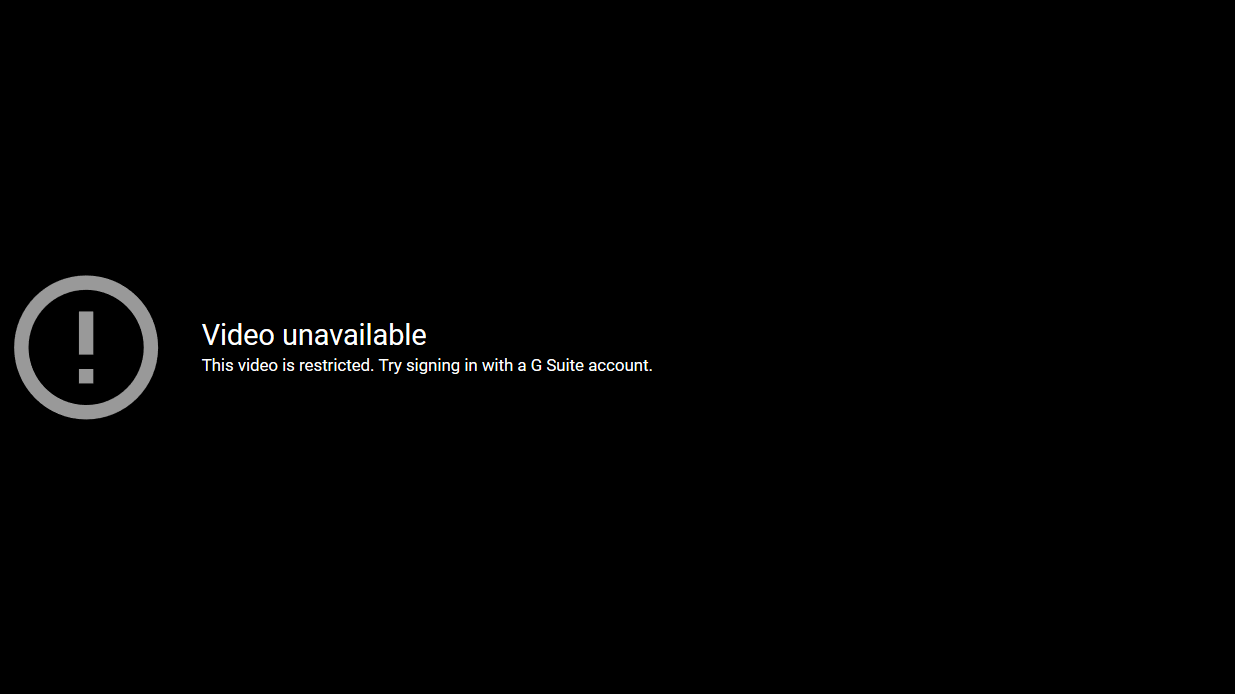
I have a desktop running Win 10 Home 64bit 1909 with FB74 as browser. When I open Youtube, I can access videos without problem. However if I click a Youtube link within TBemail the screen below appears and video is inaccessible. Using either Edge or Chrome there is no problem, video opens OK. I also have a Samsung R520 laptop also running same Win spec and when I click Youtube link in email the video opens and runs in FF OK!
Any help with overcoming this problem welcome. Would I need to save my profile, delete and reinstall FB to solve problem
Tất cả các câu trả lời (3)
Hy there! I think you may need to update your browser or clear the cache.
Giải pháp được chọn
If you cant ply Youtub vedio on FF
To disable the hardware acceleration in FF. 1.go to Menu==>choose Option 2.Scroll down and then under the Performance setting uncheck the "Use recommended performance settings" box and then uncheck the 'Use hardware acceleration when available" box Now you can try to ply you tub videos, but still if the problem in FF
Clear Browsing Data
1. Open Firefox and simultaneously
press Ctrl + Shift + Delete.
2. Choose Everything on
top and then click Clear now.
than restart FF
Thanks very much. All OK now