


Allowing websites to choose fonts always results in broken font.

Allowing websites to choose their own fonts always results in borked text. Considering some websites don't look as good when I set a font for Firefox, I'd like a way to fix this particular setting so I can leave it on.

Giải pháp được chọn
I have found a solution to this problem for anyone who is looking in the future.
Go to your windows search and type "View Advanced Windows Settings"
Under the Advanced tab, click on "Settings..."
Enable "Smooth edges of screen fonts"
Tất cả các câu trả lời (5)
What font is used on pages where this happens?
You can right-click and select "Inspect Element" to open the builtin Inspector with this element selected. You can check the font used for selected text in the Font tab in the right pane of the Inspector.
Note that this is not about the font-family CSS rule, but about the font that Firefox actually uses as shown in the Font tab in the right panel of the Inspector.
On this particular page? Open Sans. Attaching a screenshot.
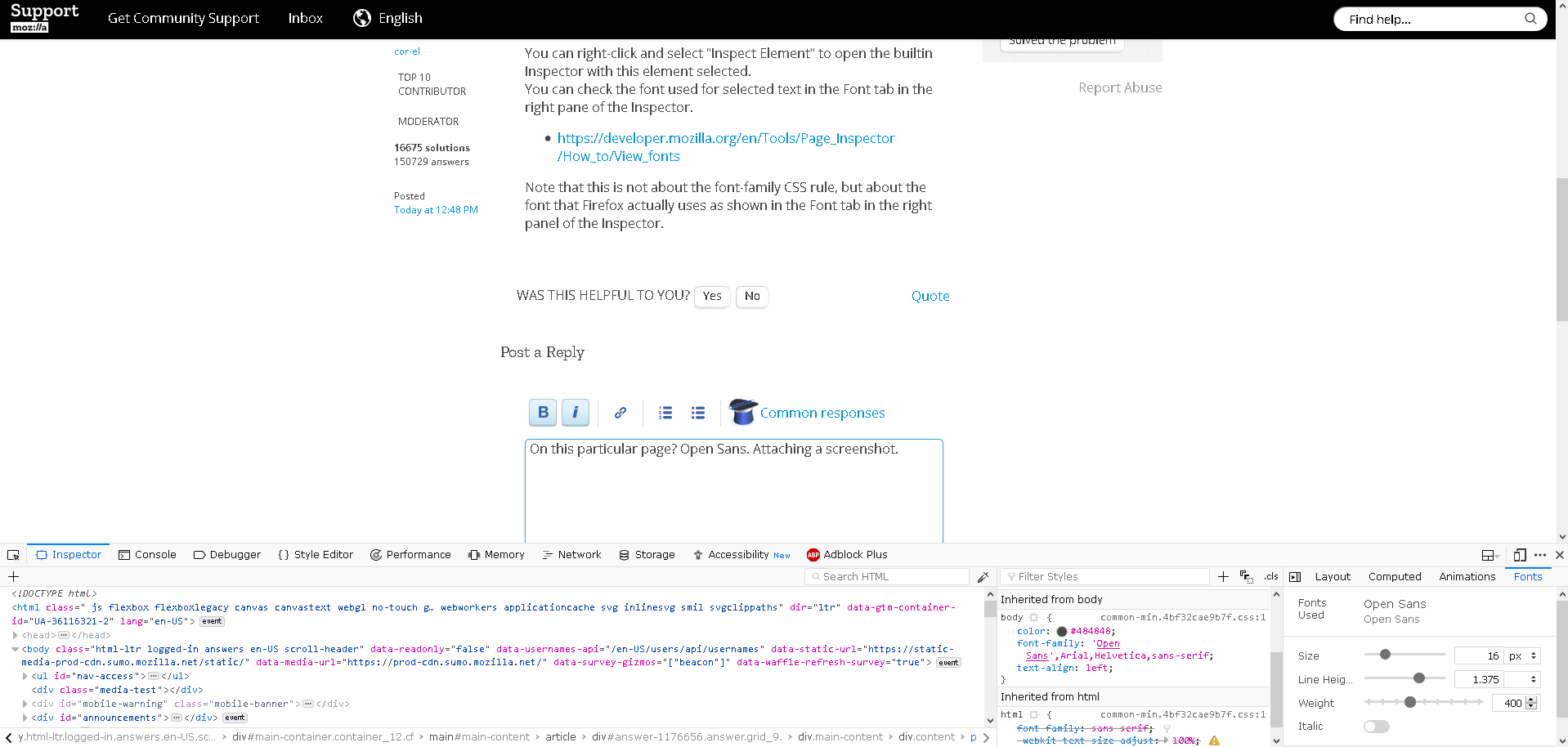
I'm noticing my screenshots aren't showing how bad the font is as it appears to me. Here's a picture.
Note how boxy everything looks and straight lines appear particularly dark.

Also, it does this in the steam interface as well, so I'm wondering if there's something outside of Firefox that can be fixed?

Giải pháp được chọn
I have found a solution to this problem for anyone who is looking in the future.
Go to your windows search and type "View Advanced Windows Settings"
Under the Advanced tab, click on "Settings..."
Enable "Smooth edges of screen fonts"