


Open
How can one block ads in the new Firefox 156. There seems no way of turning on ad blocking.
Firefox says: "Pop-up ads, you’re going down.
"Firefox for iOS now has a built-in ad blocker that helps cut down on annoying ad junk, so there’s more room for what you actually came to see. Turn it on under Settings > Browsing."
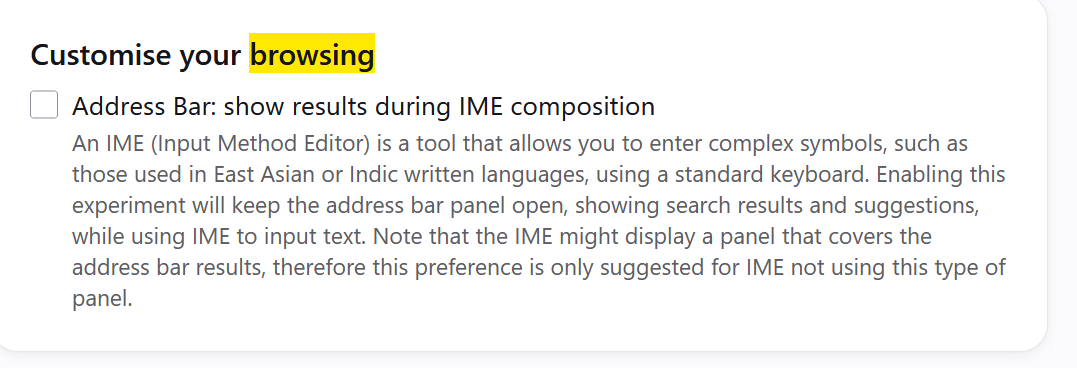
However there seems to be no "Settings > Browsing". The only reference to browsing that I find under Settings is the following: (see uploaded image). No mention of blocking ads.
Firefox says: "Pop-up ads, you’re going down.
"Firefox for iOS now has a built-in ad blocker that helps cut down on annoying ad junk, so there’s more room for what you actually came to see. Turn it on under Settings > Browsing."
However there seems to be no "Settings > Browsing". The only reference to browsing that I find under Settings is the following: (see uploaded image). No mention of blocking ads.
All Replies (1)
"Firefox for iOS now has a built-in ad blocker… "
(i.e. mobile, on iPhones etc.)
Your screenshot seems to come from Windows.