Windows 10 reached EOS (end of support) on October 14, 2025. If you are on Windows 10, see this article.

Search Support

Avoid support scams. We will never ask you to call or text a phone number or share personal information. Please report suspicious activity using the “Report Abuse” option.

Learn More
Archived

Super Large Fonts

almarc11

I have a yahoo email account that forwards emails to Thunderbird. One person I receive emails from uses Fastmail. Messages from Fastmail often have a portion of the email that has super large fonts. The messages look normal on the yahoo web mail site, but have super big fonts in Thunderbird. If I cut and past the portions with big fonts into my word processor, the fonts look normal as well. I clipped a portion of the html from one of these emails (attached) and you can see from the "font-size" values why the size is so large with values like "8889%" versus "18px". I have no idea where the bogus values are coming from (i.e. Fastmail, yahoo, Thunderbird). But apparently Thunderbird scales the fonts up where the web browser and my word processor seem to ignore the bogus values. Thanks in advance.
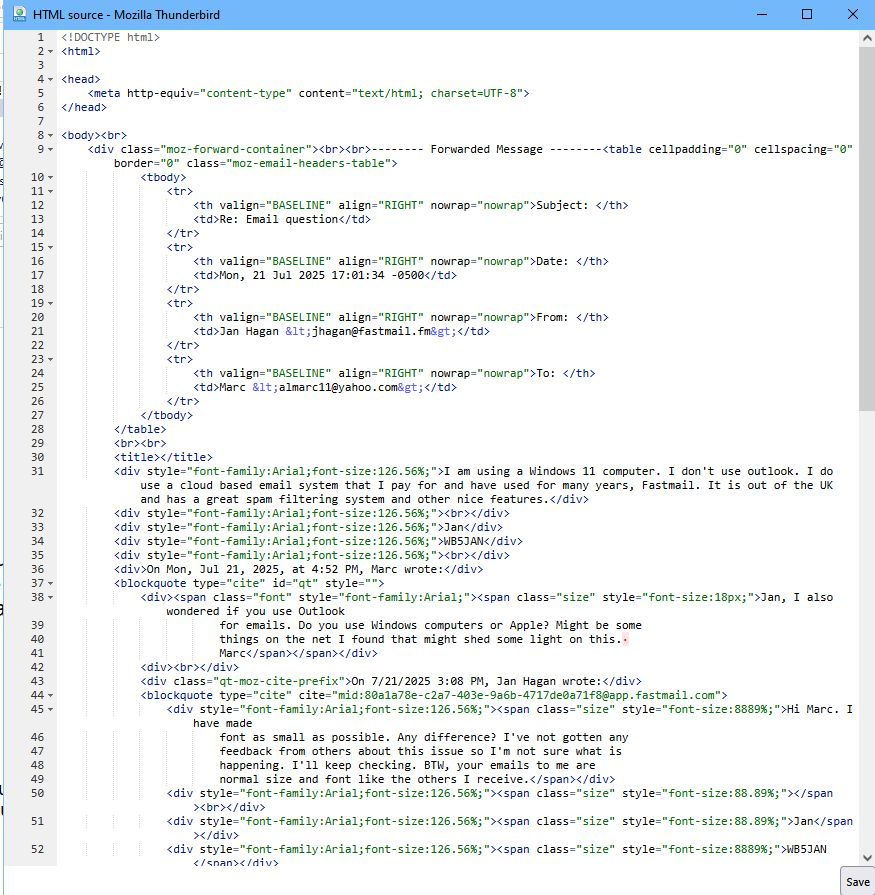
I have a yahoo email account that forwards emails to Thunderbird. One person I receive emails from uses Fastmail. Messages from Fastmail often have a portion of the email that has super large fonts. The messages look normal on the yahoo web mail site, but have super big fonts in Thunderbird. If I cut and past the portions with big fonts into my word processor, the fonts look normal as well. I clipped a portion of the html from one of these emails (attached) and you can see from the "font-size" values why the size is so large with values like "8889%" versus "18px". I have no idea where the bogus values are coming from (i.e. Fastmail, yahoo, Thunderbird). But apparently Thunderbird scales the fonts up where the web browser and my word processor seem to ignore the bogus values. Thanks in advance.
Attached screenshots

All Replies (1)

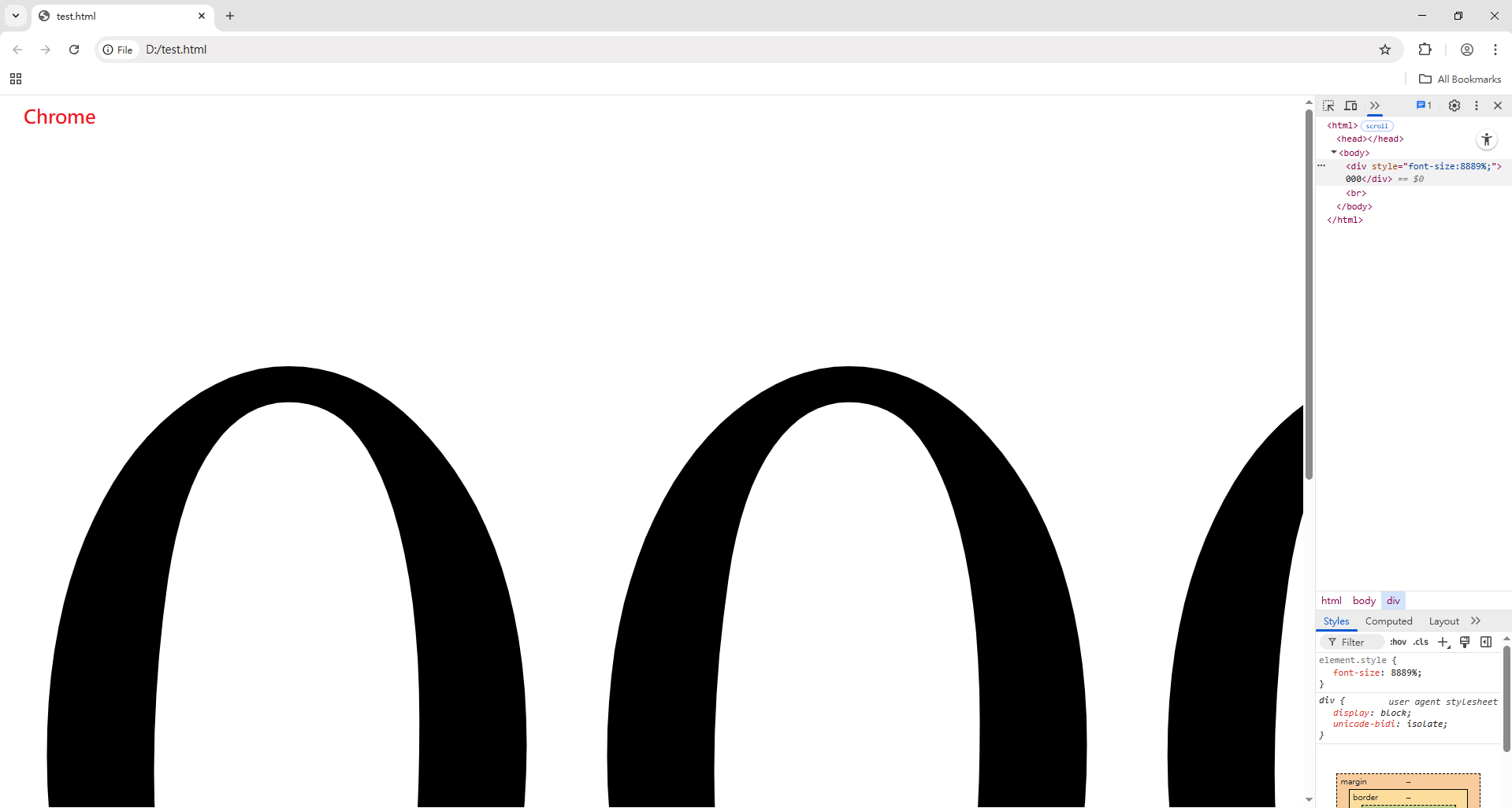
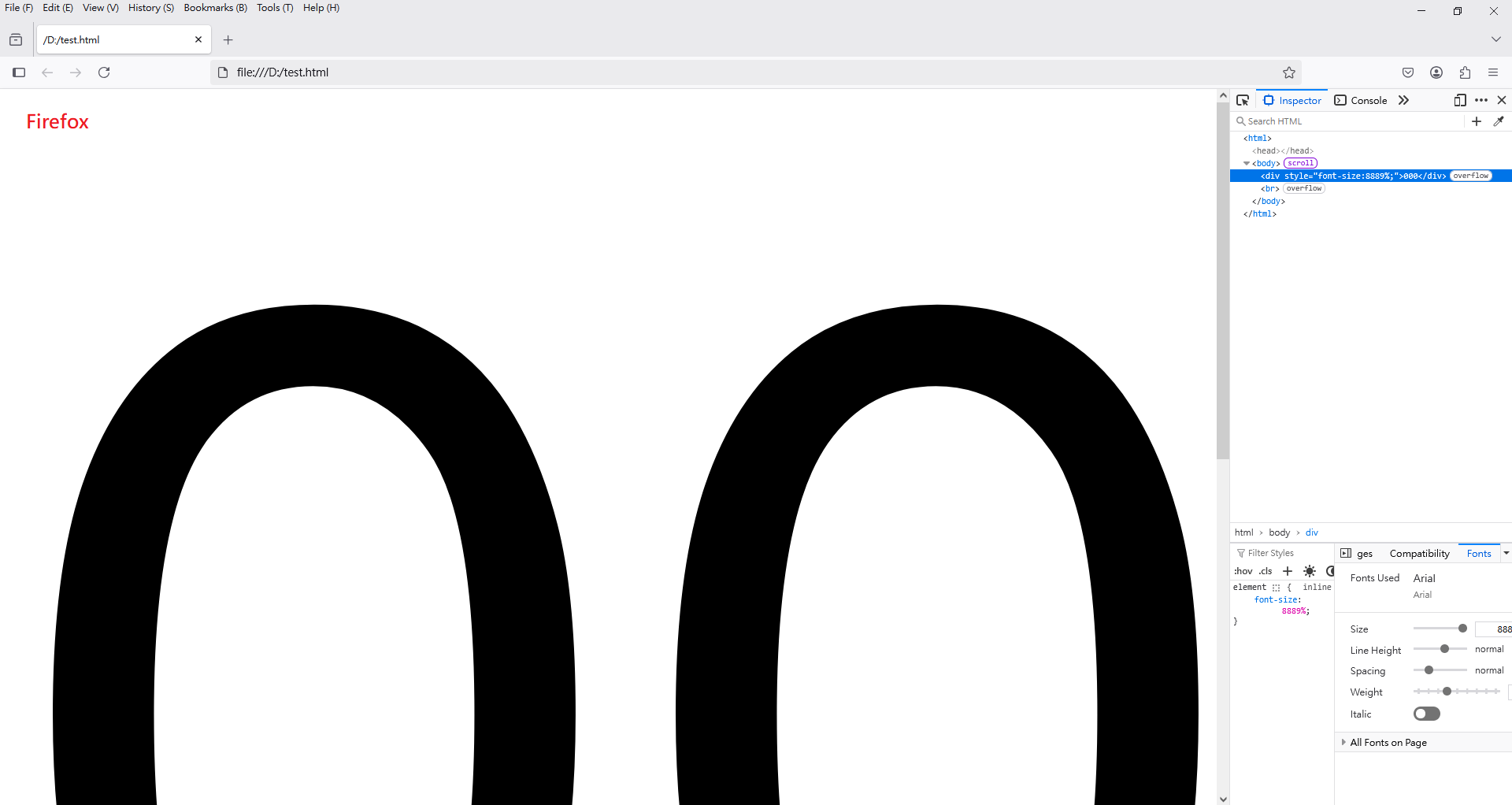
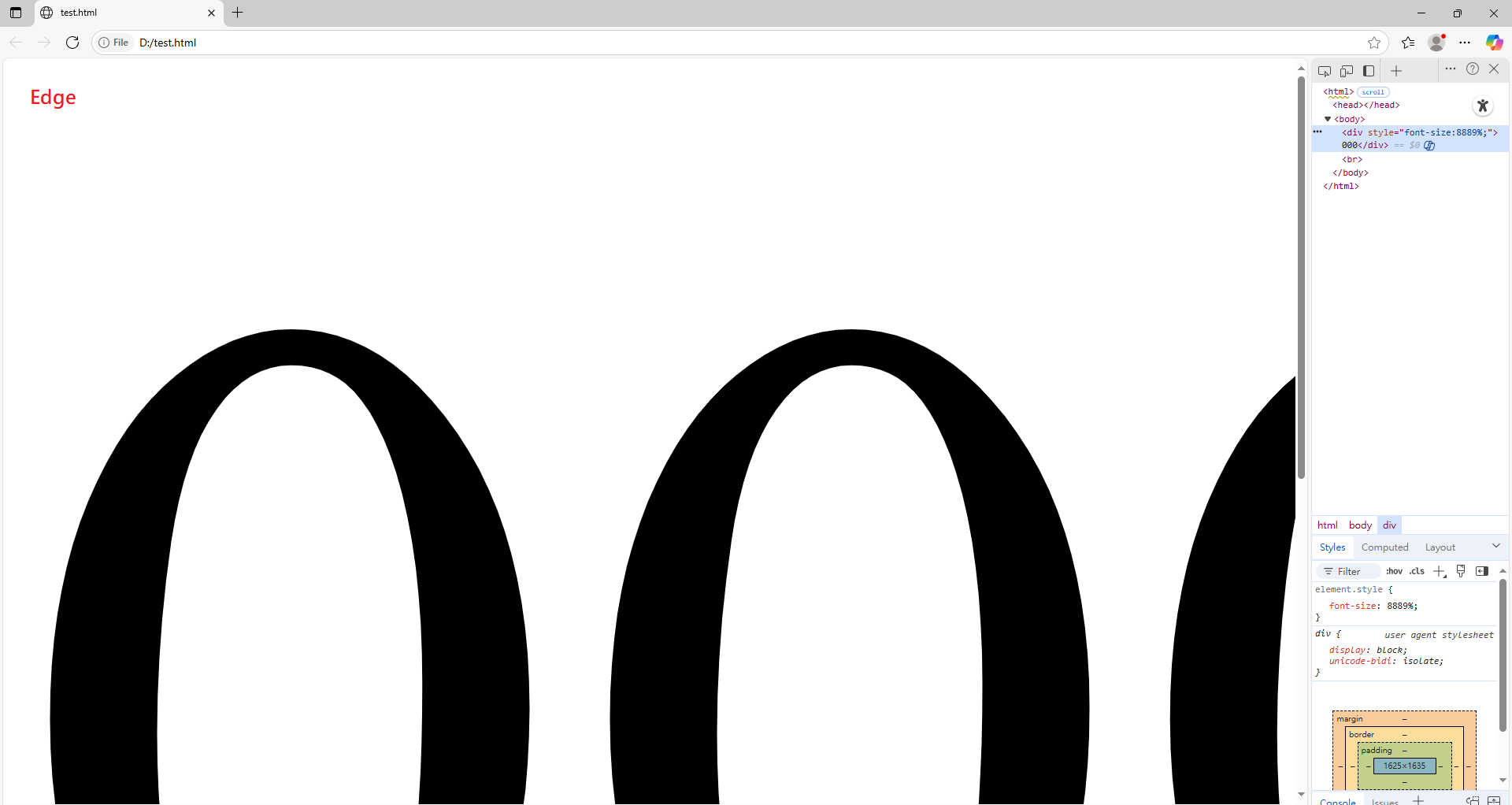
Based on my own testing, Chrome, Firefox, and Edge browsers all display very large fonts if "font-size:8889%;" is used. (Please see the attached images.)

Therefore, I think the behavior of Thunderbird is correct.