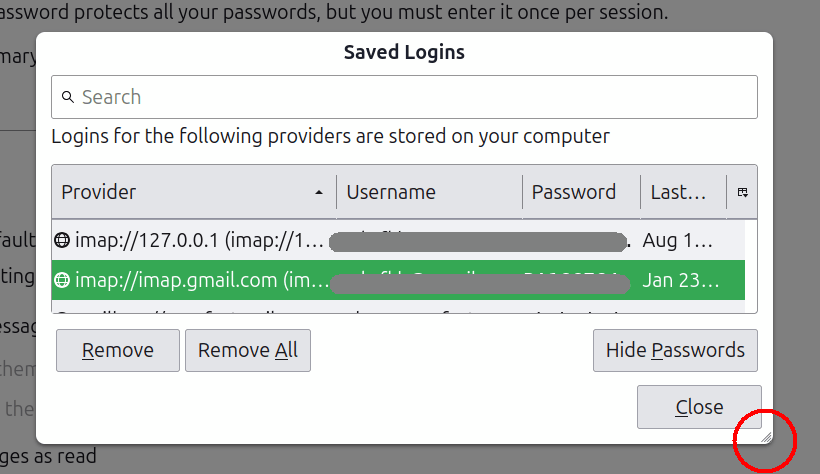
Solved
viewing and updating ISP passwords - 'Saved Logins' window does not resize

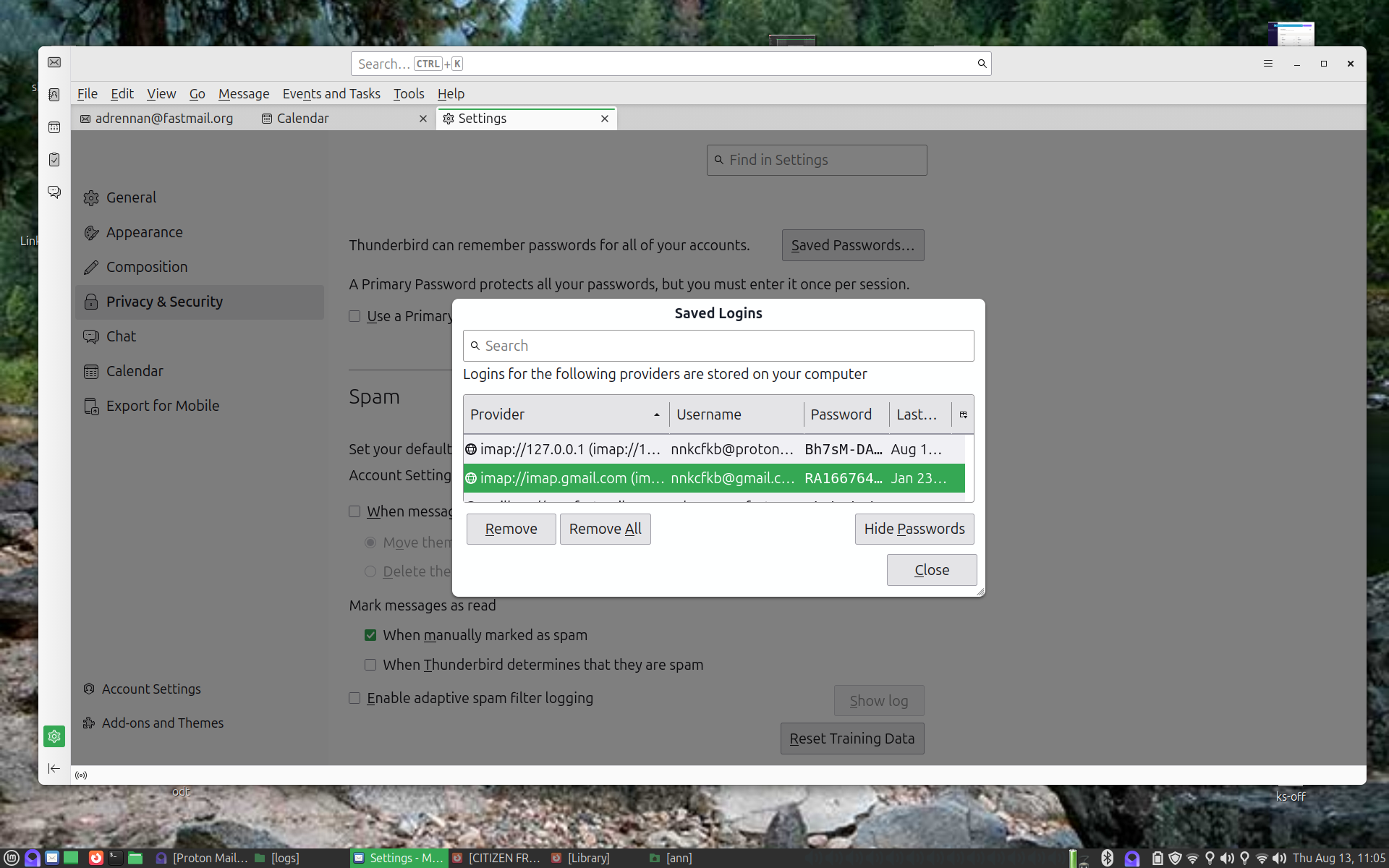
when attempting to view my passwords, (by selecting in Thunderbird, edit, settings, passwords-saved passwords, show passwords), I can not see them because the window, 'Saved Logins' can not be resized. Scrolling left or right does not work and clicking and dragging the corners or edges does not work. All I can see is about the first 8 characters which is not the entire password. Also I used to be able to change the passwords in this window but that seems no longer supported.
when attempting to view my passwords,
(by selecting in Thunderbird, edit, settings, passwords-saved passwords, show passwords),
I can not see them because the window, 'Saved Logins' can not be resized. Scrolling left or right does not work and clicking and dragging the corners or edges does not work. All I can see is about the first 8 characters which is not the entire password. Also I used to be able to change the passwords in this window but that seems no longer supported.
Krejt Përgjigjet (1)

Zgjidhja e Zgjedhur
There's a "thumb" in the lower right corner of the Saved Logins window - grab with the mouse and resize. Choose "Show Passwords", then double-click the existing password to edit.