


How to hide "Take a screenshot" and "Original Profile"
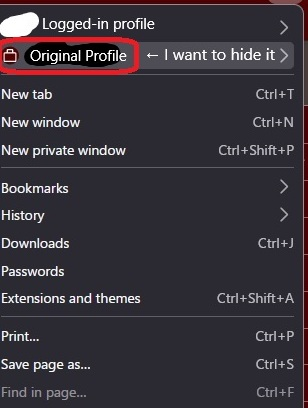
Hello. I have two questions about settings. 1. I want to hide the "Take Screenshot" option from the Firefox right-click menu. 2. I want to hide the "Original Profile" option from the options that appear when you click the Firefox hamburger menu.
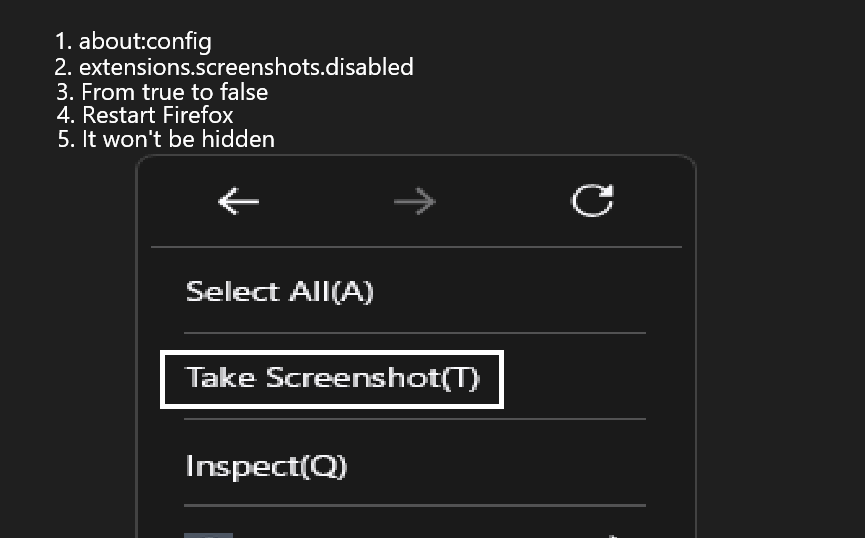
I'm asking about these two points. 1. I'm trying to hide the "Take Screenshot" option, but I couldn't find a solution even after searching. about:config ↓ extensions.screenshots.disabled ↓ From true to false ↓ Even restarting Firefox didn't hide the "Take Screenshot" option. 2. Regarding hiding the "Original Profile," I can't find any information about this option, so is it impossible to hide it? I'm asking about these two points.
Krejt Përgjigjet (13)
Hello
The preference, no longer exists. https://support.mozilla.org/en-US/kb/about-config-editor-firefox#w_adding-preferences Adding the preference, extensions.screenshots.disabled, is useless With the preference there is a script, no corresponding script, the preference doesn't work.
A space for users to give product feedback, https://support.mozilla.org/en-US/kb/what-mozilla-connect
Browser Toolbox https://firefox-source-docs.mozilla.org/devtools-user/browser_toolbox/index.html https://connect.mozilla.org/t5/ideas/ability-to-edit-context-menus-remove-unnecessary-options/idc-p/50181/highlight/true#M29145
Hello, Agent virtuel. Is there no point in changing the settings in about-config? I found a website about hiding the "Take Screenshots" option, so I used it as a reference, but is the article outdated (July 2, 2021) or incorrect? Should I refer to a more reliable website or ask a question? I'll send this information to the feedback you provided. Thank you for the information.
userChrome.css, another experiment.
menuseparator{display:none!important;} #context-take-screenshot{display:none!important;}
Ndryshuar nga Agent virtuel
Take screenshots in Firefox https://support.mozilla.org/en-US/kb/take-screenshots-firefox
sweet0670 said
I found a website about hiding the "Take Screenshots" option, so I used it as a reference, but is the article outdated (July 2, 2021)
https://archive.org https://web.archive.org/web/20260000000000*/https://support.mozilla.org/en-US/kb/take-screenshots-firefox https://web.archive.org/web/20211031013052/https://support.mozilla.org/en-US/kb/take-screenshots-firefox
Hello, Agent virtuel. I tried the "userChrome.css, another experiment" you suggested, and it successfully hid the screenshot. I rarely take screenshots from Firefox's right-click menu, so I'm glad I was able to hide the option. Thank you for the information. I'm very grateful.
menuseparator{display:none!important;} that's another subject.
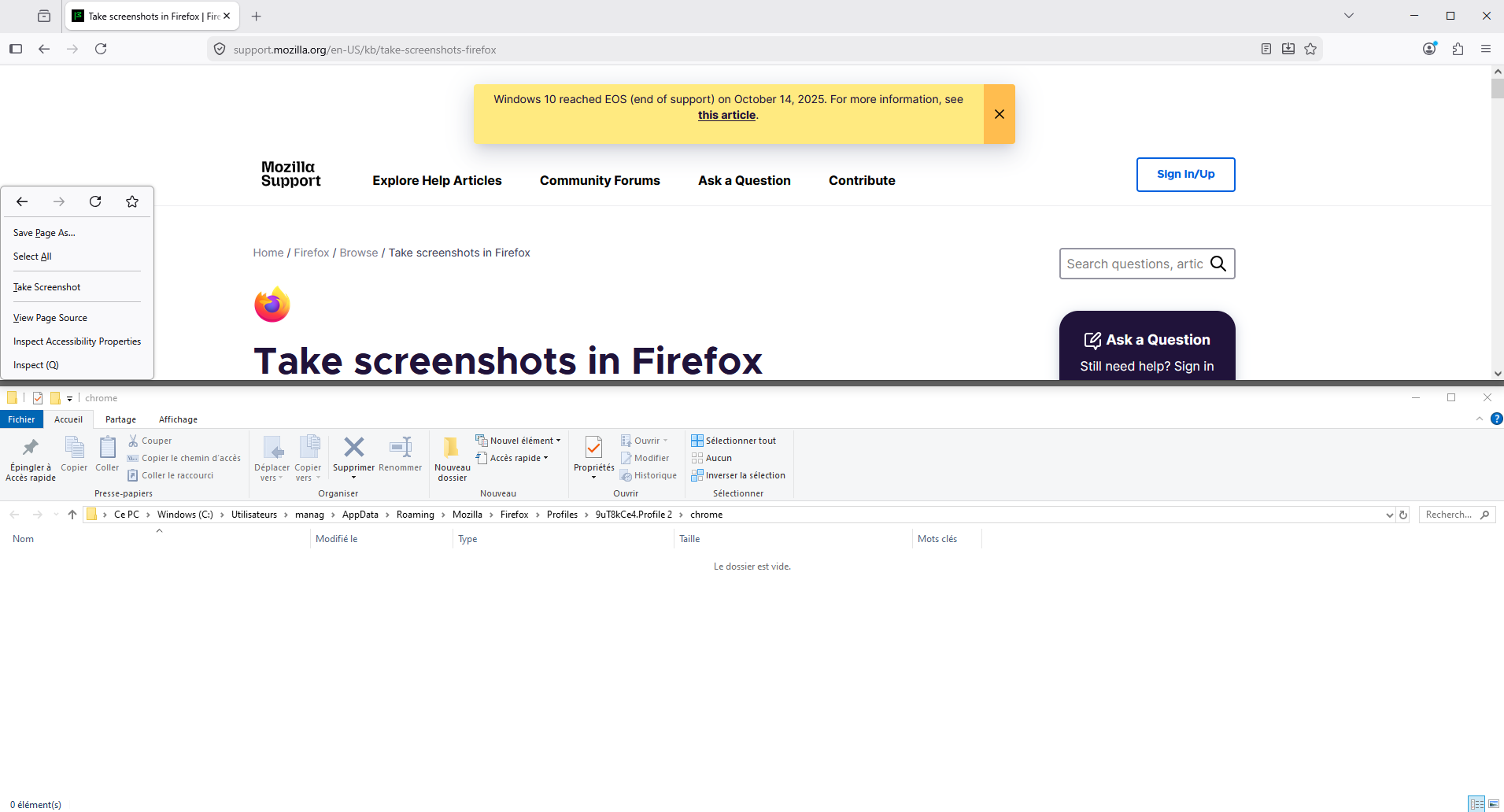
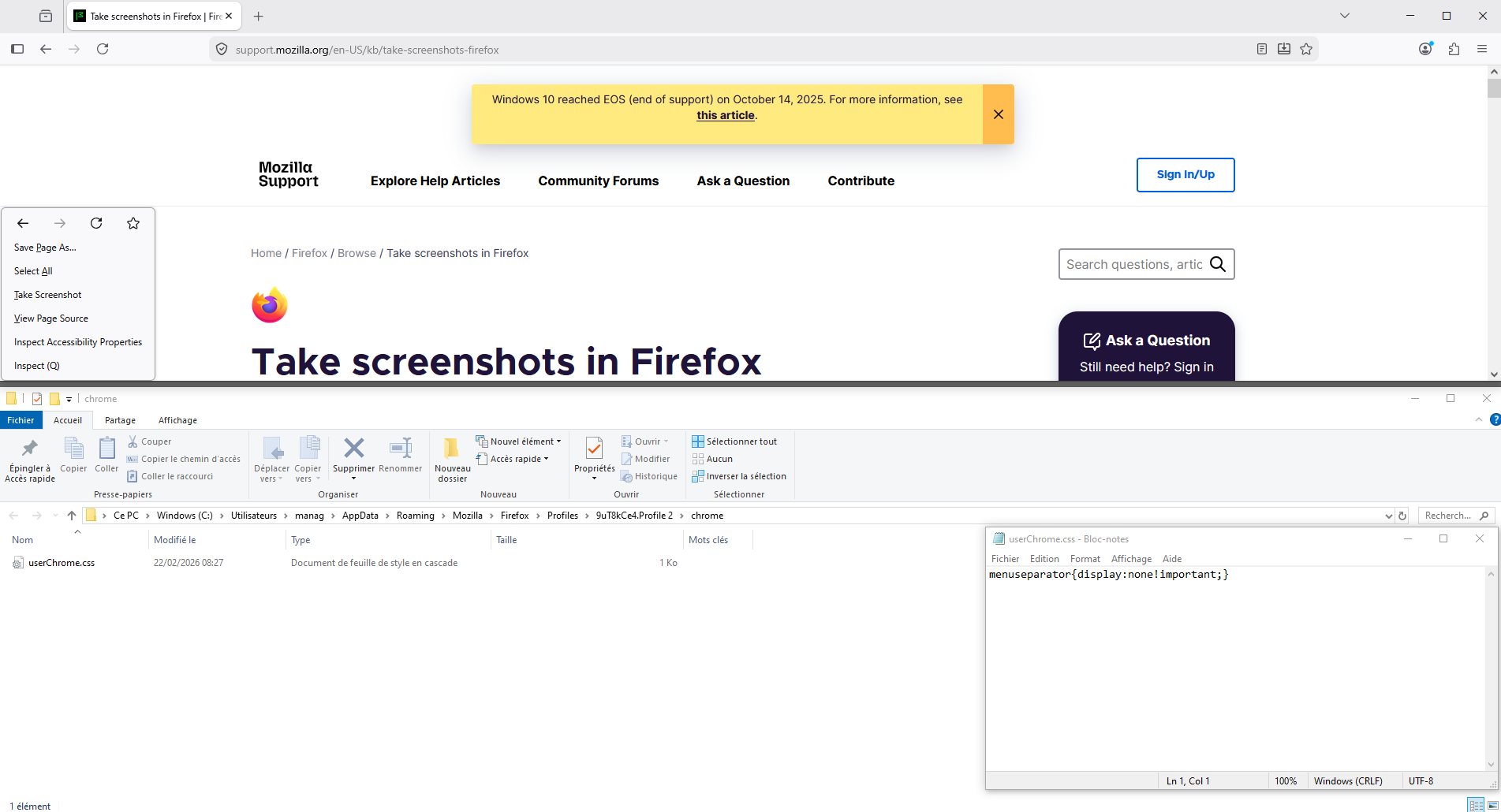
Other illustration, with, menuseparator{display:none!important;}
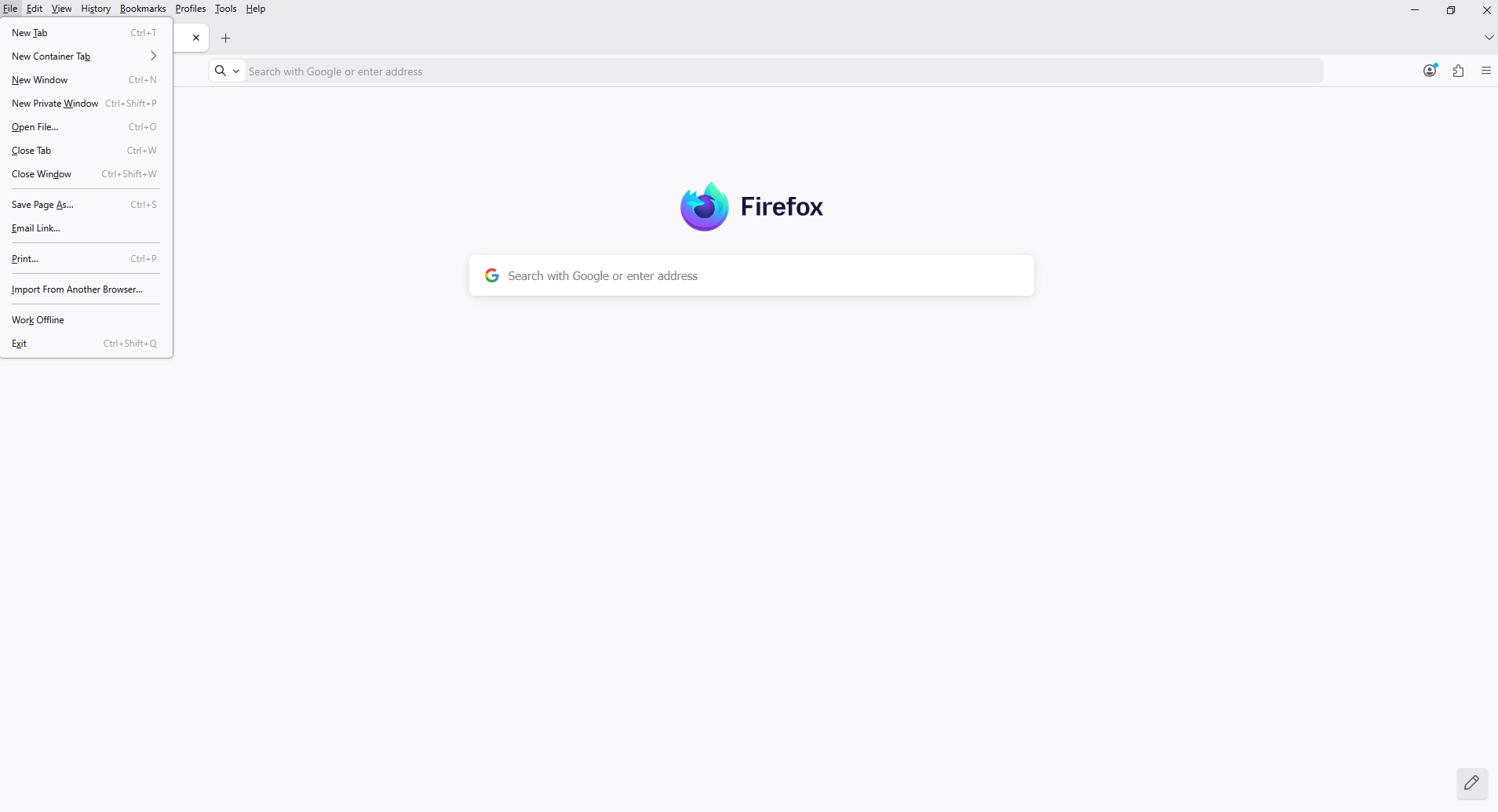
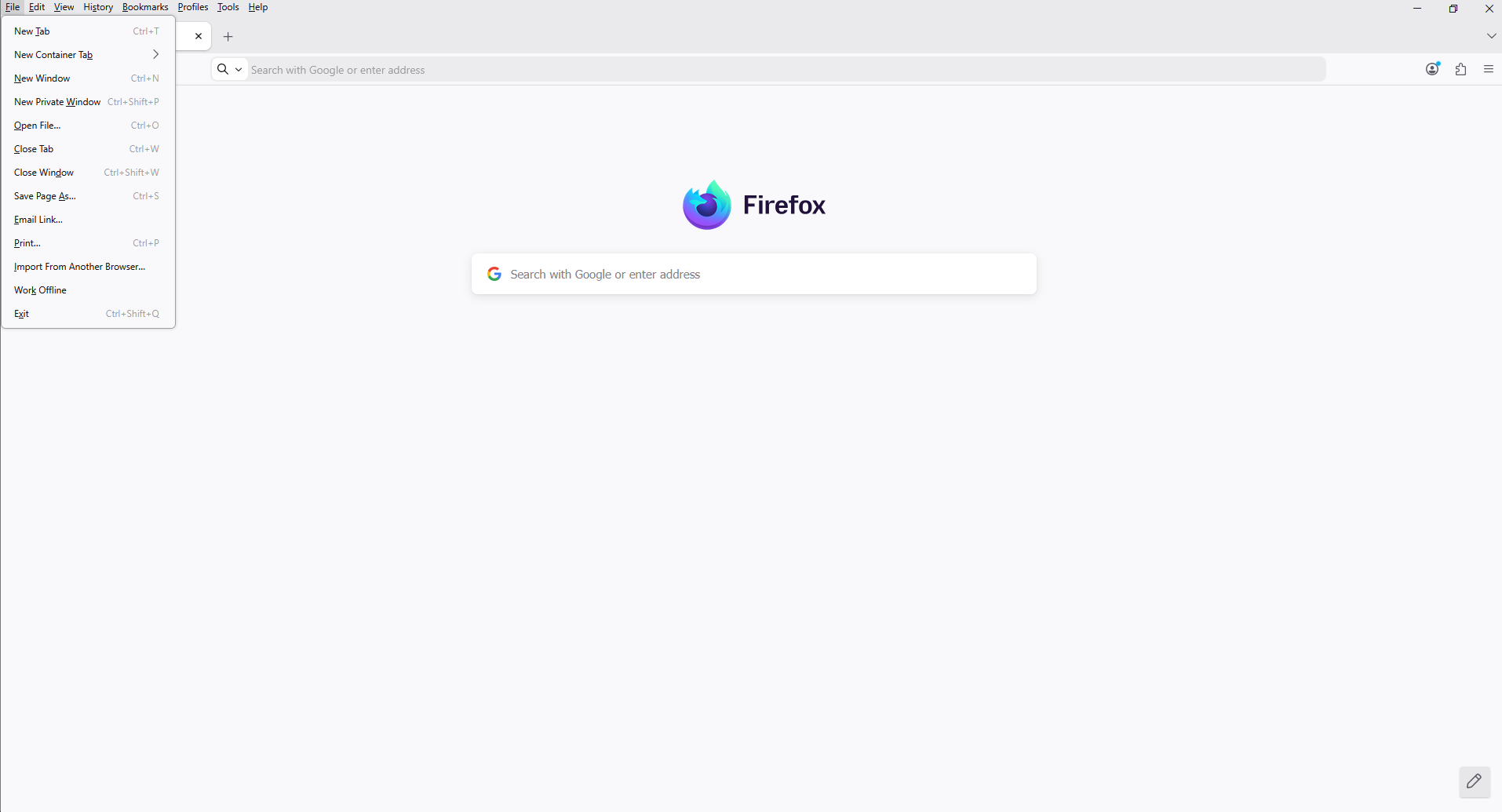
Ndryshuar nga Agent virtuel
Hello, Agent virtuel. Sorry for the late response. I was able to hide the "Take Screenshot" option using the userChrome.css method you instructed me to use.
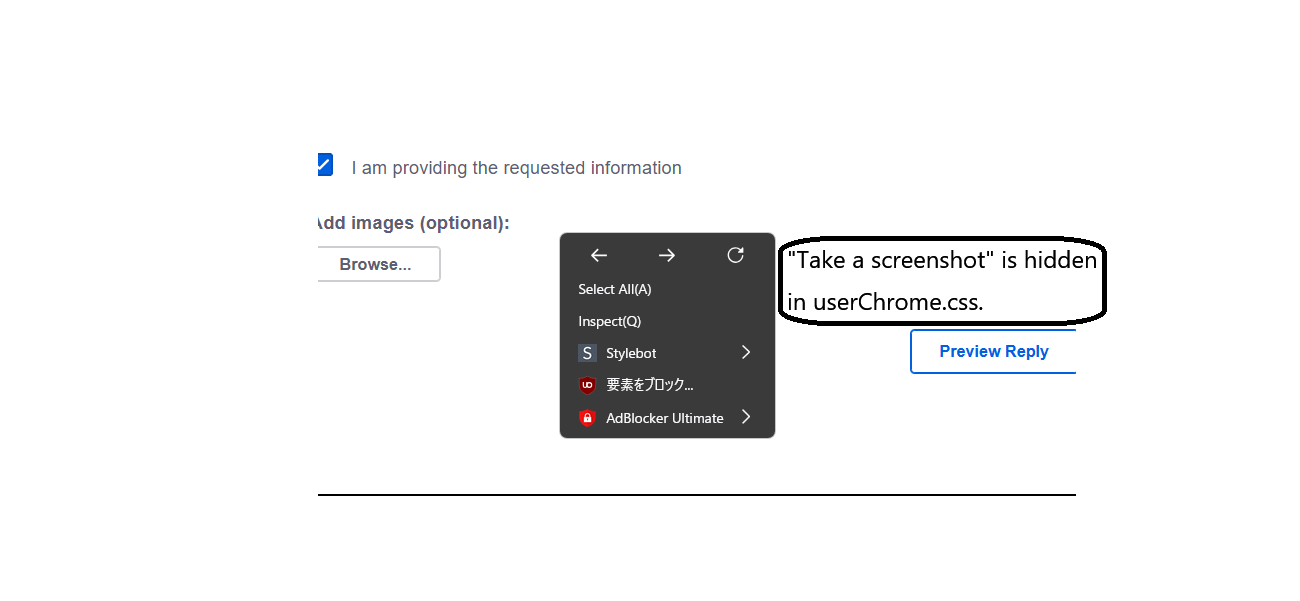
Ok
Let me just ask a question, have you experimented your userChrome.css without menuseparator{display:none!important;} just to see the result of the customization.
Ndryshuar nga Agent virtuel
Thank you. "Have you tried changing userChrome.css without the menuseparator{display:none!important;}?" I disabled the "menuseparator{display:none!important;}" section, restarted Firefox, and checked. So far, it hasn't reappeared.
userChrome.css, other experiment.
#context-take-screenshot{display:none!important;} #context-sep-screenshots{display:none!important;}
Thank you for the information. I used the userChrome.css you told me about, and nothing happened. The "Take Screenshot" option remains hidden. Restarting Firefox didn't change anything, so I think I should just wait and see for a while. I don't know what will happen with future Firefox updates, but I think the current userChrome.css settings should be fine. I also watched the YouTube video. Thank you for including the link. I'll keep the YouTube video's "userchromecssexperimentcontexttakescreenshotcontextsepscreenshots" in mind for future reference.
sweet0670 said
The "Take Screenshot" option remains hidden.
Yes, nevertheless, the behavior is different. https://www.youtube.com/watch?v=9gmHohOa-Lo