


New computer - passwords and bookmarks not syncing

I made sure to sign in and hit sync on my browser prior to moving over to my new computer. I've logged in on my new computer and manually hit the sync button but my passwords and bookmarks are not populating.
Krejt Përgjigjet (1)
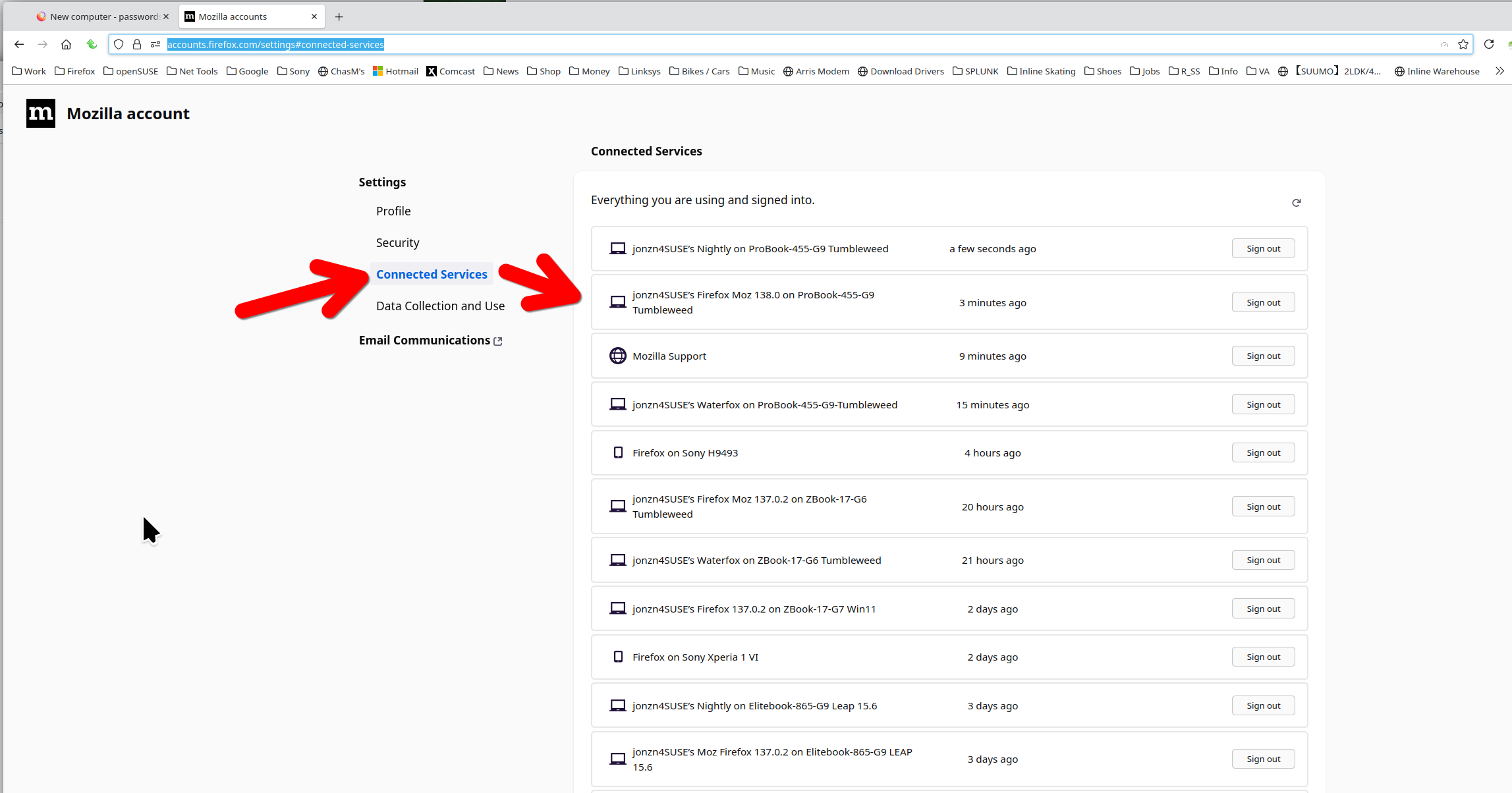
Where is the old computer? On the new computer, do you see the old computer in connected services here? see screenshot https://accounts.firefox.com/settings#connected-services What OS? What version of Firefox?
FYI... SYNC IS NOT A DATA BACKUP SERVICE Sync info... https://support.mozilla.org/en-US/kb/how-do-i-set-sync-my-computer https://support.mozilla.org/en-US/kb/how-do-i-choose-what-information-sync-firefox https://www.mozilla.org/en-US/firefox/features/sync/ https://hacks.mozilla.org/2018/11/firefox-sync-privacy/ Sync is not a backup tool but it is a good sync/transfer/move tool https://support.mozilla.org/en-US/forums/contributors/707681
Ndryshuar nga jonzn4SUSE