


Latest Linux FF (ver 136) NOT opening requested web sites
Hi, I've been a use of FF since it was Netscape (yes I'm old). And its always been my favorite above all. However, with the recent update (ver 136, either installed from a .tar downloaded or an app via apt install) it starts fine but no matter what URL I try to access the busy indicator spins but nothing ever happens. I've tried disabling all my extensions to no avail. I'm also searched for others experiencing this issue. All my other browsers seem to work well on all the same sites.
I'm kind of at a loss so if anyone has any suggestions/ideas please share?
Thanks BobMCT

Solução escolhida
You're running your distro version and as you can see, they control the updating process. https://blog.linuxmint.com/?p=4244
Try downloading Firefox from Mozilla. Download, unzip, and run firefox-bin from the folder and see if you have the same issue. https://www.mozilla.org/en-US/firefox/all/#product-desktop-release
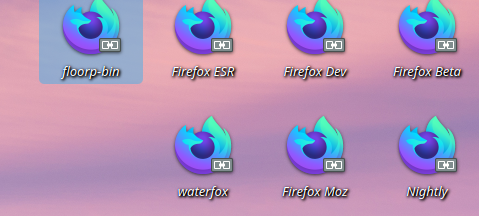
I run all versions from Mozilla, Waterfox, and floorp(Japanese Dev) in my download folder.
Modificado por jonzn4SUSE a
Todas as respostas (4)
Can we get examples of the issue with links and screenshots? What OS? What Desktop? X11 or Wayland?
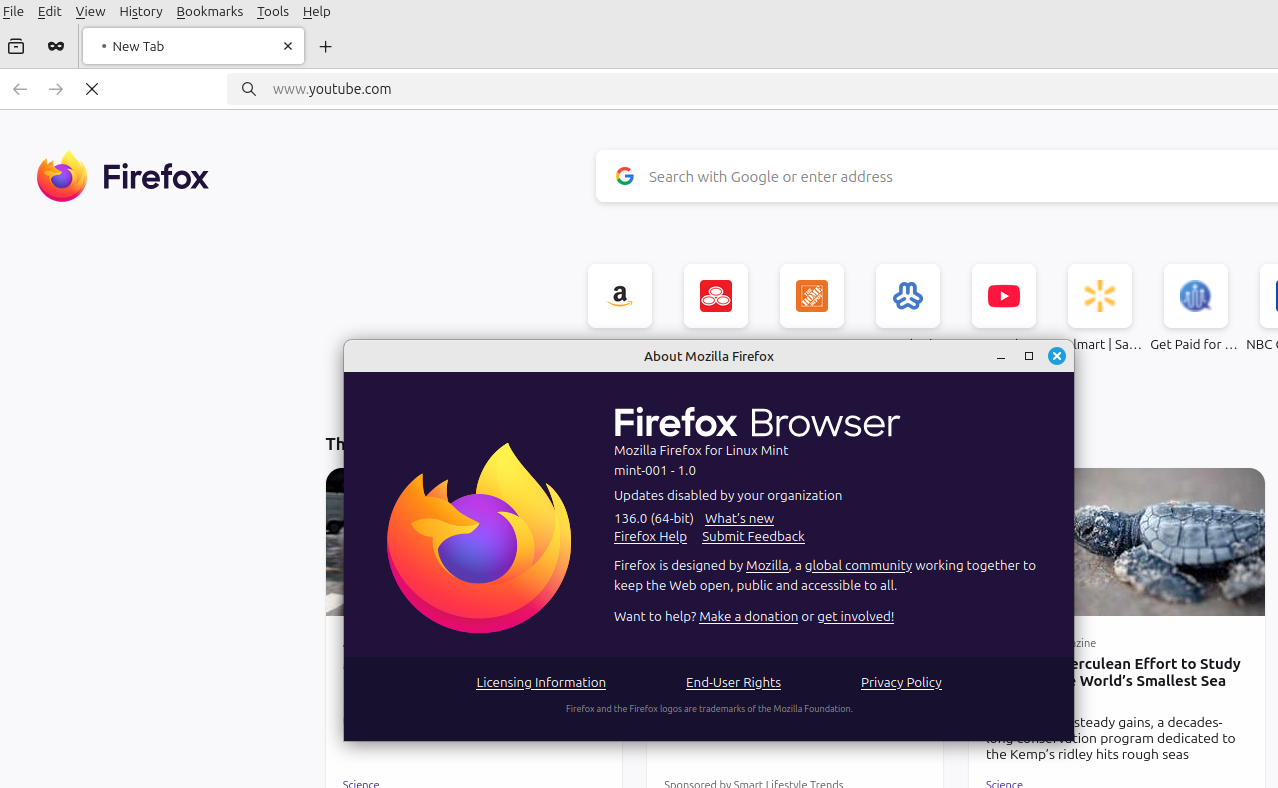
My desktop system is Linux Mint ver 22.1 running Cinnamon desktop. The attached screen shot shows the browser waiting on Youtube, the "working" button is moving and the version of FF is 136 as shown. This happens with ALL websites, not just this one. Hope this helps somewhat.
Solução escolhida
You're running your distro version and as you can see, they control the updating process. https://blog.linuxmint.com/?p=4244
Try downloading Firefox from Mozilla. Download, unzip, and run firefox-bin from the folder and see if you have the same issue. https://www.mozilla.org/en-US/firefox/all/#product-desktop-release
I run all versions from Mozilla, Waterfox, and floorp(Japanese Dev) in my download folder.
Modificado por jonzn4SUSE a
Thanks jonzn4SUSE, As suggested I uninstalled the FF installed by the Mint packaged manager then downloaded the FF Linux-64 from the Mozilla site, followed the manual install instructions and voila~ it works fine now. Thanks again. BobMCT