


Cannot download any file in any website

I follow the instruction in the kb of firefox to reset the download settings. But i keep not being able to download any file from any website. I currently have the version 107 in Ubuntu. This problem occur after the last upgrade. How to fix this? Thank you.
Todas as respostas (4)
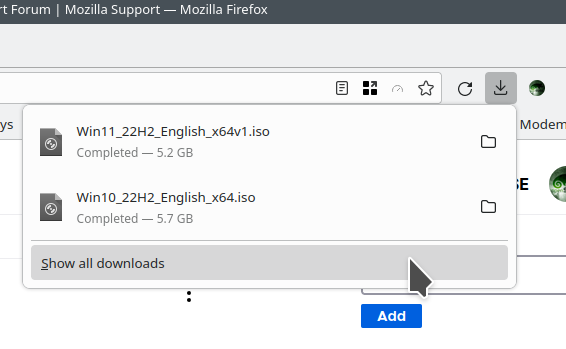
I'm not having that issue. see screenshot Just downloaded 2 windows iso to run in vm. Try downloading Firefox from Mozilla, run firefox-bin from the folder and see if you have the same issue. https://www.mozilla.org/en-US/firefox/all/#product-desktop-release You can also try refreshing Firefox. https://support.mozilla.org/en-US/kb/refresh-firefox-reset-add-ons-and-settings
What desktop are you running? X11 or Wayland?
Operating System: openSUSE Tumbleweed 20221120 KDE Plasma Version: 5.26.3 KDE Frameworks Version: 5.100.0 Qt Version: 5.15.7 Kernel Version: 6.0.8-1-default (64-bit) Graphics Platform: X11 Processors: 12 × Intel® Core™ i7-9850H CPU @ 2.60GHz Memory: 125.2 GiB of RAM Graphics Processor: Mesa Intel® UHD Graphics 630 Manufacturer: HP Product Name: HP ZBook 17 G6
Hello, The option to refresh the firefox did not solve the problem. I installed the firefox using the snap. Running the /snap/firefox/2088/usr/lib/firefox/firefox-bin does solve the problem. The default way to call Firefox is /snap/bin/firefox and this one has the error (but this is just a link that points to 2088/....)
So, perhaps it might be a issue using the snap?
Thank you.
Which is why I wanted you to download from Mozilla to verify if it's snap issue.
This question has been locked because the original author has deleted their account. While you can no longer post new replies, the existing content remains available for reference.