


I can not to play any friv game after update
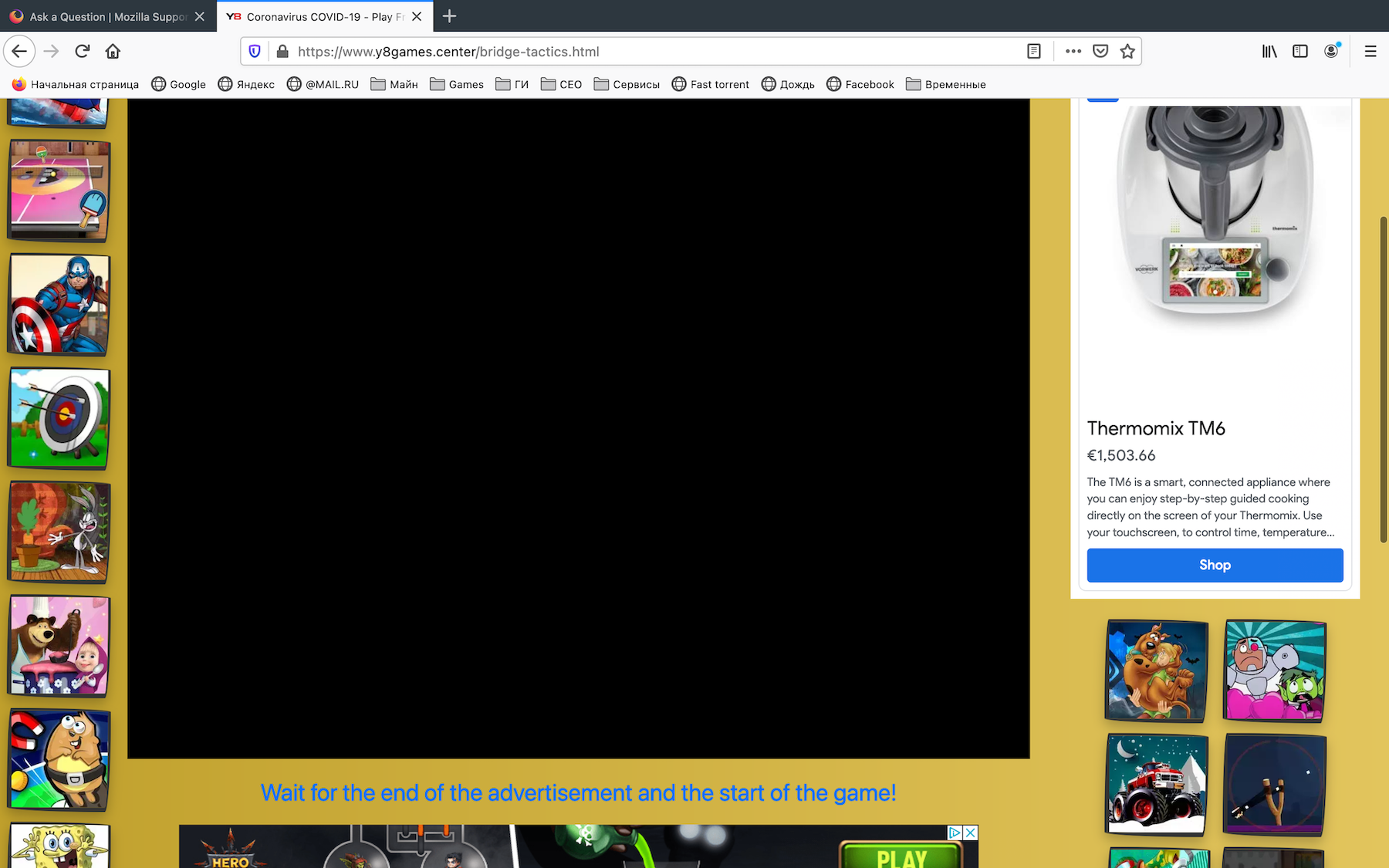
Hi! I've been using Firefox the last 8 years, and so far I have not had any problems. I have latest version of Mac OS. I used to play Friv flash games at https://www.friv.com/, but it has not been updated for a long time, so I started playing at https://www.friv5online.com/, https://www.desura.com/ and https://www.y8games.center/. I don't remember exactly when it started, but definitely after the next update Mozilla and now I can not to play any game! When I go to the page with the game, there is a black background... See attach
Modificado por Dmitrii Gar a
Solução escolhida
Are there WebGL messages shown in the Web Console when you go to try to play a game ?
- "3-bar" menu button or Tools -> Web Developer
- https://developer.mozilla.org/en-US/docs/Tools/Web_Console
Are there WebGL errors reported under the graphics section on the about:support page ?
Are you possibly using Private Browsing mode ?
Does it work if you start Firefox via Rosetta ?
Ler esta resposta no contexto 👍 1Todas as respostas (7)
It seems that we have 2 problems:
1. Adobe flash not supported, and never will be. So, Flash games will no play ever. 2. There is a problem with Unity WebGL games on new Apple Silicon Macs. It plays perfect of Safari, but not plays on Firefox and Chrome. Hope for fixing.
Brullworfel said
It seems that we have 2 problems: 1. Adobe flash not supported, and never will be. So, Flash games will no play ever. 2. There is a problem with Unity WebGL games on new Apple Silicon Macs. It plays perfect of Safari, but not plays on Firefox and Chrome. Hope for fixing.
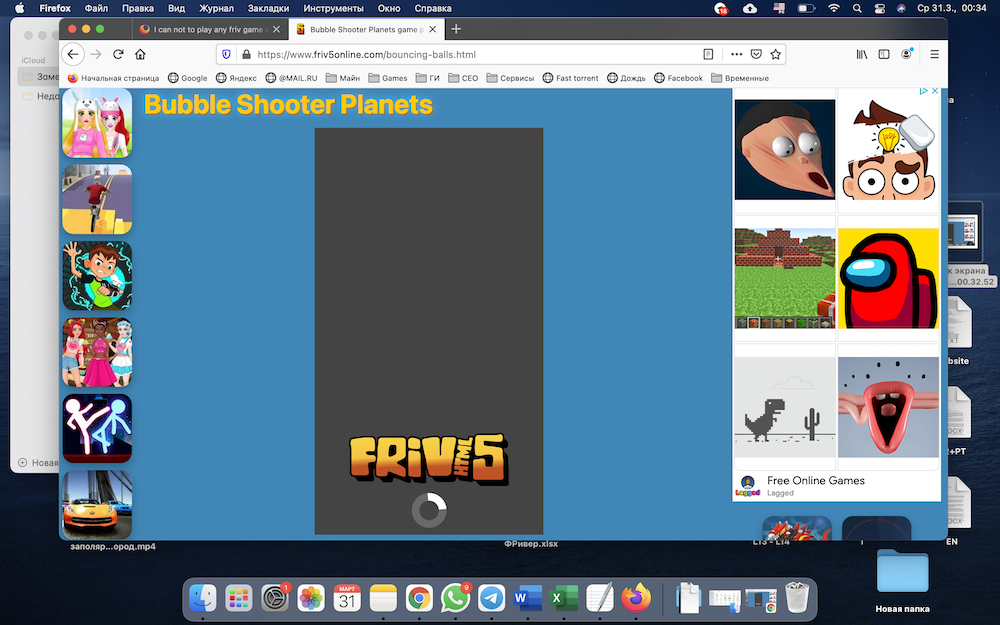
1. The games I’m talking about are not Flash, but new HTML5. 2. Yes, I also have this problem with Unity WebGL Shows the game is constantly loading and does not run to the end (See attach). We can't influence this in any way either?
Solução escolhida
Are there WebGL messages shown in the Web Console when you go to try to play a game ?
- "3-bar" menu button or Tools -> Web Developer
- https://developer.mozilla.org/en-US/docs/Tools/Web_Console
Are there WebGL errors reported under the graphics section on the about:support page ?
Are you possibly using Private Browsing mode ?
Does it work if you start Firefox via Rosetta ?
You can try to click the shield icon and disable Enhanced Tracking Protection.
- https://support.mozilla.org/en-US/kb/enhanced-tracking-protection-firefox-desktop
- https://support.mozilla.org/en-US/kb/trackers-and-scripts-firefox-blocks-enhanced-track
You may also have to allow auto-play to get past adds.
- Tools -> Page Info -> Permissions
- https://support.mozilla.org/en-US/kb/firefox-page-info-window
cor-el said
Are there WebGL messages shown in the Web Console when you go to try to play a game ?Are there WebGL errors reported under the graphics section on the about:support page ? Are you possibly using Private Browsing mode ? Does it work if you start Firefox via Rosetta ?
- "3-bar" menu button or Tools -> Web Developer
- https://developer.mozilla.org/en-US/docs/Tools/Web_Console
There is no WebGL error message. What is "via Rosetta"?
cor-el said
You can try to click the shield icon and disable Enhanced Tracking Protection.You may also have to allow auto-play to get past adds.
- https://support.mozilla.org/en-US/kb/enhanced-tracking-protection-firefox-desktop
- https://support.mozilla.org/en-US/kb/trackers-and-scripts-firefox-blocks-enhanced-track
- Tools -> Page Info -> Permissions
- https://support.mozilla.org/en-US/kb/firefox-page-info-window
I'm going to try it now.

I have the same issue - Disable all Mozilla extensions and Antivirus and check again this game.