

Esta discussão foi arquivada.
Se precisar de ajuda, por favor, coloque uma nova questão.

Arquivadas
what happened to screenshot edit feature?

Hi.. I am no longer able to take a screen shot and edit by using the save feature. The feature is only download mode only and does not allow the text box or pen/marker feature . This is ideal for the work I do .
EJ
Hi.. I am no longer able to take a screen shot and edit by using the save feature. The feature is only download mode only and does not allow the text box or pen/marker feature . This is ideal for the work I do .
EJ
Todas as respostas (2)

ejmay1976 said
Hi.. I am no longer able to take a screen shot and edit by using the save feature. The feature is only download mode only and does not allow the text box or pen/marker feature . This is ideal for the work I do .
It's in the Menu > Library area or click the 3-Horizontal Dots in the Address Bar.
~Pj
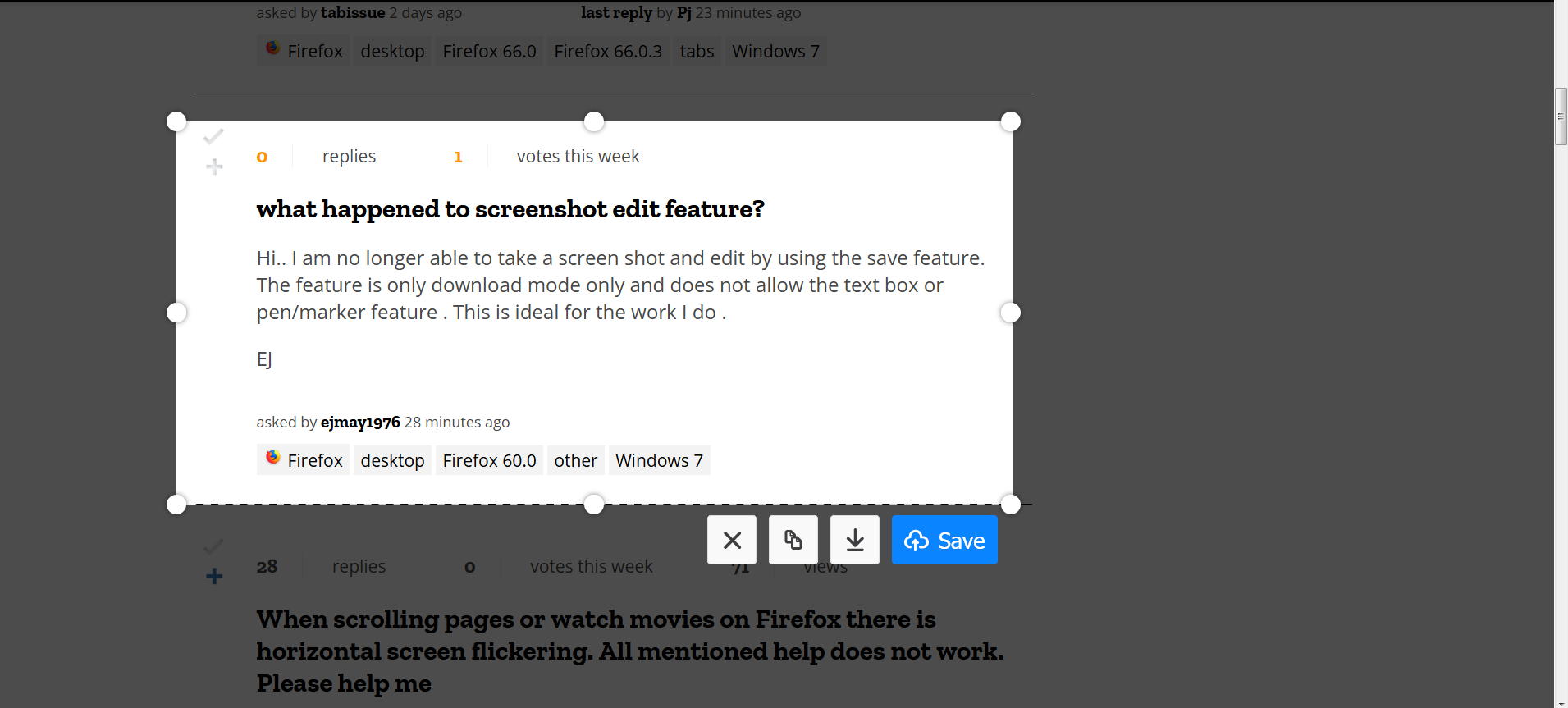
The save feature has been discontinued as you have noticed.
- GHN#/2019/01/25/mozilla-to-remove-firefox-screenshot-upload-functionality/
You would have the use an image editor or possibly look for an extension that includes editing the screenshot.
Note that the developer tools comes with a feature to take a screenshot of a specific node.