


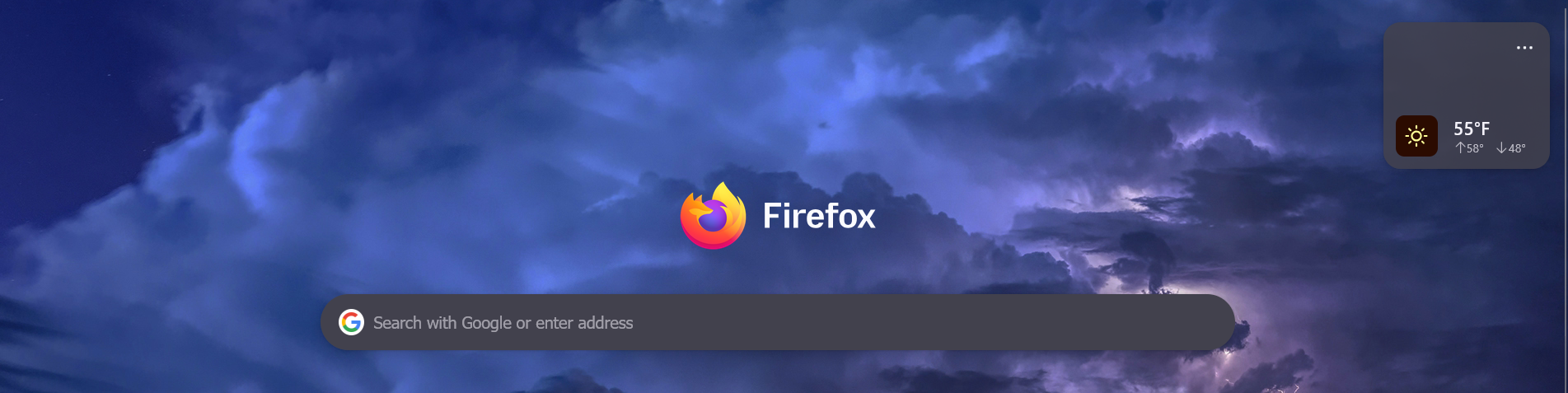
Latest Firefox 151.0.1 (64-bit) update made the widget space above my shortcuts way to large.
Latest Firefox update made the widget space above my shortcuts way to large. The large space pushed my shortcuts off the bottom of the screen. I turned OFF the weather widget but the space remained the same. Before the update the weather widget was smaller, now it is big with a lot of empty space inside. I tried the config but it is already set to small. Is there anyway to make the area across the top of the new tab page smaller and even make the weather widget smaller than the "small" config? The widget has one line of text and the sun which takes up about 1/4 of the bottom widget and 3/4 of the top is blank wasted space. Firefox 151.0.1 (64-bit)
Penyelesaian terpilih
Hello
A space for users to give product feedback https://support.mozilla.org/en-US/kb/what-mozilla-connect
Maybe, browser.newtabpage.activity-stream.nova.enabled value false Below, a test
Baca jawapan ini dalam konteks 👍 0All Replies (2)
Penyelesaian Terpilih
Hello
A space for users to give product feedback https://support.mozilla.org/en-US/kb/what-mozilla-connect
Maybe, browser.newtabpage.activity-stream.nova.enabled value false Below, a test
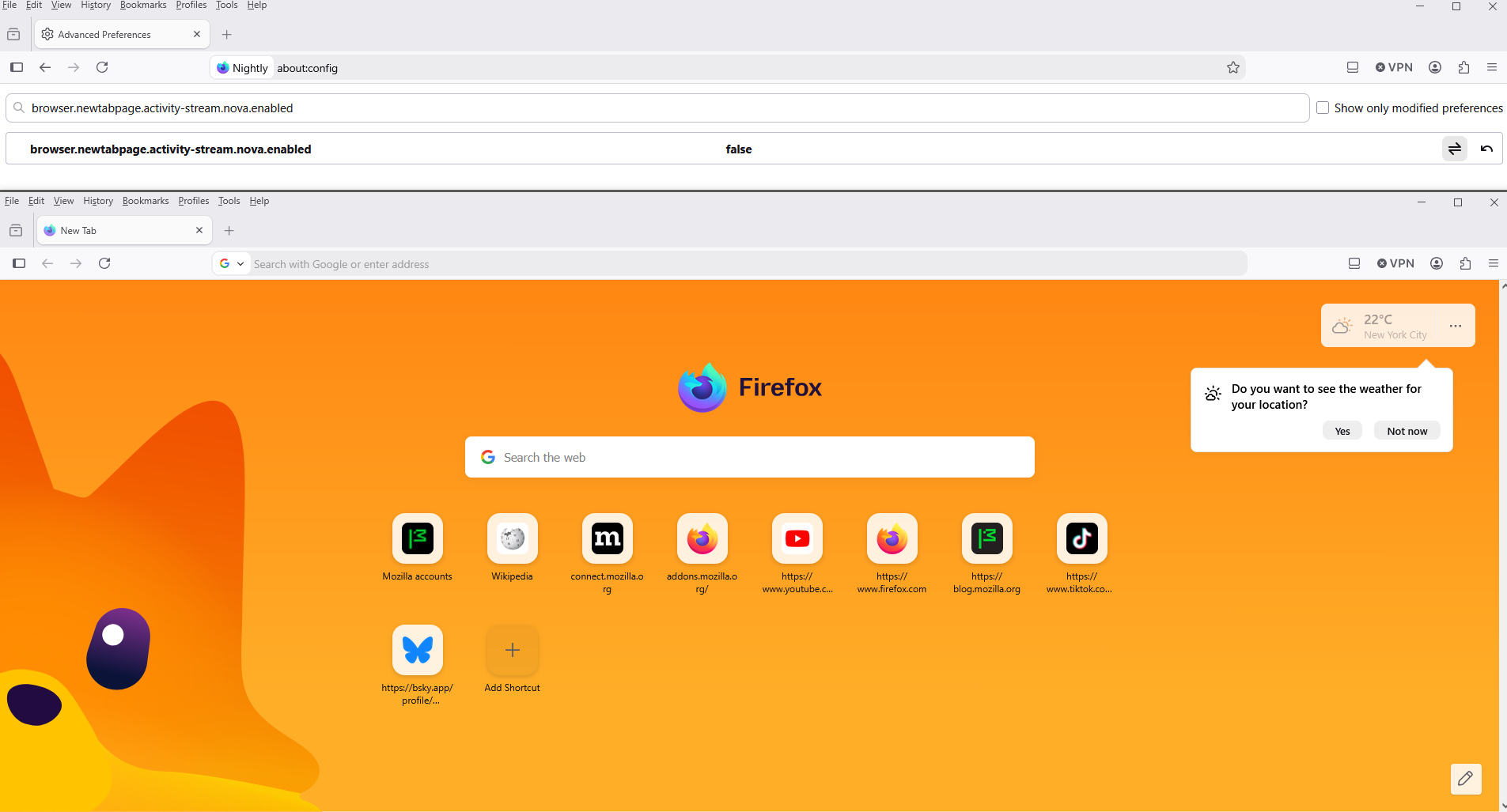
Try 1 - Go to configuration editor https://support.mozilla.org/en-US/kb/about-config-editor-firefox 2 - Enter a search term browser.newtabpage.activity-stream.nova.enabled You can double-click on the preference to set the value to false