


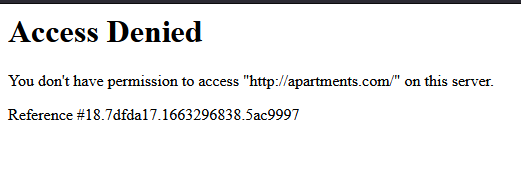
Access Denied

Hello,
I seem to keep getting an access denied message when I visit some sites, typically for retail shopping sites. How do I prevent/clear those messages to proceed to my desired site? I like Firefox. It's worked well for me, but the repeated error messages are becoming frustrating.
Hello,
I seem to keep getting an access denied message when I visit some sites, typically for retail shopping sites. How do I prevent/clear those messages to proceed to my desired site? I like Firefox. It's worked well for me, but the repeated error messages are becoming frustrating.
All Replies (1)
If you're having website connection issues after a Firefox update, your third-party antivirus software, such as Avast, might be interfering with Firefox's secure connections.
We recommend uninstalling your third-party antivirus software and using the security software offered for Windows by Microsoft:
- Windows 8 and Windows 10 - Windows Defender (built-in)
For more information and other solutions, see Troubleshoot security error codes on secure websites.