


The menus for new Web Extensions add-ons do not display correctly.

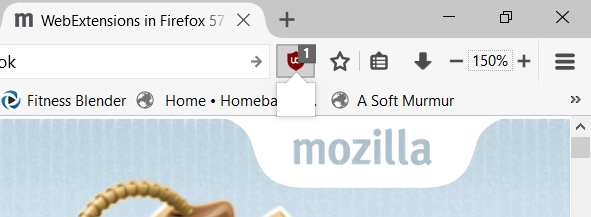
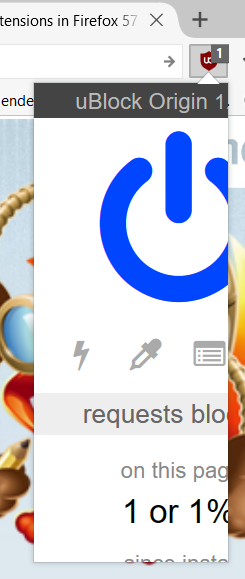
I upgraded to the new versions of uBlock Origin and Zoom Page. When I click on the toolbar icon the add-on menu window tries to open and is either empty or too small to show the menu items. For uBlock Origin, a single click opens a tiny menu window. Double-clicking open a larger menu window but it is too small to display all the menu items. Zoom Page WE behaves the same way. I'm using Firefox v 56.0 (64-bit)
Diubah oleh GearsOfWoe
Penyelesaian terpilih
My apologies. Just figured it out. The legacy Zoom Page was affecting the size of the menu items in the other extensions. Once I removed it, everything worked fine.
Baca jawapan ini dalam konteks 👍 0All Replies (1)
Penyelesaian Terpilih
My apologies. Just figured it out. The legacy Zoom Page was affecting the size of the menu items in the other extensions. Once I removed it, everything worked fine.