


Windows 10 reached EOS (end of support) on October 14, 2025. For more information, see this article.

Search Support

Avoid support scams. We will never ask you to call or text a phone number or share personal information. Please report suspicious activity using the “Report Abuse” option.

കൂടുതലറിയുക

macOS with Extended Color Management plugin fails

  • 1 മറുപടി
  • 0 have this problem
  • Last reply by charles

more options

Hi!

I am using Firefox mostly because of the Extended Color Management plugin which allows me to see colours properly with SDR videos (properly = closer to what it was at colour grading). I was on macOS Monterey on my laptop and firefox stopped working a few weeks ago. Then it was on my desktop with macOS Tahoe. I recently made a clean install of my laptop. When I installed firefox, the software was working until I added all my former bookmarks, plugins etc. I installed things one by one and it seems that it's due to the Extended Color Management plugin. The software show a grey background. I can interact with the software: clic on links, make a research but I do not see anything. Also, I can't quit it. I am only able to force it to quit. In between Monterey and Tahoe, I have the same issue. In between a M1 MacBook and a M3 Mac Studio, I have the same issue. I do not have a Mac intel anymore to try... If I uninstall firefox and install it again, it works. But if I add the Extended Color Management plugin and activate it, it fails.

The problem is that I use firefox because of this plugin and for work. Do you know if firefox needs to update the plugin? Do you know a tricky way to avoid this issue?

Thank you in advance for your answers, and I wish you great celebrations. Charles.

Hi! I am using Firefox mostly because of the ''Extended Color Management'' plugin which allows me to see colours properly with SDR videos (properly = closer to what it was at colour grading). I was on macOS Monterey on my laptop and firefox stopped working a few weeks ago. Then it was on my desktop with macOS Tahoe. I recently made a clean install of my laptop. When I installed firefox, the software was working until I added all my former bookmarks, plugins etc. I installed things one by one and it seems that it's due to the Extended Color Management plugin. The software show a grey background. I can interact with the software: clic on links, make a research but I do not see anything. Also, I can't quit it. I am only able to force it to quit. In between Monterey and Tahoe, I have the same issue. In between a M1 MacBook and a M3 Mac Studio, I have the same issue. I do not have a Mac intel anymore to try... If I uninstall firefox and install it again, it works. But if I add the ''Extended Color Management'' plugin '''and''' activate it, it fails. The problem is that I use firefox because of this plugin and for work. Do you know if firefox needs to update the plugin? Do you know a tricky way to avoid this issue? Thank you in advance for your answers, and I wish you great celebrations. Charles.
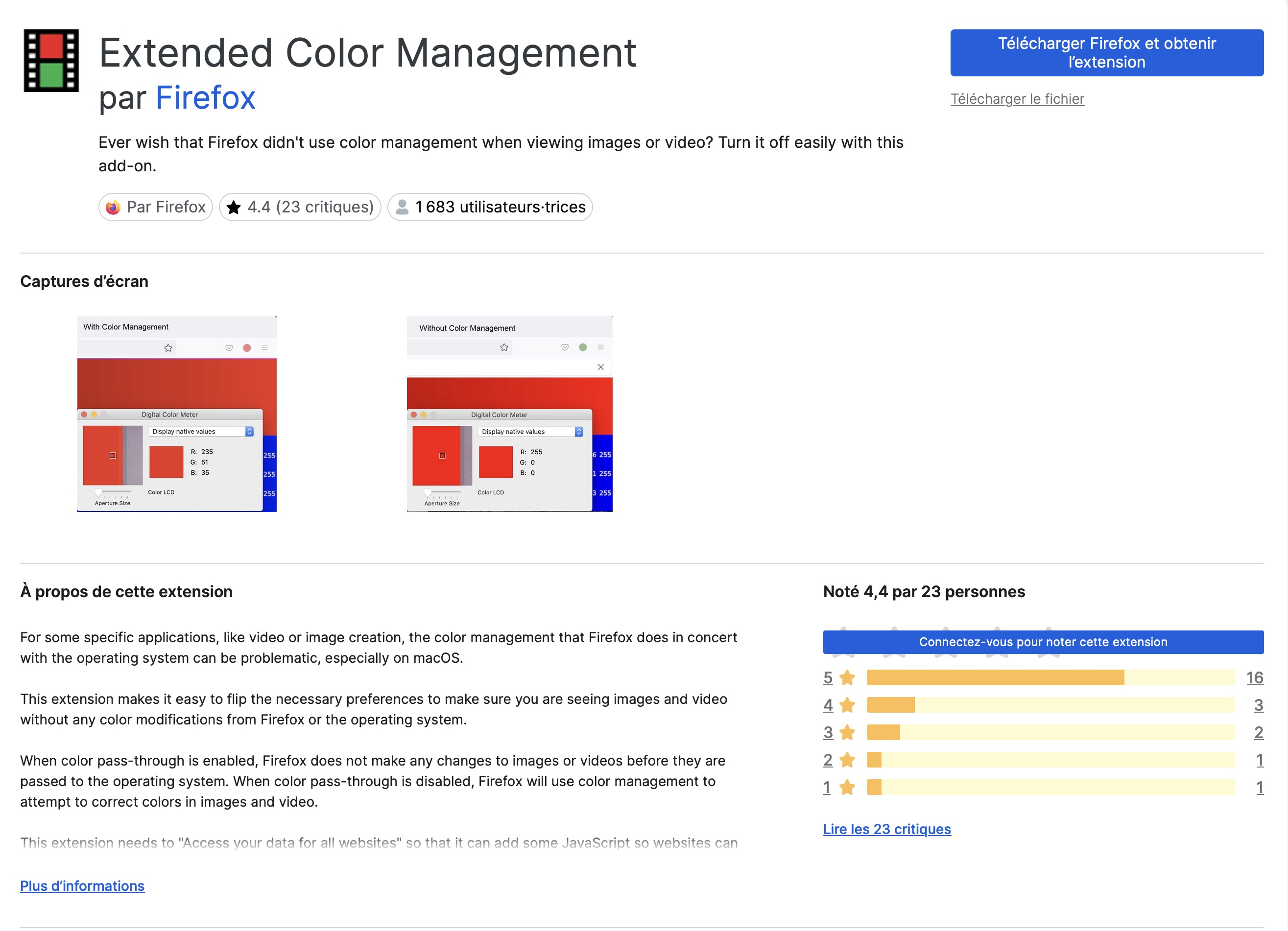
Attached screenshots

എല്ലാ മറുപടികളും (1)

more options
  • sorry, replace all the "plugin" words by " add-on" or "extension"
Ask a question

You must log in to your account to reply to posts. Please start a new question, if you do not have an account yet.