


Latest Update deleted addon extension

After the latest update (Monday) my Lastpass extension icon disappeared from the extension toolbar. It was still listed in the Add-ons and themes page. How do I get it visible again? I've tried to right click the Lasspass icon but "pin it" does not appear. I've deleted the extension, rebooted and reinstalled with no difference.
After the latest update (Monday) my Lastpass extension icon disappeared from the extension toolbar. It was still listed in the Add-ons and themes page. How do I get it visible again? I've tried to right click the Lasspass icon but "pin it" does not appear. I've deleted the extension, rebooted and reinstalled with no difference.
എല്ലാ മറുപടികളും (3)
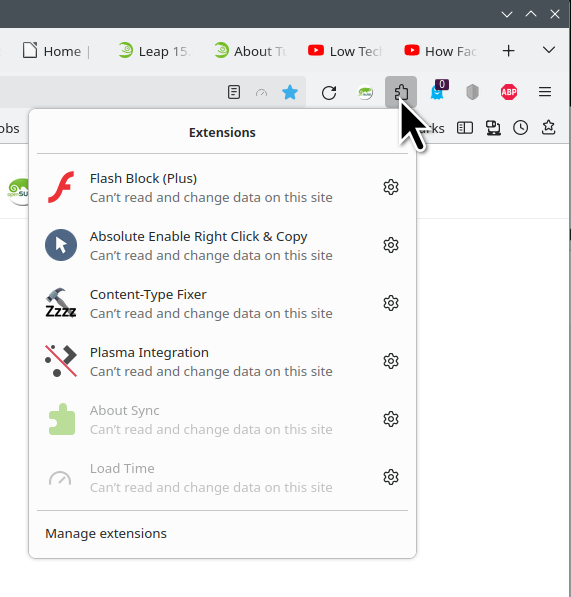
Is it here? see screenshot
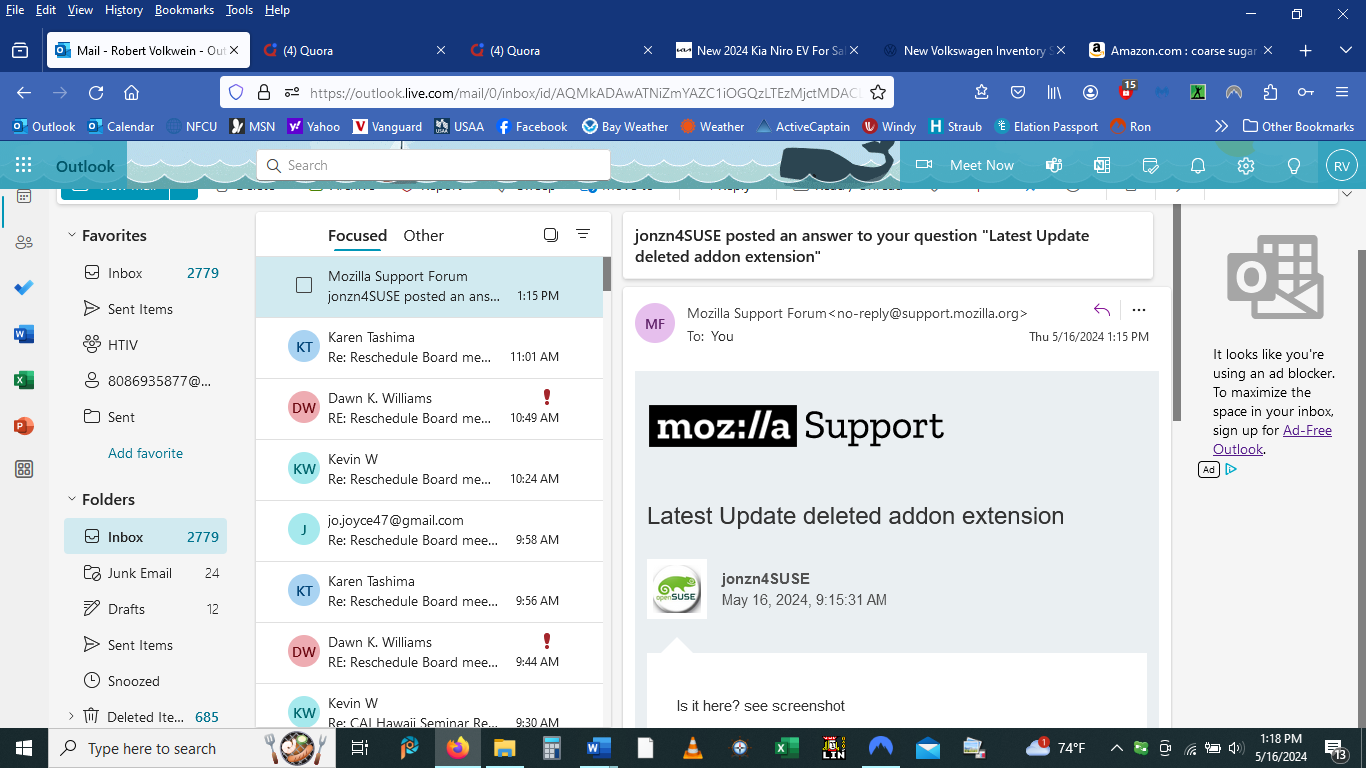
No, it appeared in the extension taskbar next to Adblocker
What if you remove the theme?