


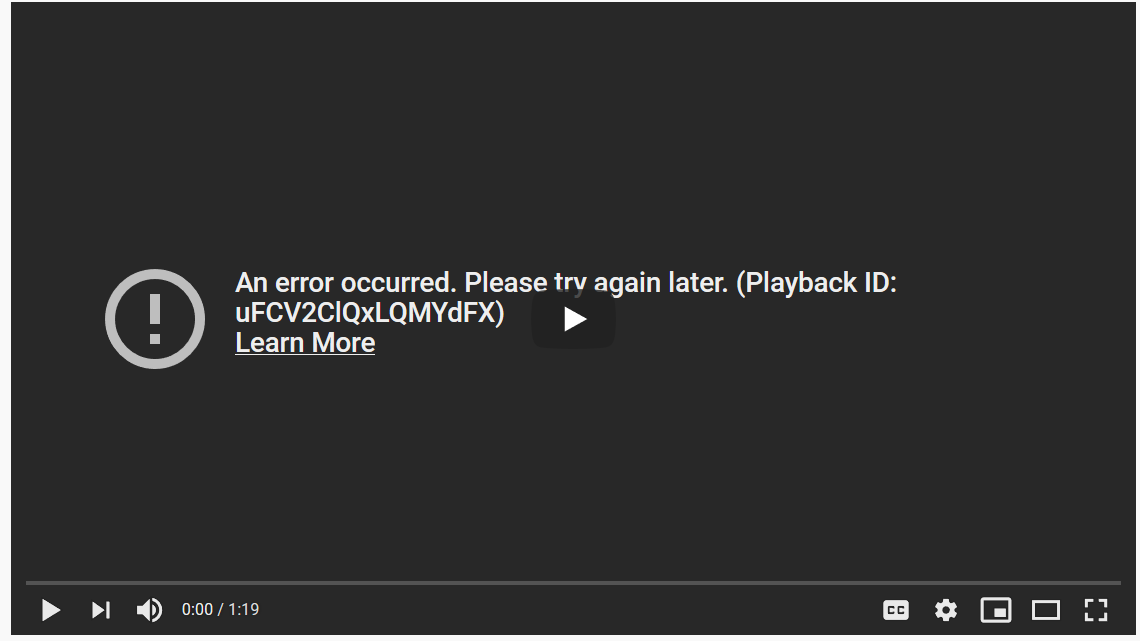
Youtube error: "An error occurred. Please try again later. (Playback ID: uFCV2ClQxLQMYdFX)"
Youtube was working fine but now it gives me the error message "An error occurred. Please try again later. (Playback ID: uFCV2ClQxLQMYdFX)"
I cleared cache, refreshed the browser, restarted, disabled ublock and logged out of my YT account. Still doesn't seem to work.
Youtube works fine on other browsers like edge and chrome.
Youtube was working fine but now it gives me the error message "An error occurred. Please try again later. (Playback ID: uFCV2ClQxLQMYdFX)"
I cleared cache, refreshed the browser, restarted, disabled ublock and logged out of my YT account. Still doesn't seem to work.
Youtube works fine on other browsers like edge and chrome.
എല്ലാ മറുപടികളും (4)

I uninstalled flash and now it is working fine, thanks
You can also set Flash to "Never Activate" instead of uninstalling in case you still may need it.
Glad to help. Safe Surfing.