


Thunderbird sign in

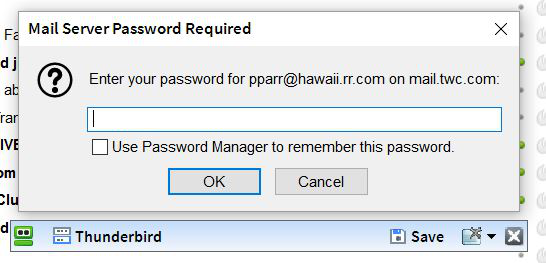
Recently, when I try to view my emails, this message, posted below, pops up. No matter what password I enter, I keep getting this same message. I never had to enter a password before. Can I disable this somehow?
Recently, when I try to view my emails, this message, posted below, pops up. No matter what password I enter, I keep getting this same message. I never had to enter a password before. Can I disable this somehow?
Chosen solution
Enter the same password that works when you access the account through webmail. If you check the box 'Use Password Manager...', you won't receive future prompts.
Read this answer in context 👍 1എല്ലാ മറുപടികളും (1)
Chosen Solution
Enter the same password that works when you access the account through webmail. If you check the box 'Use Password Manager...', you won't receive future prompts.