Disney+.com will not load in the browser. What should I add to the browser.

Disney+.com will not load in the browser. What should I add to the browser.
My email is [edited from public]
Thank you
Modified by James
All Replies (2)

You should check with Disney+ on what browser to use or other changes they need to have to be able to stream. Also make sure to restart your system to insure it works connects correctly to stream movies as well.
Modified by markwarner22

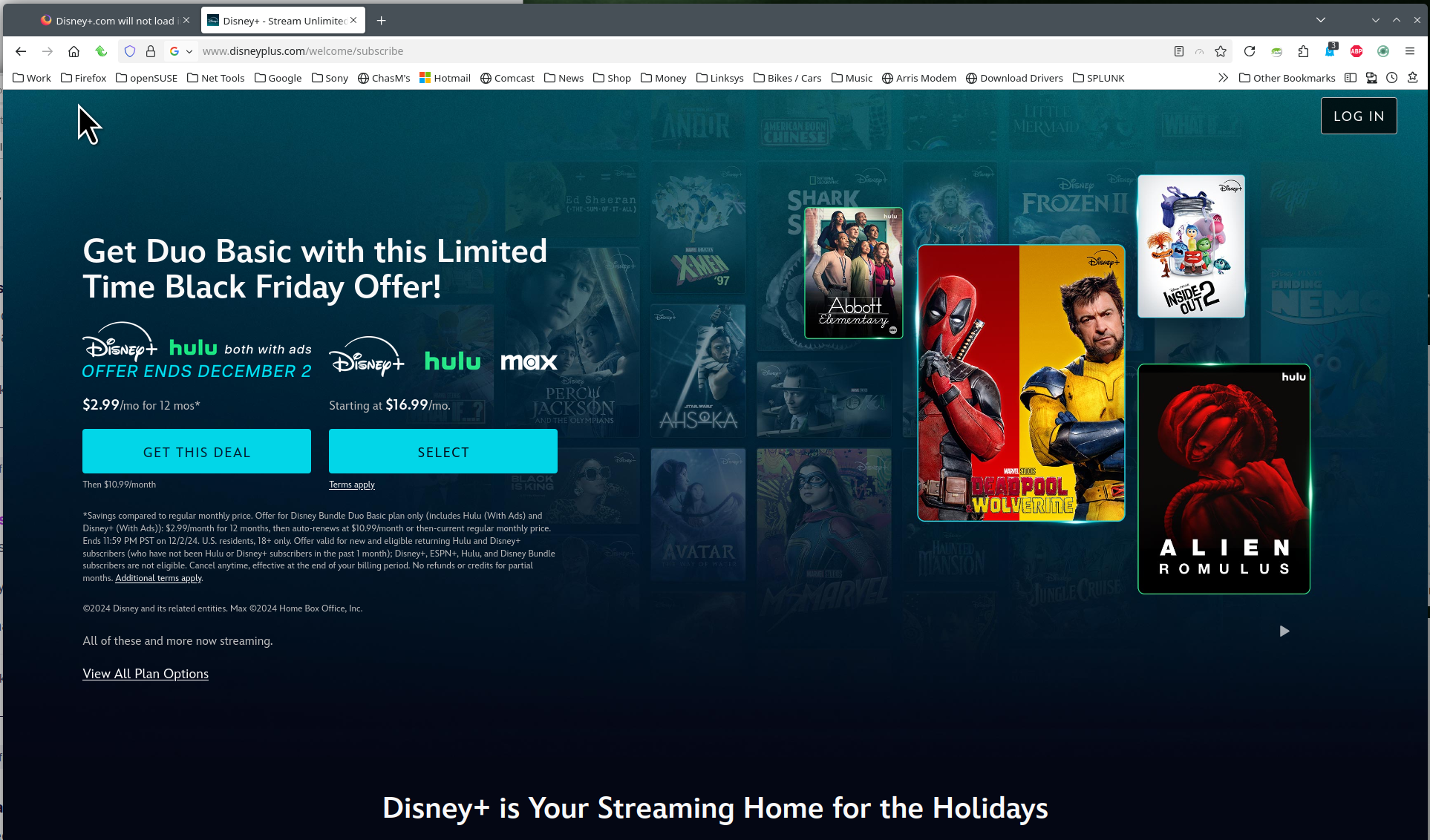
Are you having issues just getting to the site or streaming? Post a screenshot showing the issue. I can get to the site. see screenshot Do you have the same issue with Firefox in Troubleshoot Mode? Did you try clearing the browser cache? https://support.mozilla.org/en-US/kb/how-clear-firefox-cache#
You can try to clear all items for a single site. https://support.mozilla.org/en-US/kb/remove-websites-address-bar-suggestions
Last step if needed, you can refresh Firefox. https://support.mozilla.org/en-US/kb/refresh-firefox-reset-add-ons-and-settings