


drop down changed to translate selection to french. Has always been translate selection to english. How to change back?

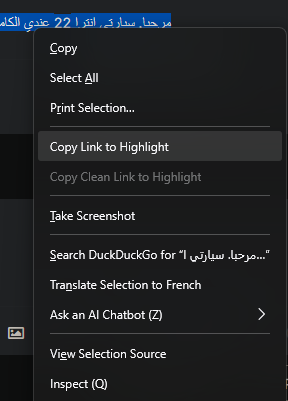
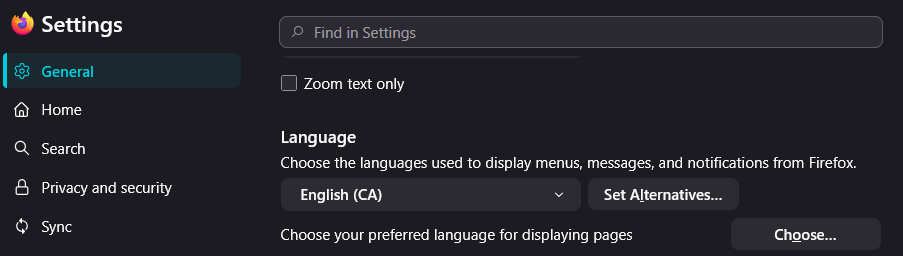
Dropdown menu changed to "Translate selection to French. Has always been "Translate selection to English". I use it all the time. I don't think I changed anything. How can I set it back to English? Tried this: "To change the translation selection back to English in Firefox, go to the Language section in the General panel of Firefox settings, select English from the dropdown menu, and restart Firefox. This will revert the translation settings to English." Didn't work. System language is English (CA).
All Replies (3)
Chosen Solution
Never mind, discovered the "Refresh Firefox" option. Restored dropdown option to "Translate Selection to English".
Hello
If that happened again.
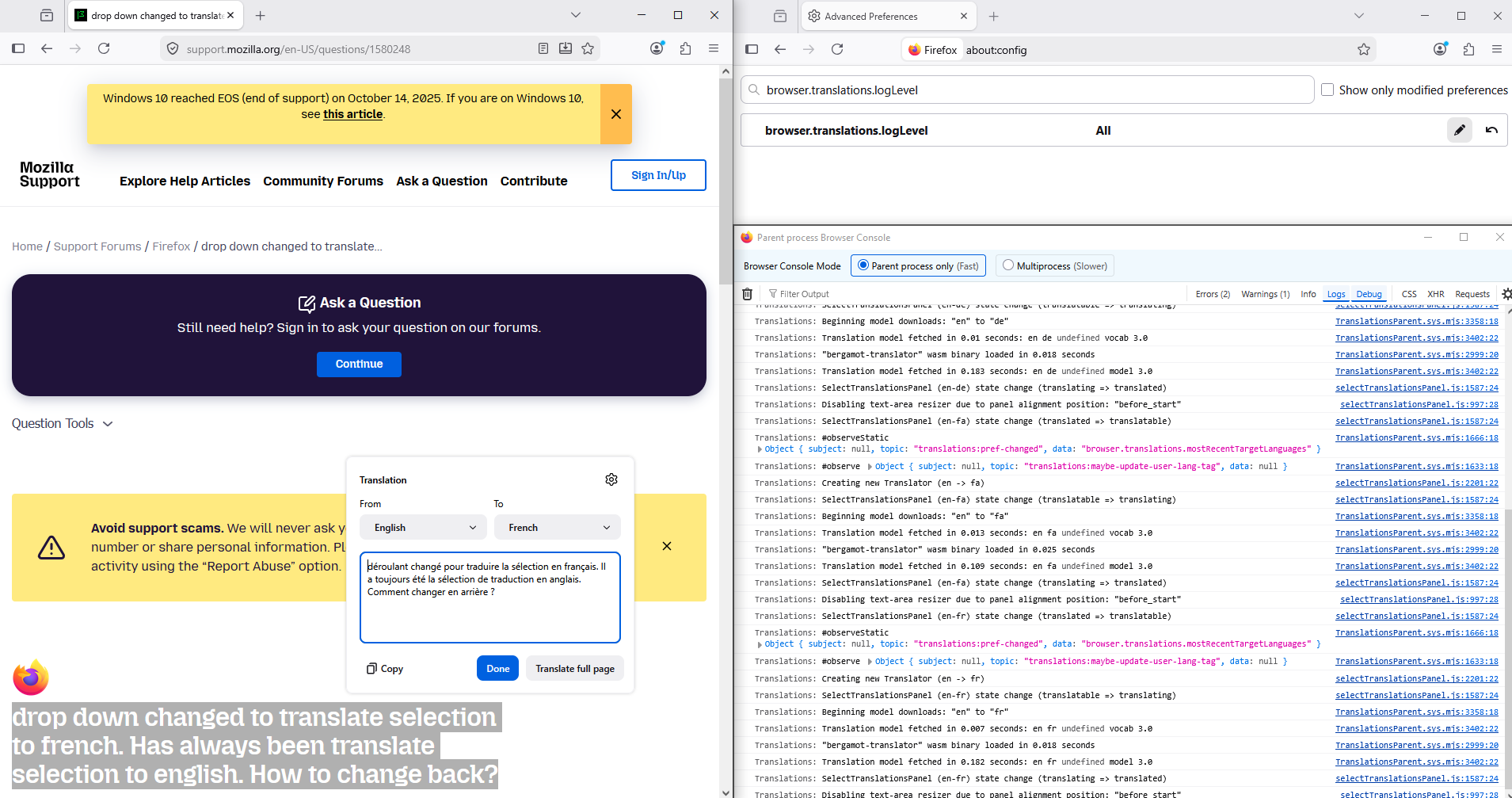
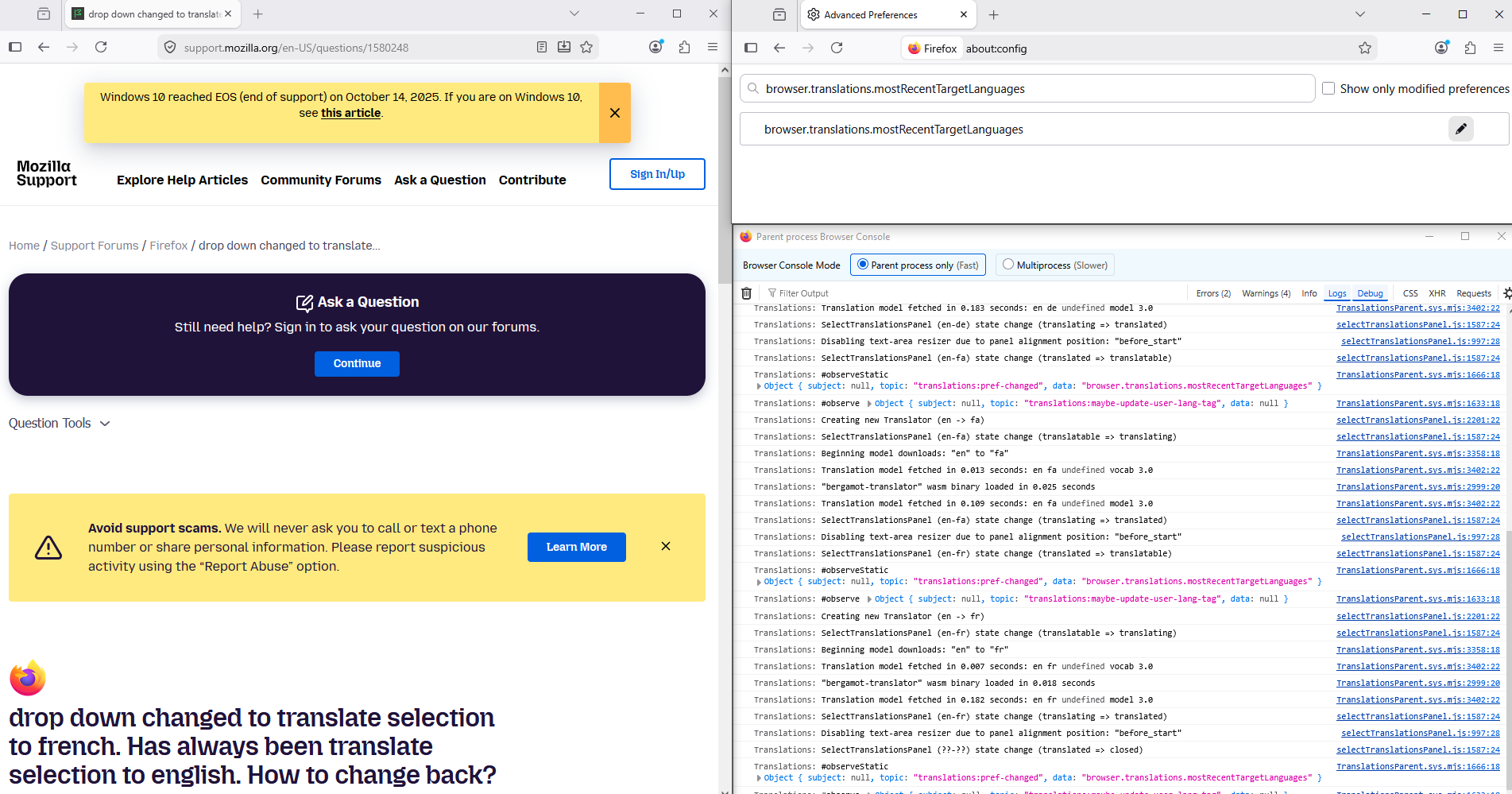
For illustration https://support.mozilla.org/en-US/questions/1535724 And, according to the translations log, for information purposes.
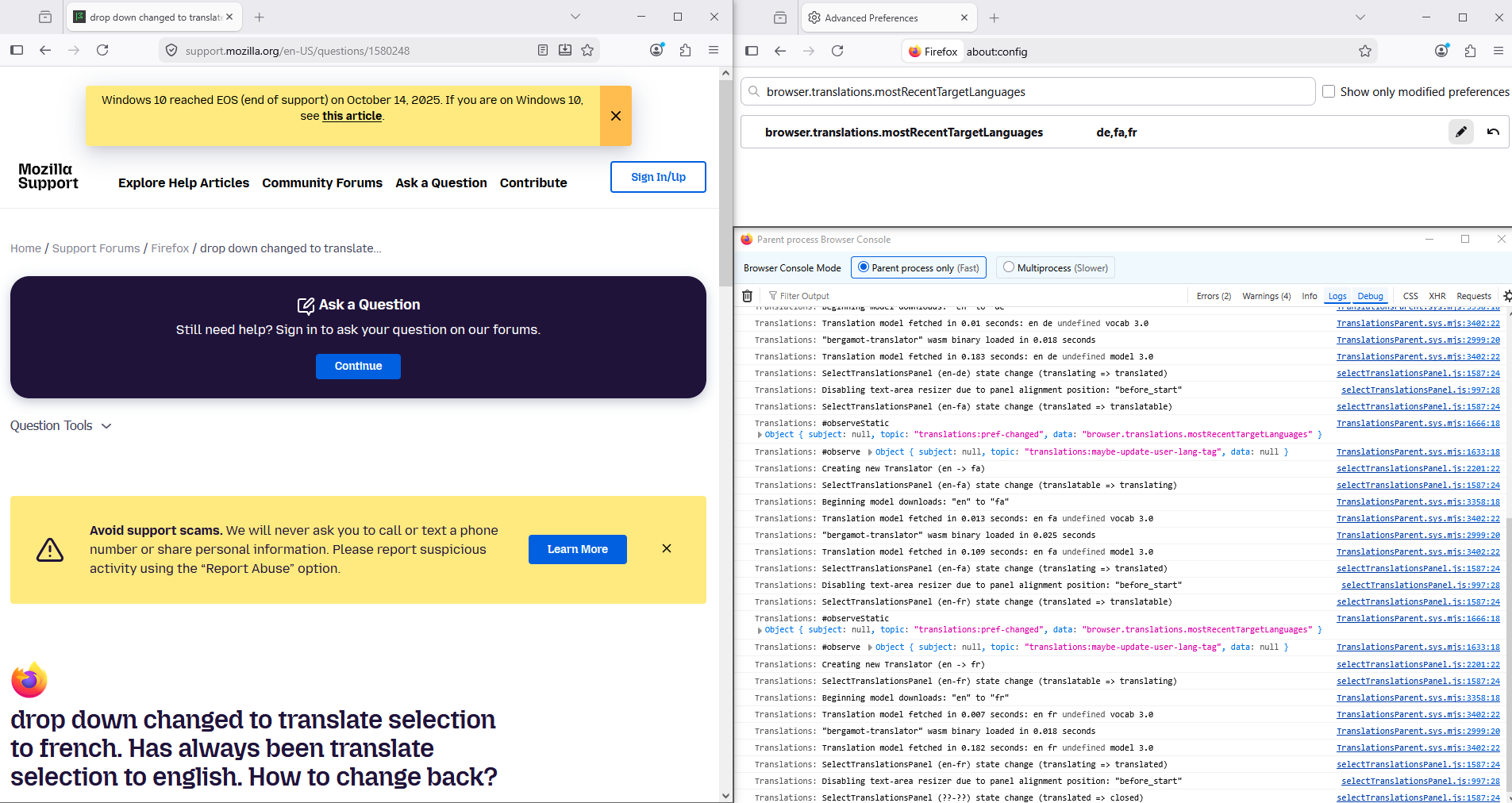
Maybe, you can try, reset the preference, about:config browser.translations.mostRecentTargetLanguages
Below, for illustration.
Thank you Agent virtuel. I will try that setting, if the issue returns.