Specific Website Not Loading in Firefox, but Loads in Other Browsers

Hi everyone,
I’m experiencing an issue where a specific restaurant website page is not loading in Firefox, even though it loads normally in Chrome and Edge.
The page I’m trying to access is: https://olivegardenmenu-prices.us/
In Firefox, the page keeps trying to load but eventually stops and remains blank. I’ve already tried clearing cache, disabling extensions, and testing in private mode, but the problem still persists. On other browsers, the page opens without any issues.
I’m wondering if this might be related to compatibility, SSL, or something in Firefox’s security or network settings.
Has anyone experienced similar loading issues with certain websites in Firefox, or is there anything else I should check?
Thanks in advance for your guidance — really appreciate the community support.

All Replies (1)
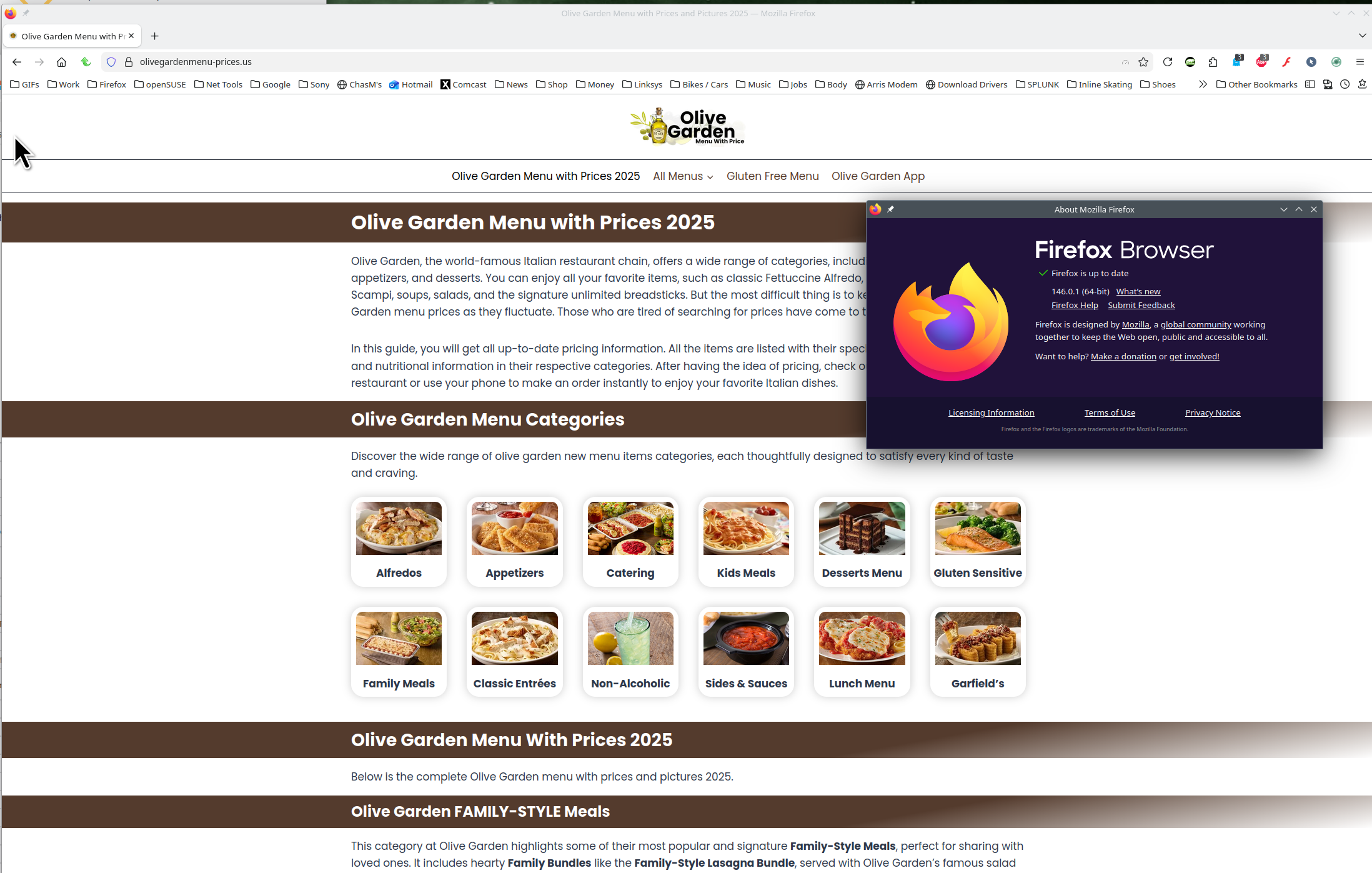
Site works for me. see screenshot
What version of Firefox?
Windows home or pro and what security software are you running besides MS Defender?
Are you running pro version of Windows? If so, you should have Windows Sandbox enabled for testing. https://www.howtogeek.com/399290/how-to-use-windows-10s-new-sandbox-to-safely-test-apps/