This thread was archived.
Please ask a new question if you need help.

Archived
How do I set the home page icon in the tool bar

Where is the home icon in tool bar?
Where is the home icon in tool bar?
All Replies (1)
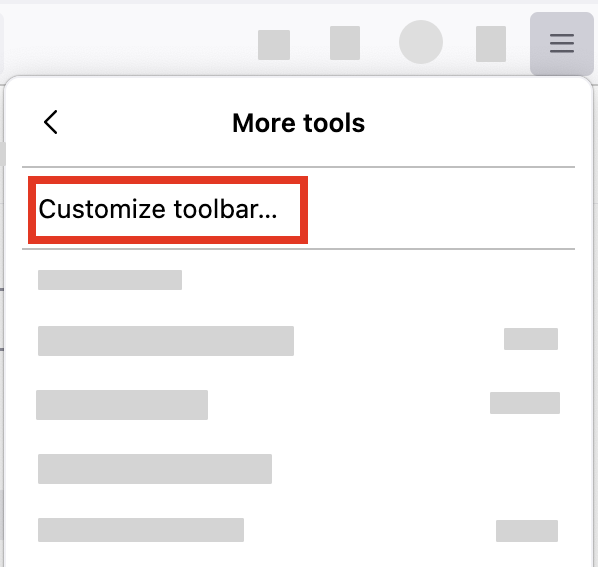
You can add the home icon on your toolbar with these steps:
- Click the menu button
 in the top-right corner, click More tools, and choose the Customize toolbar… option.
- A special tab will open that allows you to drag and drop items in or out of the toolbar.