


No Prompts for Microphone permission

Hello, when I'm on a website that could use my microphone or camera, I am not getting the prompt to ask for permission to use them. I have tried manualy giving the website permission in CTRL-I website settings. But that did not fix it. I have tried the same websites in google chrome, and my mic works then.
選ばれた解決策
The problem has been resolved by refreshing Firefox.
この回答をすべて読む 👍 0すべての返信 (4)
So, granting permission via "Tools -> Page Info -> Permissions" doesn't work?
Do you use frames on your page ?
Can you post a link to a publicly accessible page (i.e. no authentication or signing on required)?
No page info does not fix it.
I have been testing using this website which does work for me in Google Chrome. https://www.onlinemictest.com
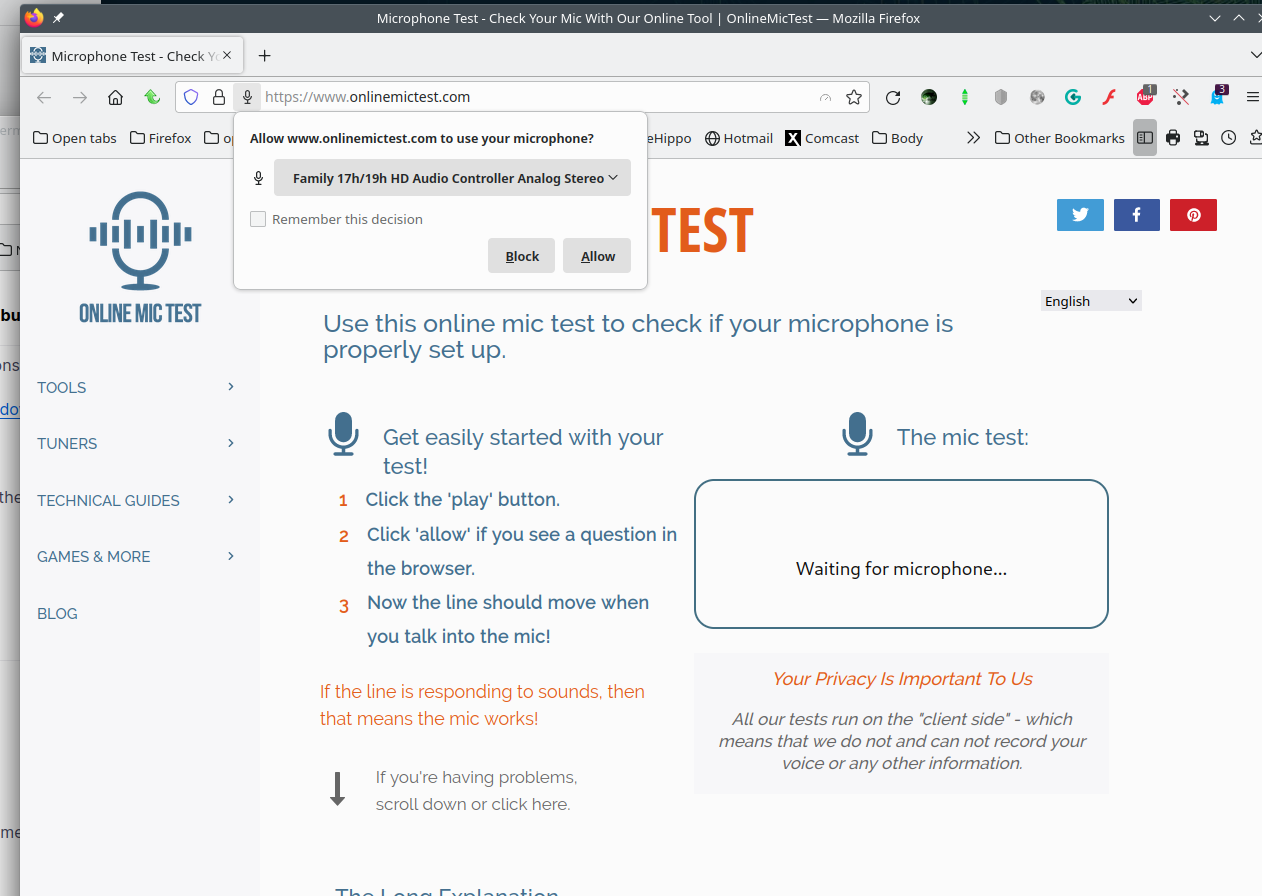
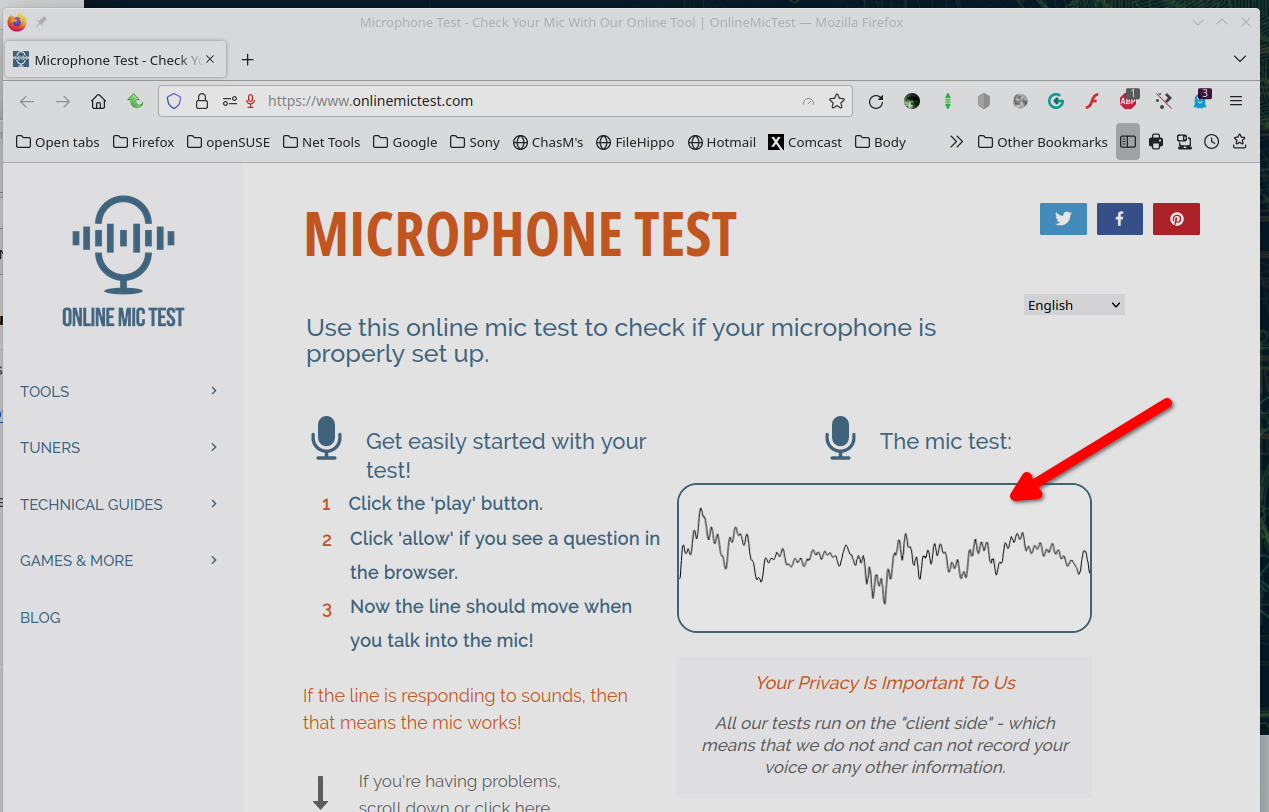
Works for me. see screenshots Did you try with Firefox in Safe Mode? https://support.mozilla.org/en-US/kb/diagnose-firefox-issues-using-troubleshoot-mode#w_how-to-start-firefox-in-4troubleshoot-modesf5safe-modesf
I would also try the option Forget About This Site. https://support.mozilla.org/en-US/kb/remove-websites-address-bar-suggestions
選ばれた解決策
The problem has been resolved by refreshing Firefox.