


Some images on website not showing up

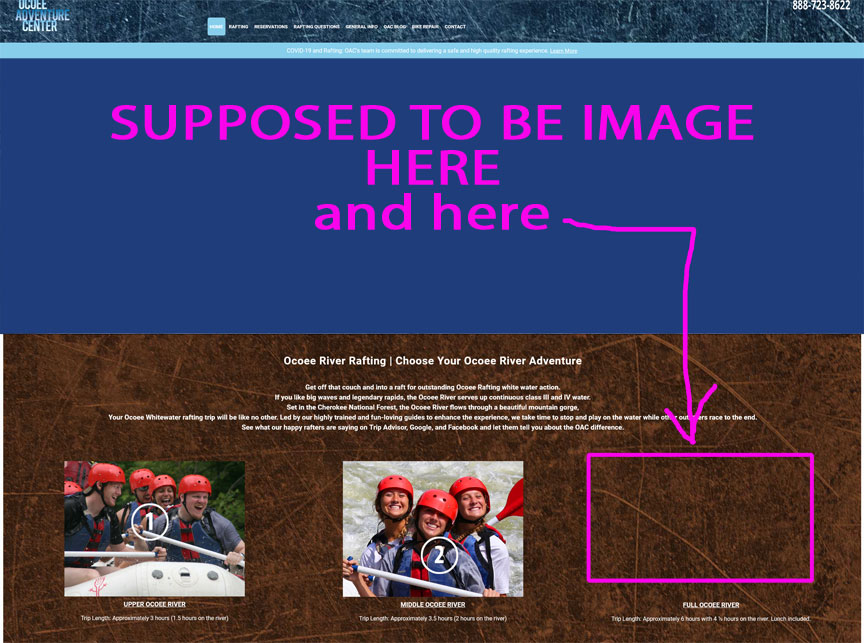
I am a web developer, on this particular site, all of sudden the main feature image and scroll slightly, and in the #1, 2 and 3, the #3 image is also not showing up. Other images in the site and on the page show up fine.
Show up on Chrome, just not here. Same for another laptop. Shows up in iOs on phone and laptop. I have clicked on the padlock and it some "Some images not secure" have told FF to go ahead and show, but still blank.
The address is https://www.ocoeeadventurecenter.com Have had these images up for couple years and NEVER had a problem with display.
すべての返信 (6)

Make sure you are not blocking content.
Start Firefox in Safe Mode {web link}
A small dialog should appear. Click Start In Safe Mode (not Refresh). Is the problem still there?
https://support.mozilla.org/en-US/kb/enhanced-tracking-protection-firefox-desktop
Many site issues can be caused by corrupt cookies or cache.
Warning ! ! This will log you out of sites you're logged in to. You may also lose any settings for that website.
- How to clear the Firefox cache {web link}acking-protection-firefox-desktop
I'm not seeing image #3 as well in Firefox 87 (and older versions).
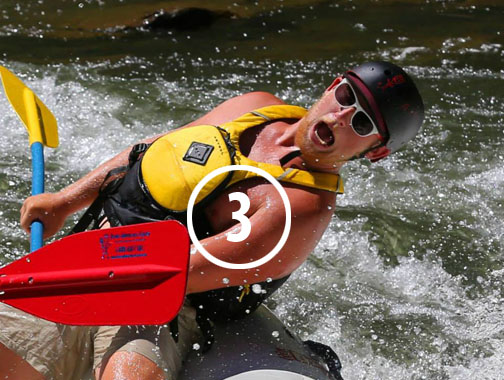
The image isn't displayed although the image has been retrieved and the Inspector and Network Monitor do not show issues as far as I know.
The good news is that I see this image in Firefox 88 (Beta/DE) and newer, so if there is an issue (bug) then it looks that this is fixed.
To help me understand: 1. does the large main image (drone overhead of rafters) now show up? I know we have a problem with the photo #3. 2. Are you saying if guest is using FF 88 or higher it will work, but not versions older? Thanks for helping me!
Screenshot from Nightly (89.0a1) (88.0b4 Beta/DE looks the same).

I have tried the fixes you sent and still do not understand what is causing the main, feature image on this website to not show up on Firefox browsers, desktop, only some...
The image that's supposed to show up (and has been there for at least two years) is a jpg with gif...I have tried telling Firefox to allow these images from the padlock and makes no difference.
I don't understand you last two emails and don't know what to do now. Their opening day is April 3, the client's FIrefox also shows a big blank screen.
Please help! Thanks
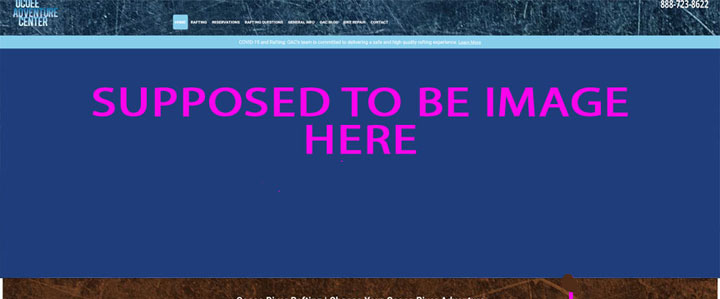
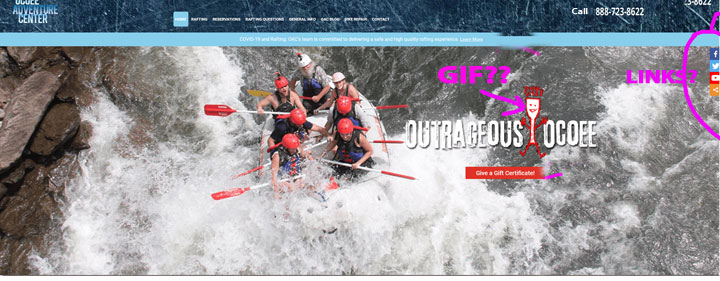
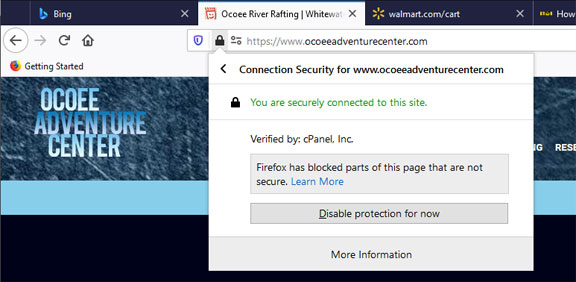
Now, NONE of my feature images at the top of the page are showing...kind of panic time here! Link to one, are you able to duplicate this?