


Windows 10 reached EOS (end of support) on October 14, 2025. If you are on Windows 10, see this article.

Cerca nel supporto

Attenzione alle mail truffa. Mozilla non chiederà mai di chiamare o mandare messaggi a un numero di telefono o di inviare dati personali. Segnalare qualsiasi attività sospetta utilizzando l'opzione “Segnala abuso”.

Ulteriori informazioni

Questa discussione è archiviata. Inserire una nuova richiesta se occorre aiuto.

Sites garbled text no layout

  • 3 risposte
  • 4 hanno questo problema
  • 84 visualizzazioni
  • Ultima risposta di babablue
  • Archiviato

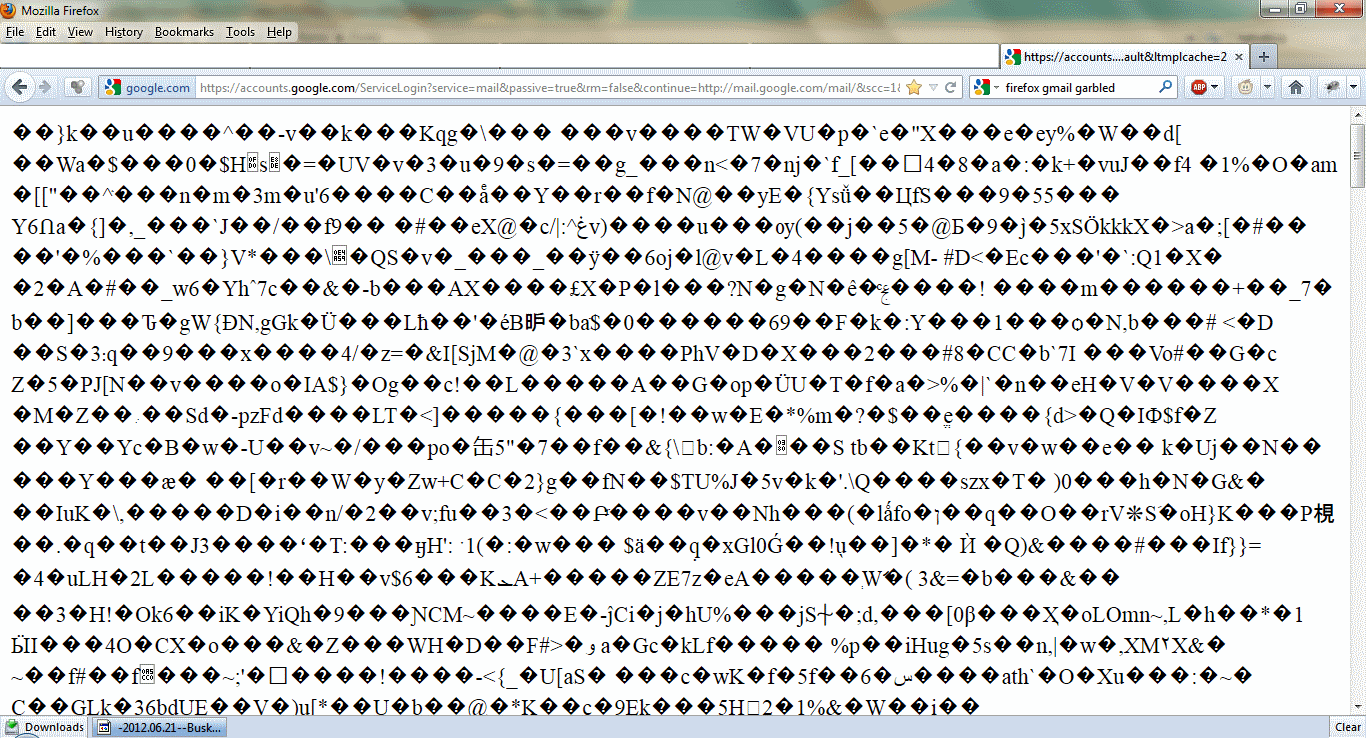
Some sites e g (gmail after login, twitter) completely not loading. Showing garbled characters. I thought this was the Helvetica problem but I checked my Fonts and couldn't find Helvetica there. Tried zooming in out the page but nothing changes. Tried forcing font to Times New Roman, still not working. Checked page style Tried different encodings such as UTF 16, Western, was on 8 default but doesn't do anything Tried Firefox on safe mode, still looks the same

Some sites e g (gmail after login, twitter) completely not loading. Showing garbled characters. I thought this was the Helvetica problem but I checked my Fonts and couldn't find Helvetica there. Tried zooming in out the page but nothing changes. Tried forcing font to Times New Roman, still not working. Checked page style Tried different encodings such as UTF 16, Western, was on 8 default but doesn't do anything Tried Firefox on safe mode, still looks the same

Tutte le risposte (3)

Attached sample scrshot
hello babablue, please enter about:config into the location bar, search for the preference named network.http.accept-encoding & right click and reset that to its default value. this should make gmail & twitter load normally again...

Thank you. That worked. I've never changed it before but it seems to have been changed to "true".