


Firefox 136.0 breaks Disney Hotstar

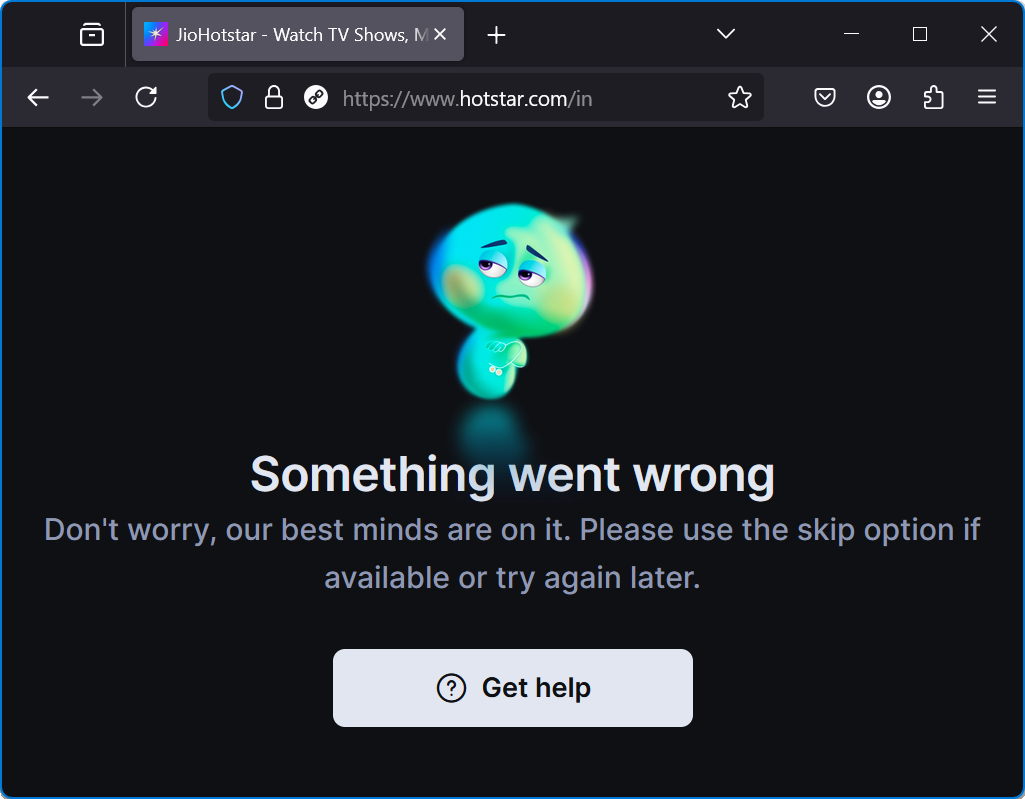
So Firefox automatically updated to version 136.0 and now Disney Hotstar (hotstar.com) website does not work. It shows the following error: "Something went wrong. Don't worry our best minds are on it. Please use the skip option if available or try again later." (see screenshot) There is no skip option.
I downgraded to version 135.0.1 and everything works fine. Hotstar website also works fine in other browsers. But soon the automatic update kicks in and with version 136.0 Disney Hotstar does not work at all.
Firefox version: 136.0 64-bit for Windows OS: Windows 11 24H2 Home Edition (build 26100.3194)
Thank you in advance :)
Soluzione scelta
The problem has been fixed with update to version 136.0.1 :)
Thank you Mozilla team for fast update :)
Leggere questa risposta nel contesto 👍 0Tutte le risposte (2)
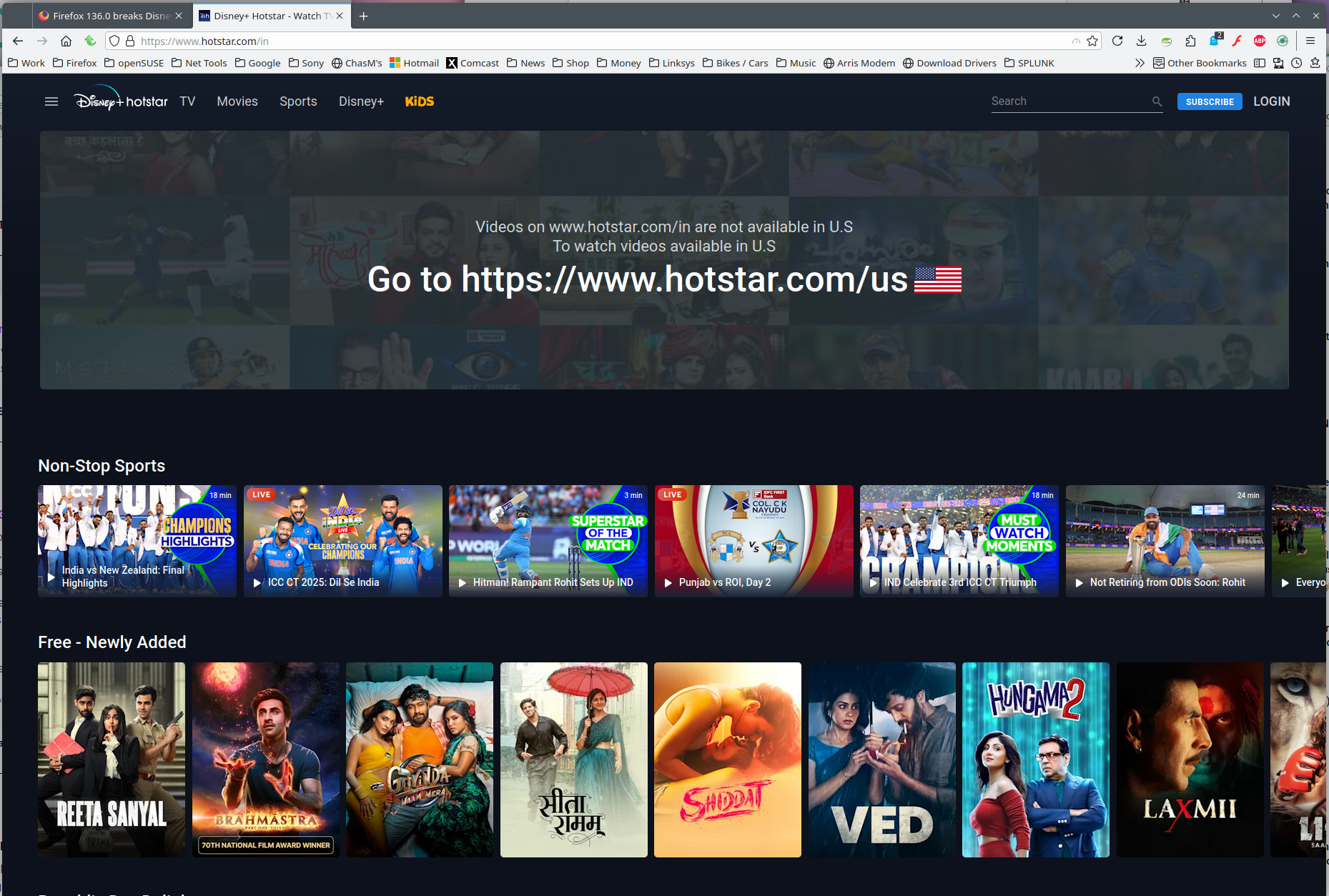
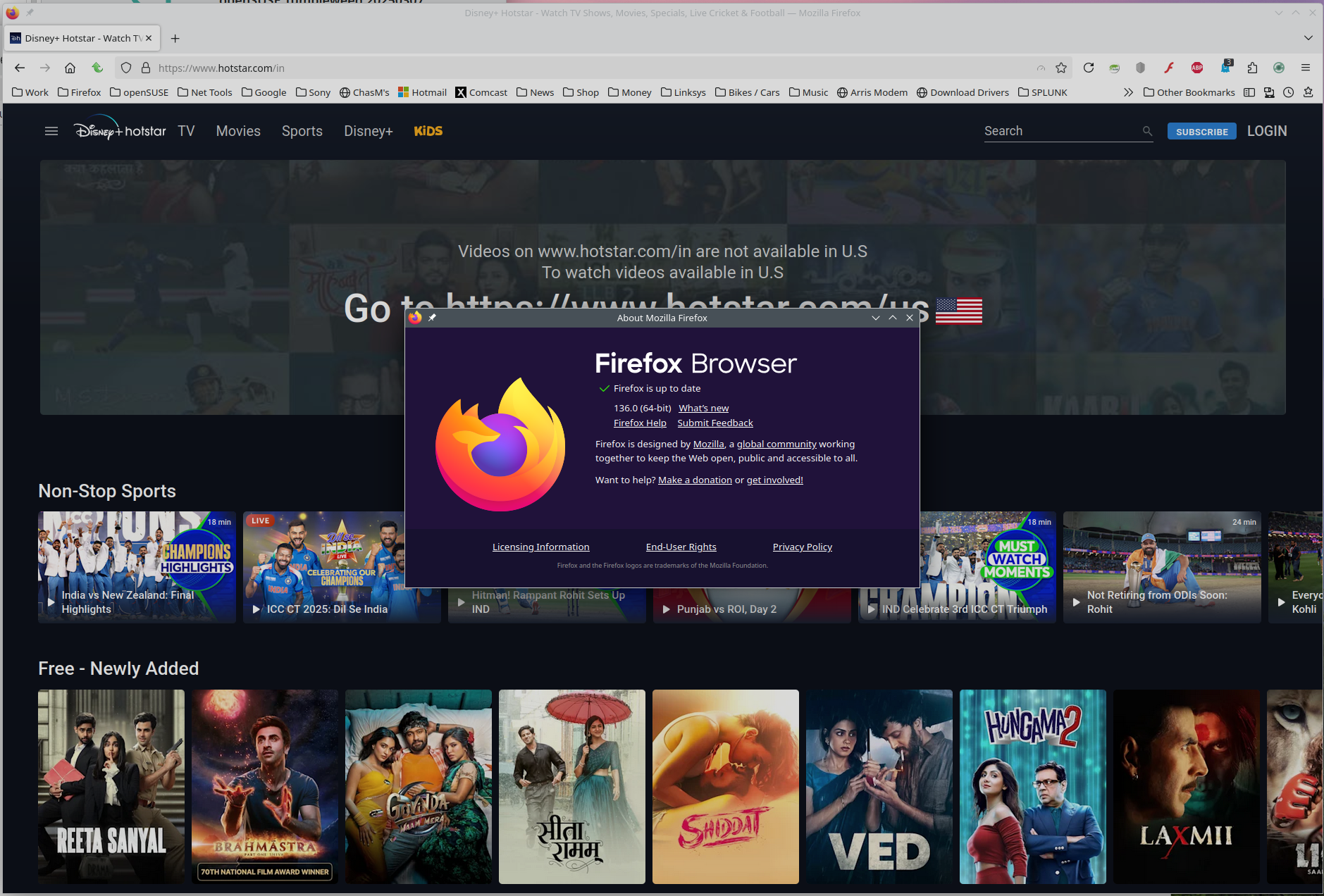
Works for me from NJ. see screenshots from Waterfox and 136.0 Interesting that a lot of other users are also seeing the same issue. Where are you? Are you running any security software besides MS Defender? Did you try with Firefox in Troubleshoot Mode? https://support.mozilla.org/en-US/kb/diagnose-firefox-issues-using-troubleshoot-mode#search
Did you clear your browser cache? https://support.mozilla.org/en-US/kb/clear-cookies-and-site-data-firefox
Modificato da jonzn4SUSE il
Soluzione scelta
The problem has been fixed with update to version 136.0.1 :)
Thank you Mozilla team for fast update :)