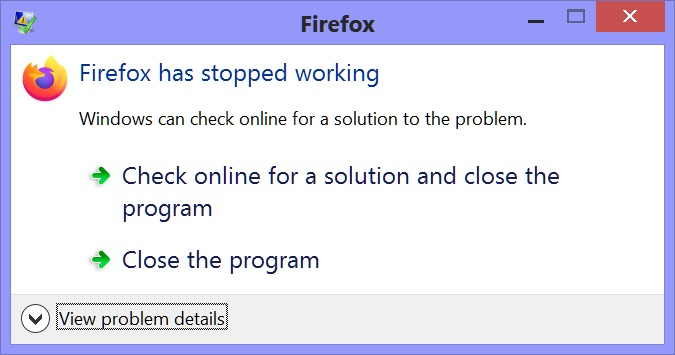
Crash at startup up, but only for 1 of 2 Users (NTDLL error)

After update to 115.2.1, FF crashes at startup for one User, but not the other. FF Safe Mode also crashes (SHIFT key). I tried running the 115.2.1 install on the problem User, but it also crashes right after completion. The second user is handicapped, so I have yet to try to uninstall/reinstall because FF runs on her User and I hate to screw things up so that she is locked out.
- JUST NOTED - Chrome also crashes with same NTDLL error (same DLL version number). Did the FF update do something with the NTDLL file?
Problem signature:
 Problem Event Name:	APPCRASH
 Application Name:	firefox.exe
 Application Version:	115.2.1.8655
 Application Timestamp:	64ffdc5f
 Fault Module Name:	ntdll.dll
 Fault Module Version:	6.2.9200.17581
 Fault Module Timestamp:	5644f0f7
 Exception Code:	c000010a
 Exception Offset:	00000000000e1e80
 OS Version:	6.2.9200.2.0.0.768.101
 Locale ID:	1033
 Additional Information 1:	ac05
 Additional Information 2:	ac0507478d1c5bd693cfc4fe3987e900
 Additional Information 3:	ac05
 Additional Information 4:	ac0507478d1c5bd693cfc4fe3987e900
Tutte le risposte (10)
Please follow the steps below to provide us crash IDs to help us learn more about your crash.
The crash report is several pages of data. We need the report numbers to see the whole report.
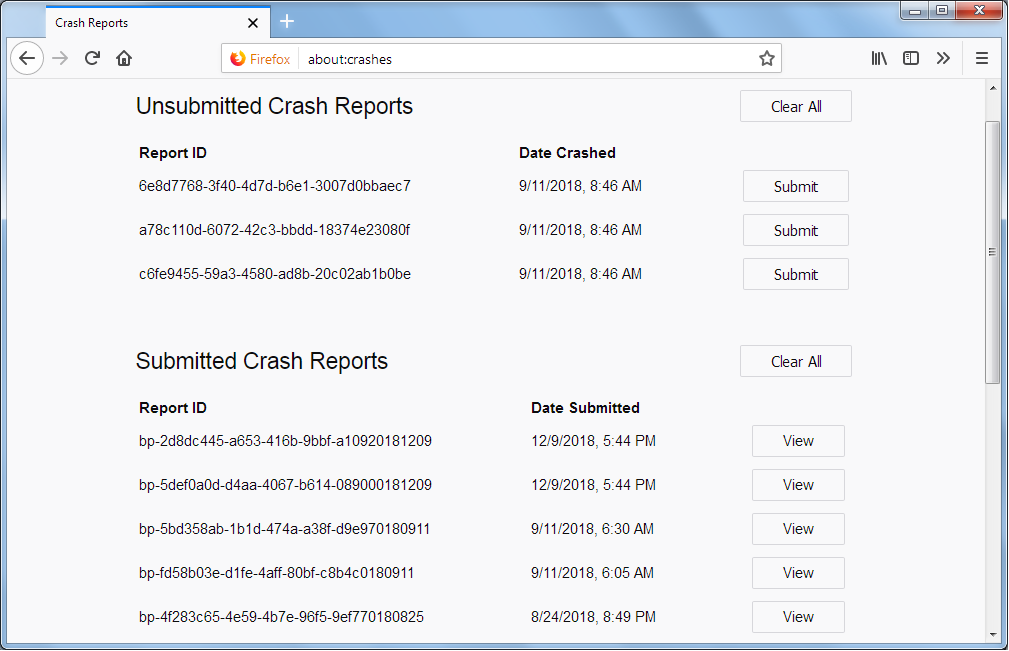
- Enter about:crashes in the Firefox address bar and press Enter. A list of Submitted/Unsubmitted Crash Reports will appear, similar to the one shown below.
- Copy the 5 most recent Submitted Report IDs that start with bp- and then go back to your forum question and paste those IDs into the "Post a Reply" box.
Note: If a recent Report ID does not start with bp- click on it to submit the report.
(Please don't take a screenshot of your crashes, just copy and paste the IDs. The below image is just an example of what your Firefox screen should look like.)
Thank you for your help!
More information and further troubleshooting steps can be found in the Troubleshoot Firefox crashes (closing or quitting unexpectedly) article.
How do I do that? FF crashes as soon as I click the icon. I cannot get to the FF Address Bar. I tried on the User account that works but the most recent crash listed is from 2021.
See "Viewing reports outside of Firefox":
Under Crash Reports I have two folders, Events & Pending as well as a number of "InstallTime..." files. Events has no files, Pending has files from 2016 & 2021. Only two "InstallTime..." files are recent. 09/17/2023 and 09/18/2023. Will any of those be usefull?
InstallTime files are log files created when Firefox updates and aren't related to crashes, I'm not sure why they aren't in a separate update folder to prevent confusion. It is possible that the crash reporter isn't enabled or those crashes happen at a point that the reporter isn't triggered.

How would I enable the Crash Reporter? I get the FF crash window as soon as I click the icon, so I can't tell just how much, if anything, of FF has stared.
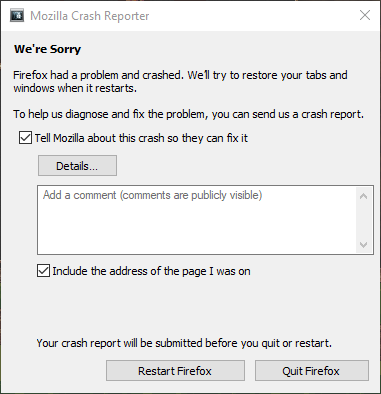
No. I don't have access right now, but it says something like "Firefox has stopped working" with options to close the program or search for solutions and close. I posted the details in the OP. Sorry I logged on with an old account before.
Modificato da cowdery il
A message like "Firefox has stopped working" is coming from the Windows OS when an application fails to respond timely to key presses (i.e. Firefox is hanging).
I tried "firefox.exe -P" to set up a new profile (since the other User can still launch FF) but I got the same immediate error.