


Firefox no longer works properly at certain sites

I currently use version 104.0.2 (64 bit). I have reported a similar issue with two sites that I use, shockwave.com and Synchrony Bank. Now I am experiencing problems with other sites that I have used for years in Firefox. For example, today I tried to access my account at https://owners.genesis.com/us/en/index.html. While I could get to my account, there were several pages I could not see. I couldn't get to the details of my account nor could I send an email. In all these cases I was able to complete my work using MS Edge. I don't want to use another browser, so would like Mozilla to work on the disconnects with these sites.
Thank you.
Tutte le risposte (3)
You can try these steps in case of issues with webpages:
You can reload webpage(s) and bypass the cache to refresh possibly outdated or corrupted files.
- hold down the Shift key and left-click the Reload button
- press "Ctrl + F5" or press "Ctrl + Shift + R" (Windows,Linux)
- press "Command + Shift + R" (Mac)
Clear the Cache and remove the Cookies for websites that cause problems via the "3-bar" Firefox menu button (Settings).
"Remove the Cookies" for websites that cause problems:
- Settings -> Privacy & Security
Cookies and Site Data: "Manage Data"
"Clear the Cache":
- Settings -> Privacy & Security
Cookies and Site Data -> Clear Data -> [X] Cached Web Content -> Clear
- https://support.mozilla.org/en-US/kb/clear-cookies-and-site-data-firefox
- https://support.mozilla.org/en-US/kb/how-clear-firefox-cache
Start Firefox in Troubleshoot Mode to check if one of the extensions ("3-bar" menu button or Tools -> Add-ons -> Extensions) or if hardware acceleration or userChrome.css is causing the problem.
- switch to the DEFAULT theme: "3-bar" menu button or Tools -> Add-ons -> Themes
- do NOT click the "Refresh Firefox" button on the Troubleshoot Mode start window

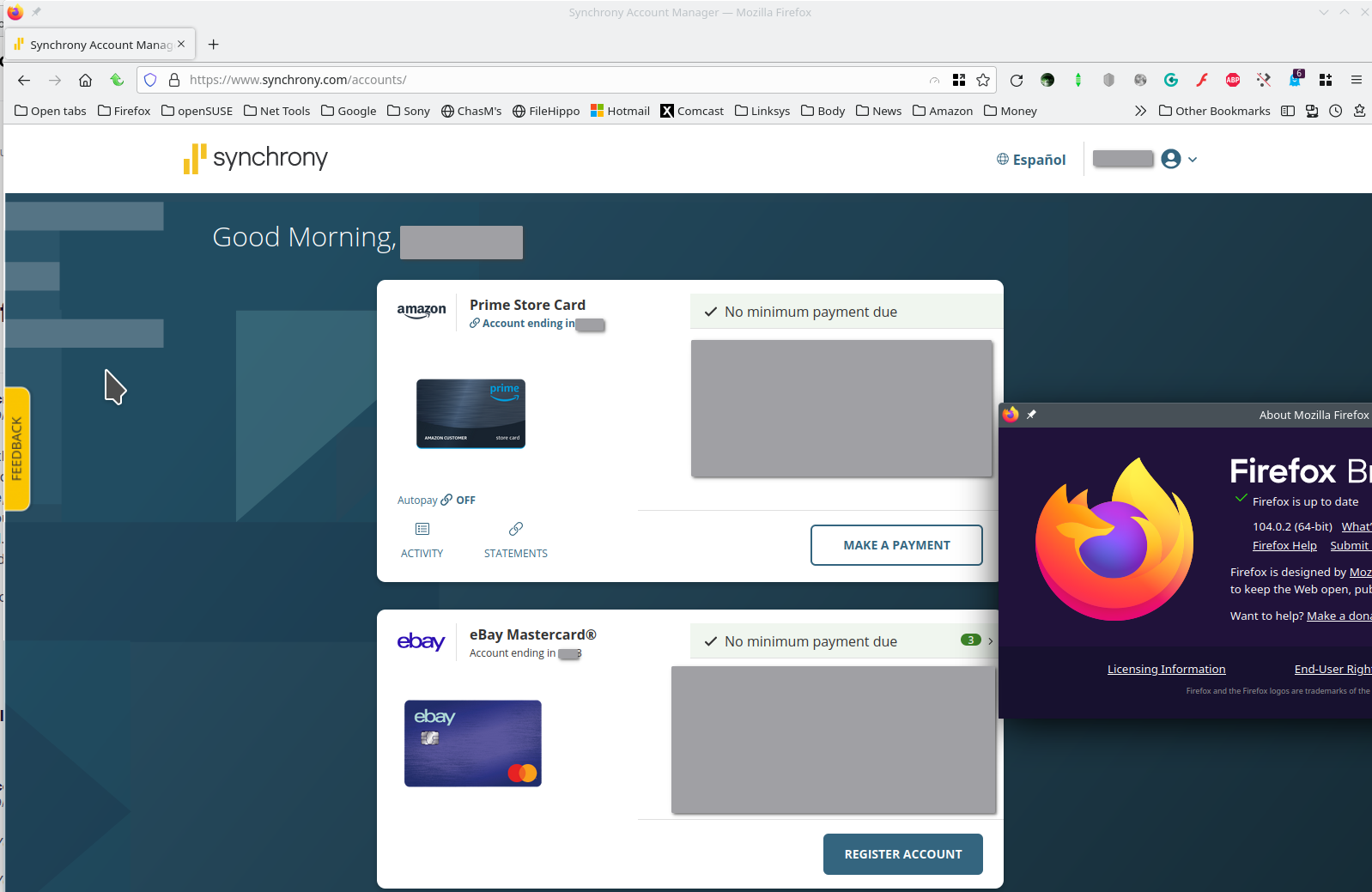
Synchrony Bank works for me. see screenshot Can you show us the issue(s)?
Thanks for your suggestions.
I always clear cookies, cache, and history when I close the browser, not do I use hardware acceleration or userchrome.css. So I looked at the add-ons. I was able to resolve the issue with one site, https://owners.genesis.com/us/en/index.html. when I disabled ghostery. However, the other sites I mentioned, shockwave.com and synchronybank.com, I still had the problem, as shown in the screen captures in the attached file.
And I never changed the theme, which is also shown in the file.
Another issue is that I use ghostery in MS Edge and all sites work properly.
