


Turn off permanent private browsing mode

I did not knowingly turn on permanent private browsing mode, but it is on and I can not find any way to turn it off. How do I turn it off? Running FF 91.0.1 on Win 10.
Tutte le risposte (3)
Screenshot below
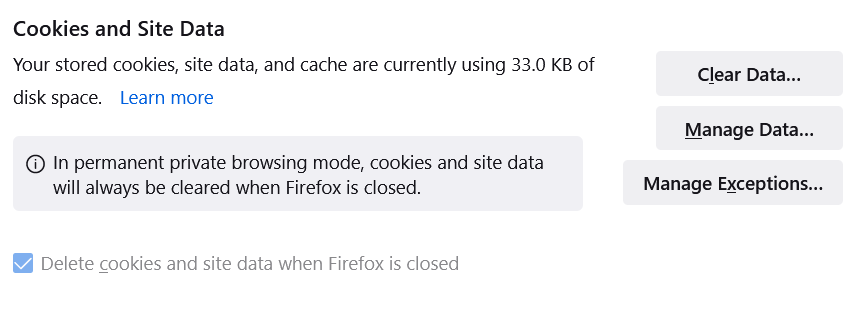
Soluzione scelta
Make sure you do not run Firefox in permanent Private Browsing mode (Always use Private Browsing mode; Never Remember History).
- https://support.mozilla.org/en-US/kb/private-browsing-use-firefox-without-history
- https://support.mozilla.org/en-US/kb/common-myths-about-private-browsing
- Settings -> Privacy & Security
Firefox will: "Use custom settings for history" - remove checkmark: [ ] "Always use Private Browsing mode"
I figured out the CORRECT answer ... In Firefox, open menu (3 horizontal lines at top right) Select SETTINGS Select PRIVACY AND SECURITY Scroll down to HISTORY Under "Firefox will" item, select USE CUSTOM SETTINGS from drop down menu Uncheck [ ] ALWAYS USE PRIVATE MODE
Additionally, delete any shortcut that was always opening Firefox in private mode. Replace with a new (not corrupted) shortcut.
This corrects the problem of having to sign into sites every time you access them.