Printing "current page" in firefox
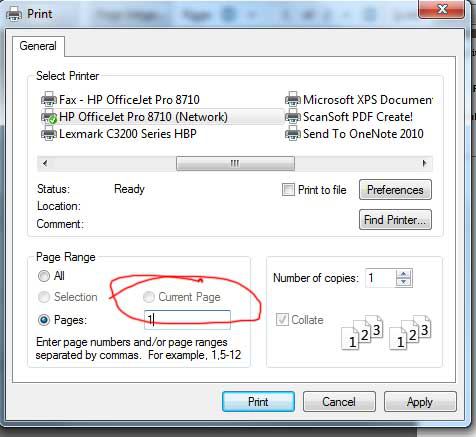
I have a multiple page email or document and I only want to print one single page. On the standard print dialog box there was an option to click "current page". This was fast as it only involved one single click and then hit print. After an updated a few months ago the option to print the current page is not longer highlighted and cannot be clicked. I have to chose "pages" then type in the page number then click the print button. Can the print current page radio button be engaged again in the config somewhere?
I have a multiple page email or document and I only want to print one single page. On the standard print dialog box there was an option to click "current page". This was fast as it only involved one single click and then hit print. After an updated a few months ago the option to print the current page is not longer highlighted and cannot be clicked. I have to chose "pages" then type in the page number then click the print button. Can the print current page radio button be engaged again in the config somewhere?
Tutte le risposte (1)
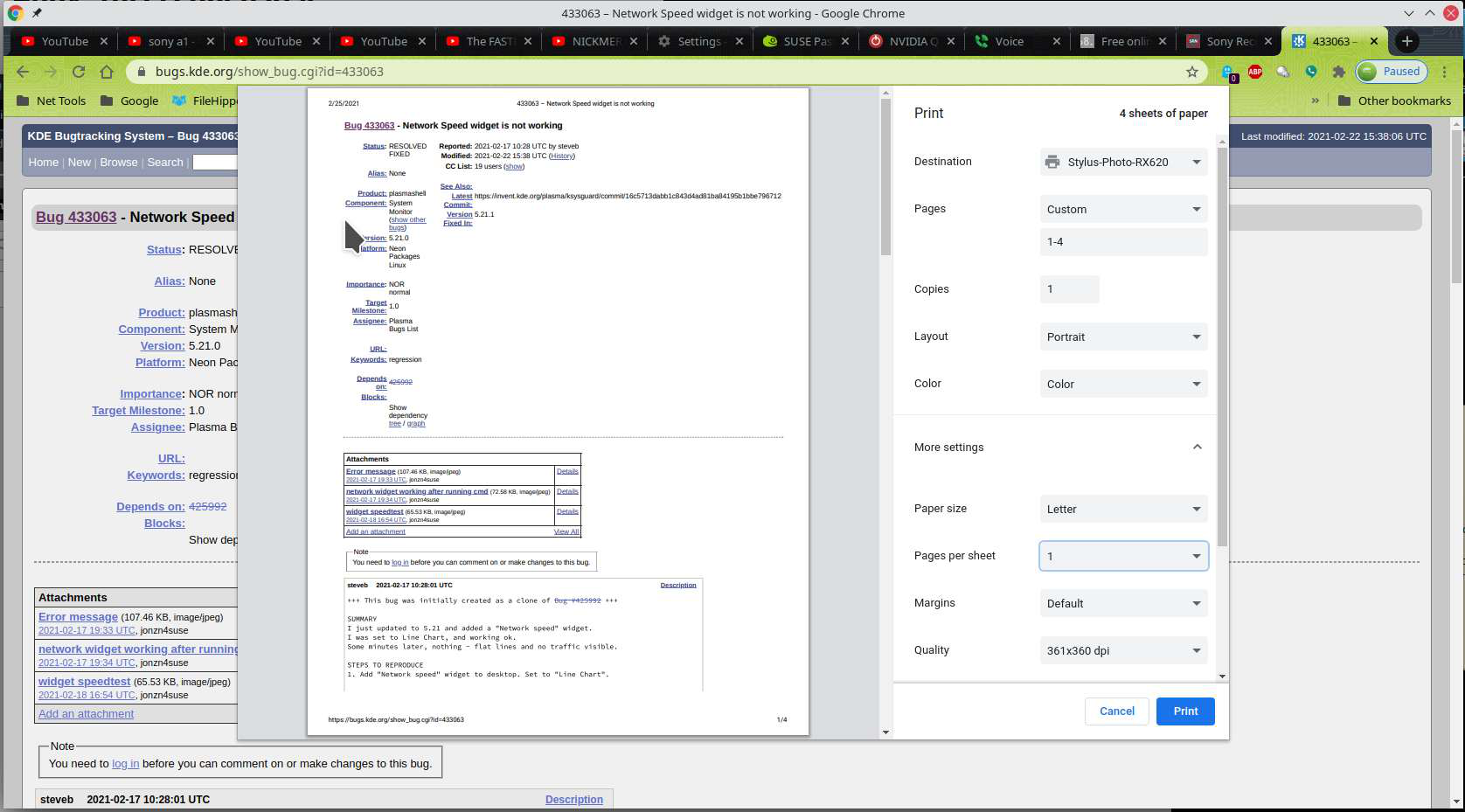
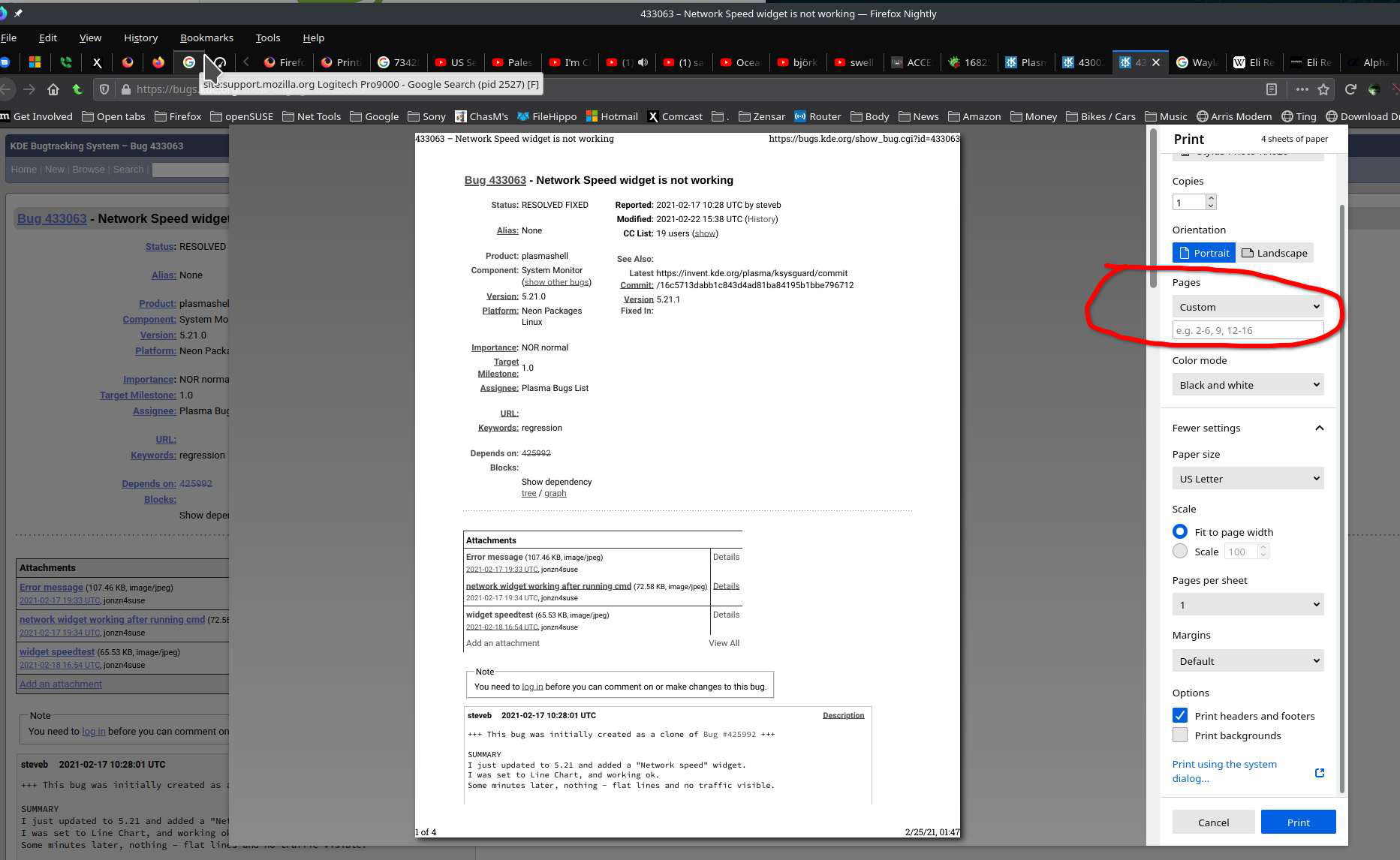
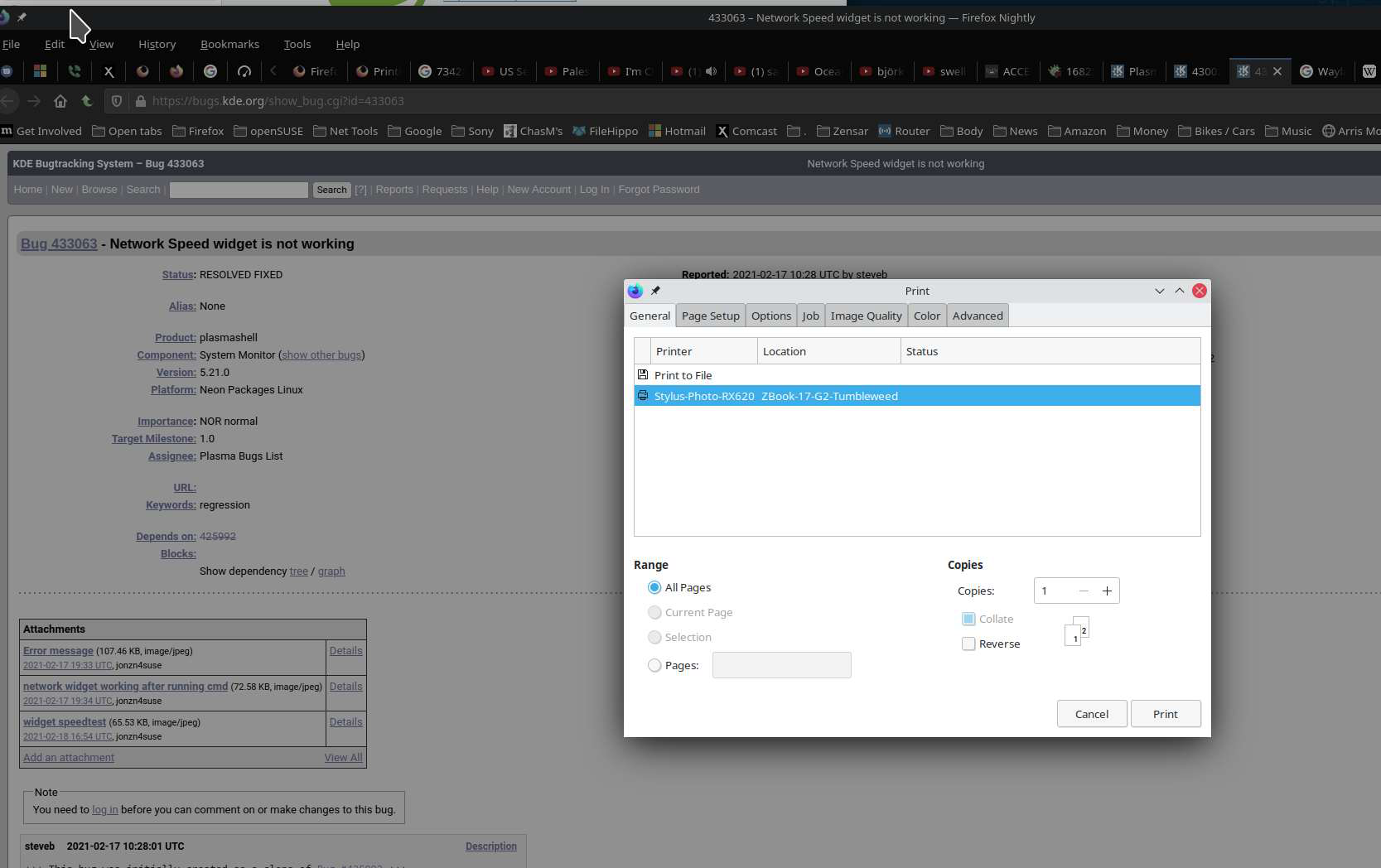
Someone more web savvy will have to chime in because I'm seeing the same thing(no print current page) in Chrome. see screenshot In Firefox old print option and new the option it's not available. see screenshots