


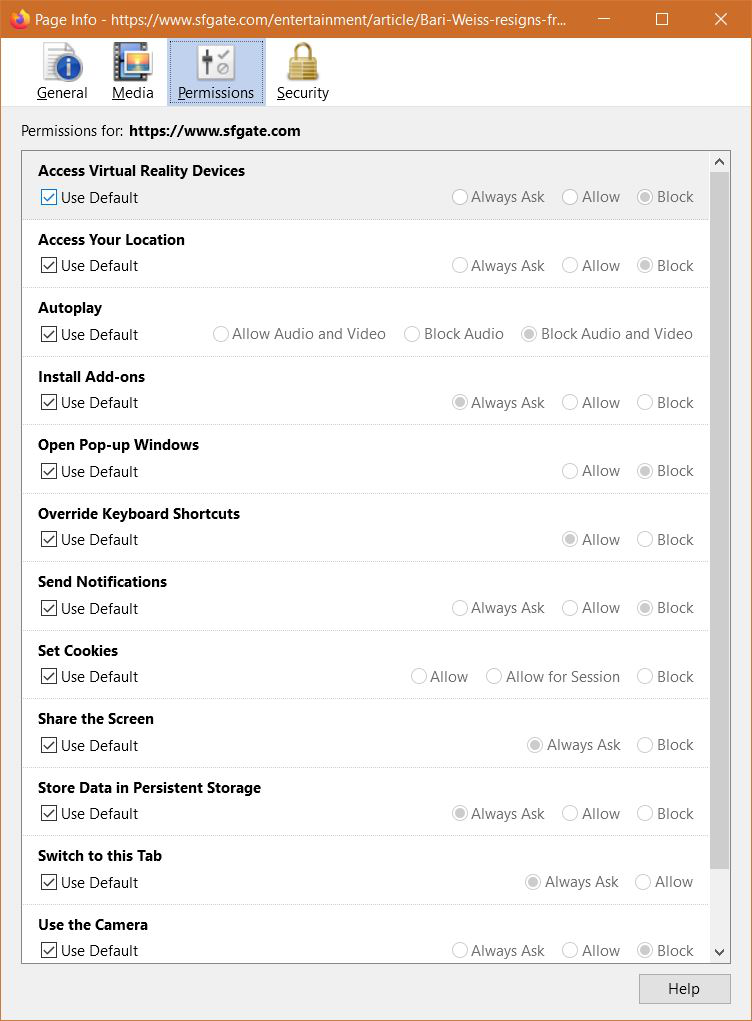
How to stop video autoplay in web pages? The "Autoplay" setting is set to "Block Audio & Video" and the "Page Info" confirms it, the video in the web pages still continue to play automatically!!!
How to stop video auto play in web pages?
The "Auto play" setting is set to "Block Audio & Video" and the "Page Info" confirms it (a snippet of the page info is attached for reference), however the video in the web page still continues to play automatically!!! Please note that no web sites has been granted an exception to this privacy setting. This issue is for all the websites.
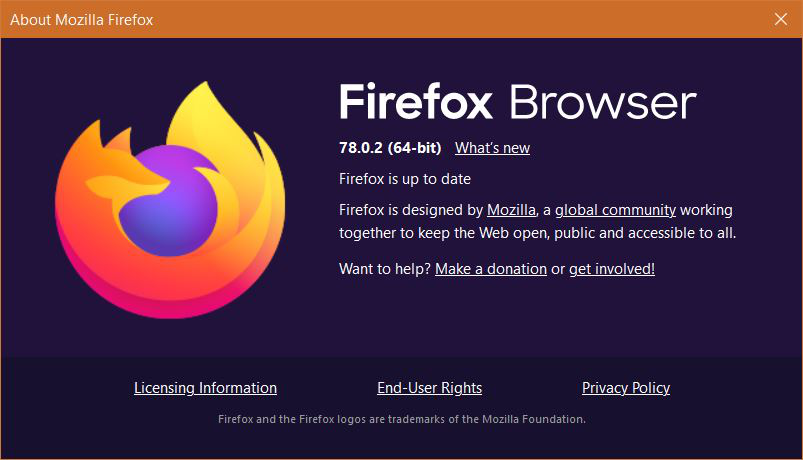
Browser version: 78.0.2 OS: Windows 10 Build 18363
Thanks
Tutte le risposte (2)
One solution here:
https://support.mozilla.org/en-US/questions/1274056
more info at:
https://support.mozilla.org/en-US/kb/block-autoplay
Try to set this pref to 2 on the about:config page.
- media.autoplay.blocking_policy = 2
You can open the about:config page via the location/address bar. You can accept the warning and click "I accept the risk!" to continue.