


I want to permanently disable the 'popular now' bar at the bottom of the Bing search page

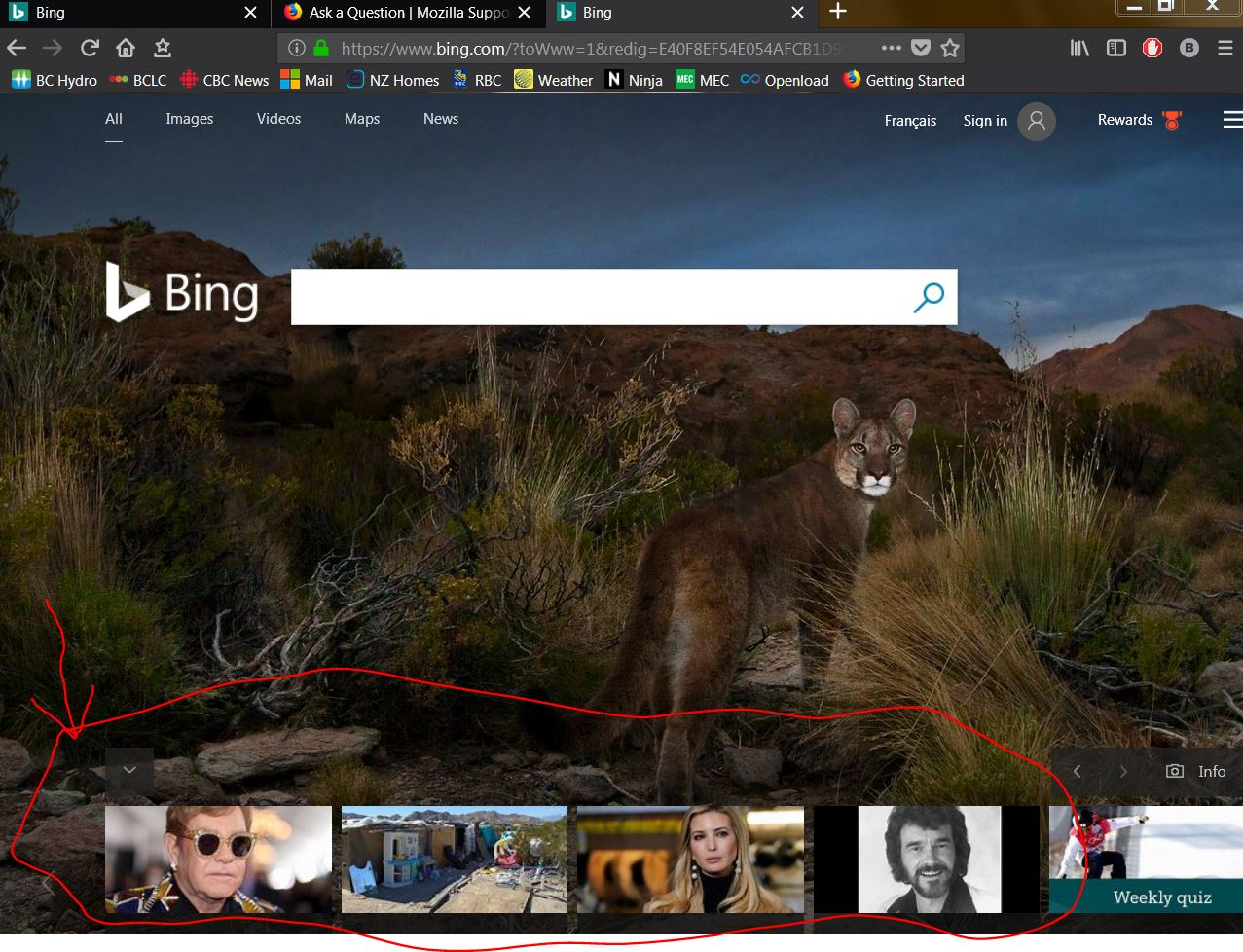
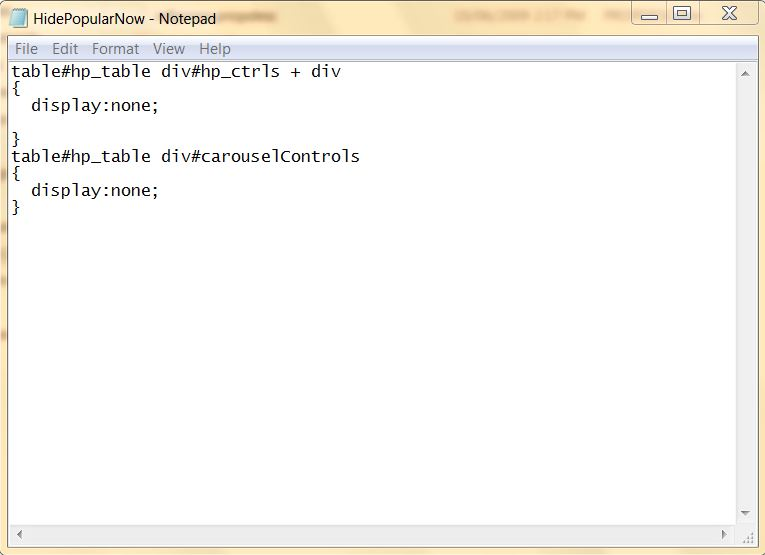
OK, I know many hate Bing...like I hate Google. So, Bing is my chosen search engine (I like the daily picture!) What I don't like is the 'Popular Now' bar at the bottom of the page. I know I can disable it each time I open the page, but, I want to make it gone permanently! In IE11 you can reset the 'cascading style sheet' so it does not come up when you load the page. Is there a way to do that with Firefox?
Alternatively, does anyone know of another search engine that uses a daily (high quality) picture?
Modificato da Gottawalkit il
Tutte le risposte (4)
It would be wise to do some trial and error to get some knowledge. Did you try the 3 bars click-there is a option in there to can remove those images you want gone.
Thank you for your efforts. I have tried that option. Like many fixes...it only works on the current page...close Firefox and then have to use the option again when I re-open . If there is a way to make it stay 'off' it would solve the problem!
When I did it on FF58.0.2x64 as to if it shows up on second tab then that would related to Microsoft support. If it comes back then it is a Microsoft issue not a FF issue at this point since Bing is Microsoft.
Modificato da WestEnd il
Hello again, WestEnd. I am using the most recent FF (32). If I could trouble you one more time...in your fist post you said there was an option...could you tell me which one you were referring to. The one I was referring to was in the drop down list for the Bing page itself. Maybe I missed the crucial one in the FF drop down list. With that info, I'll call it solved...for now anyway. Thanks again for your time and patience.