


I have set up a website using TNG software for genealogy. It looks fine in Chrome and Safari. It looks different and not as good in Firefox.

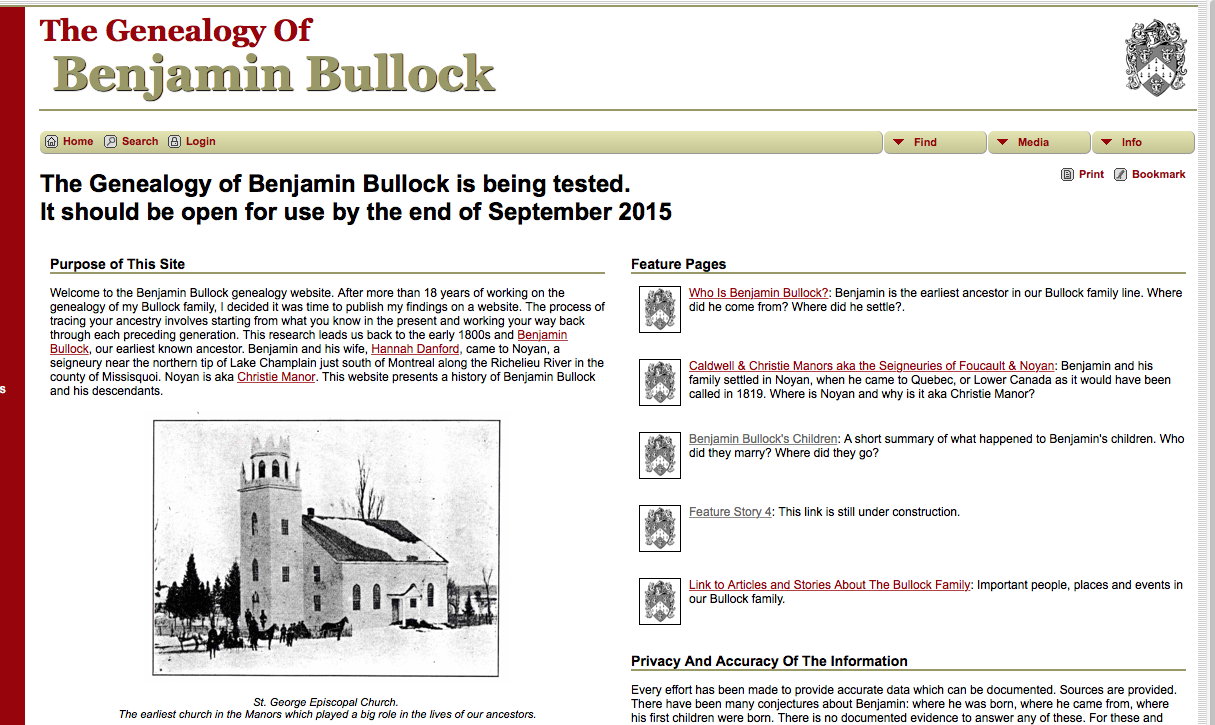
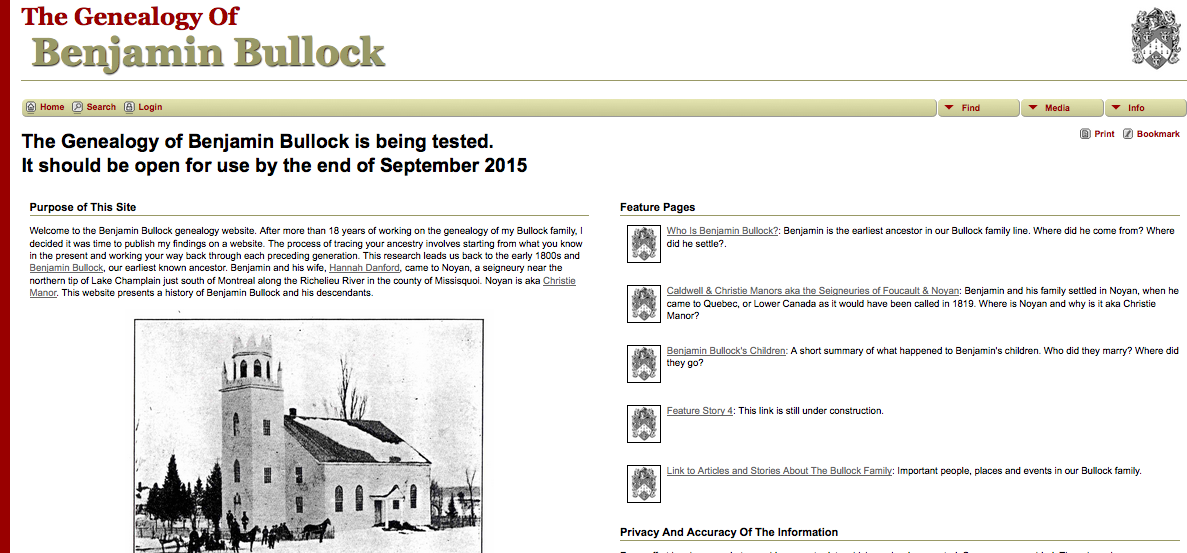
My new website look OK on Safari. On Firefox, the fonts look lighter and smaller. The gold underline bars look thinner. How can I make the Firefox view look more like it should and does on Safari?
Thanks Bob
Tutte le risposte (2)
Soluzione scelta
The specified font-size of 12px doesn't seem to be very large, so maybe increase this a bit in case a small font is used by Firefox.
font-family: Arial,Helvetica,sans-serif;
font-size: 12px;
What font is Firefox using on the page?
You can right-click and select "Inspect Element" to open the Inspector (Firefox/Tools > Web Developer) with this element selected. You can check the font used for selected text in the Font tab in the right pane of the Inspector.
Just to sure you can check that you aren't zooming the page. Reset the page zoom on pages that cause problems.
- View > Zoom > Reset (Command+0 (zero))
Using the View>Zoom>Reset solved the problem.
Thanks, Bob