


Devtools network preview pane not working

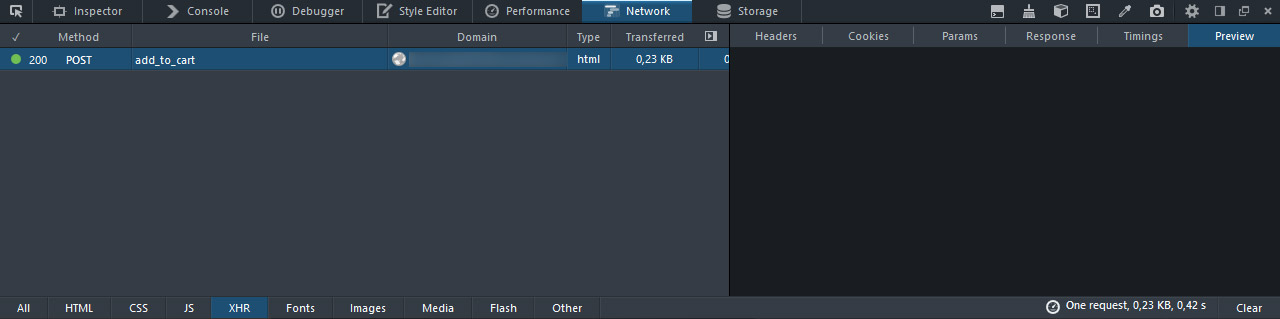
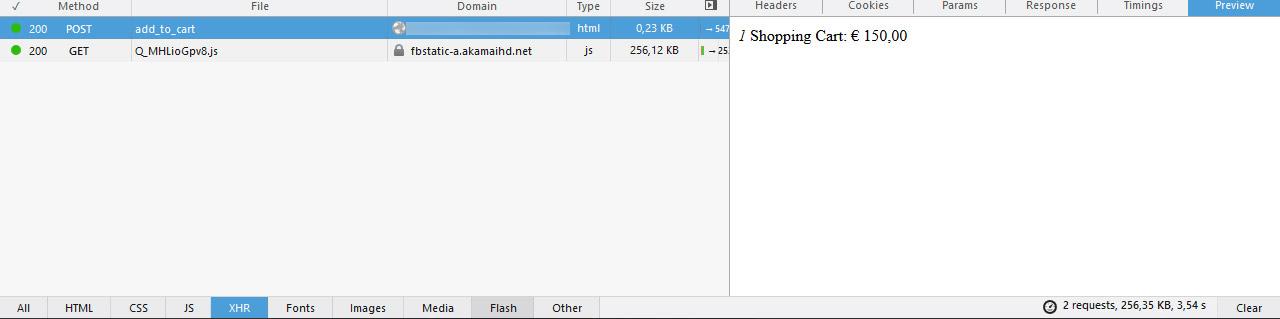
Preview pane shows nothing. I have two PC's with same issues. This is Firefox Developers Edition, regular Firefox works OK.
Tried to reinstall 32bit and 64bit versions, deleted local profiles and preferences - nothing worked.
Anyone having the same issue? Googled for hours find nothing. Please help because I'm stuck with regular Firefox :)
Modificato da jjelic il
Tutte le risposte (6)
Does it make a difference if you choose anther theme via the toolbox options?
Start Firefox in Safe Mode to check if one of the extensions (Firefox/Tools > Add-ons > Extensions) or if hardware acceleration is causing the problem.
- Switch to the DEFAULT theme: Firefox/Tools > Add-ons > Appearance
- Do NOT click the Reset button on the Safe Mode start window
No, I already tried to turn off themes, start in safe mode, refresh Firefox. Preview pane is just empty no matter what.
Just tried the same on PC next by with Win 7 x64, it has the same issue.
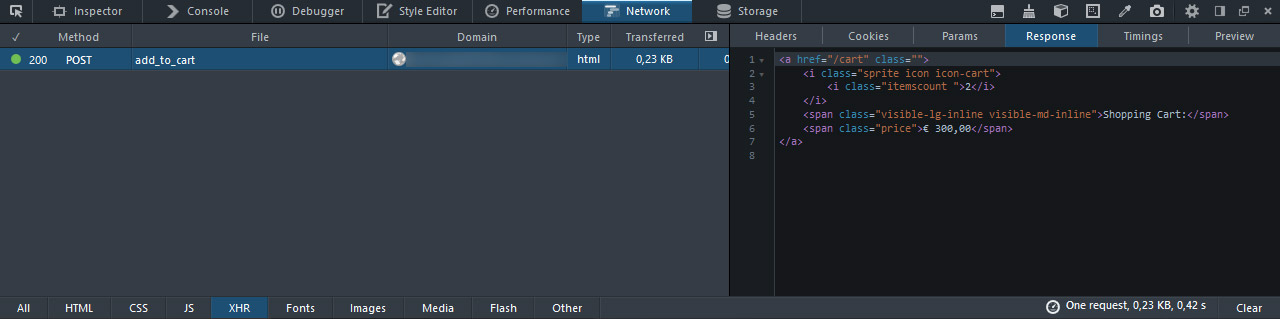
It makes FF DEV practically unusable for any Laravel development since you cannot see any XMLHttpRequest error message rendered, only in plain HTML form which is useless.
You can try the Live Http Headers extension.
Well I can, but that's hardly a solution.
Main question is: Why preview pane doesn't work for HTML? Isn't that the sole purpose of that pane?
Does the anything show up if you check this window in the DOM Inspector via "File > Inspect Chrome Document"?
- chrome://browser/content/devtools/netmonitor.xul
- DOM Inspector: https://addons.mozilla.org/firefox/addon/dom-inspector-6622/
- https://developer.mozilla.org/DOM_Inspector
- https://developer.mozilla.org/Introduction_to_DOM_Inspector
It could that there is a problem with the font that is used, so maybe check for that as well.
You can do a font test to see if you can identify corrupted font(s).
Hey jjelic, I've told the Firefox Developer Tools devs about your problem and they've opened up a bug report on it since 1 of them also sees the problem as well.
Bug 1164196 - [regression] Preview pane does not render anything for POST requests
Please add your email to that bug so you can keep track of progress and updates there. And also to help provide any extra information the devs may need to help fix the problem. Thanks for finding this bug!