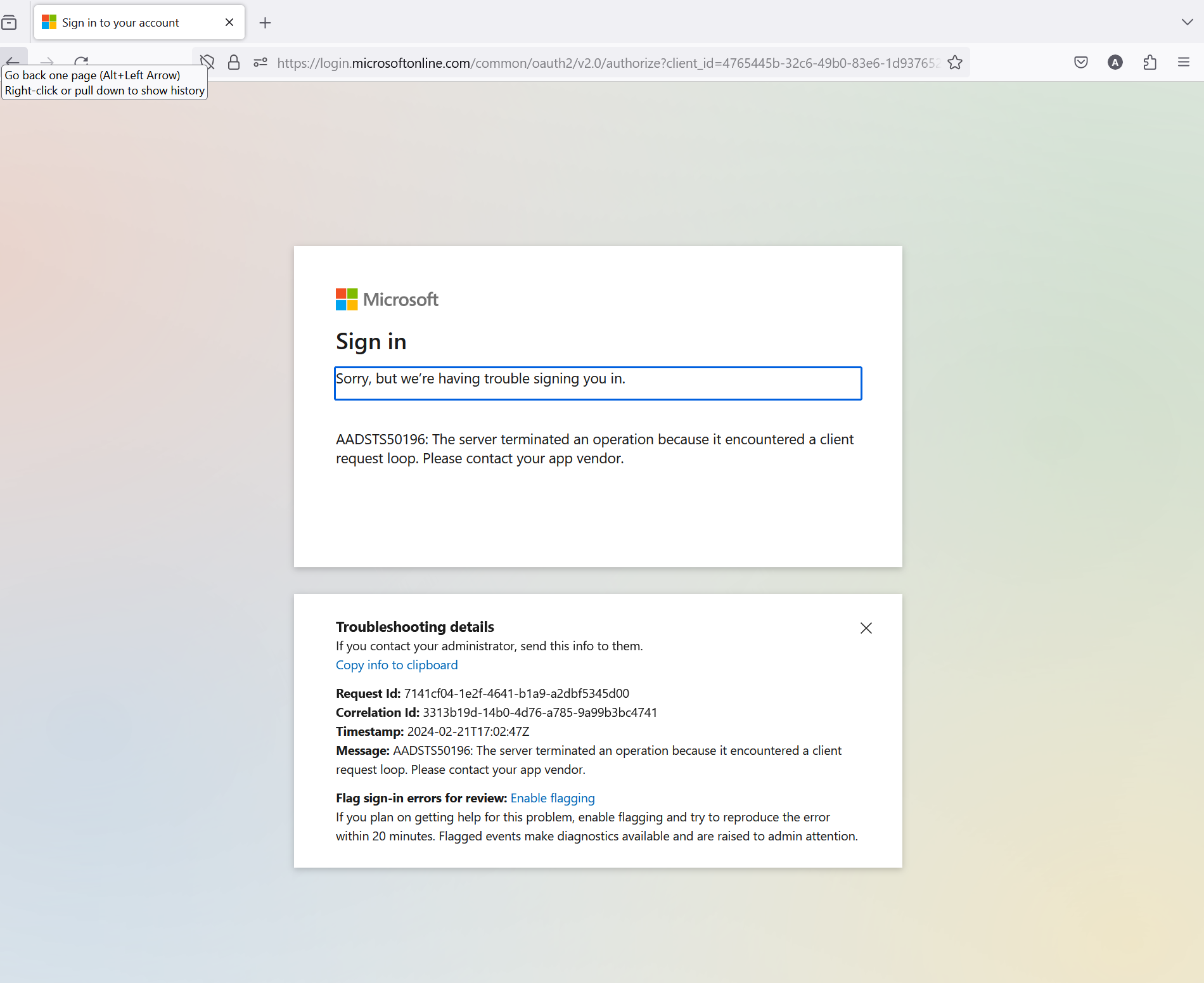
Microsoft 365 cannot login via Mozila while there is no problem with edge

Dear Sir/Madam
I have set up a new Microsoft Surface pro 7 with fresh Win11 23h2 and office installation.
The latest Firefox 122.0.1 has been downloaded.
Problem:
When i sign in to my Microsoft 365 account for the first time everything goes smooth and get all authentication steps.
BUT
1. I never reach the Microsoft 365 page and return back to Microsoft log in page
"https://www.office.com/?trysignin=0"
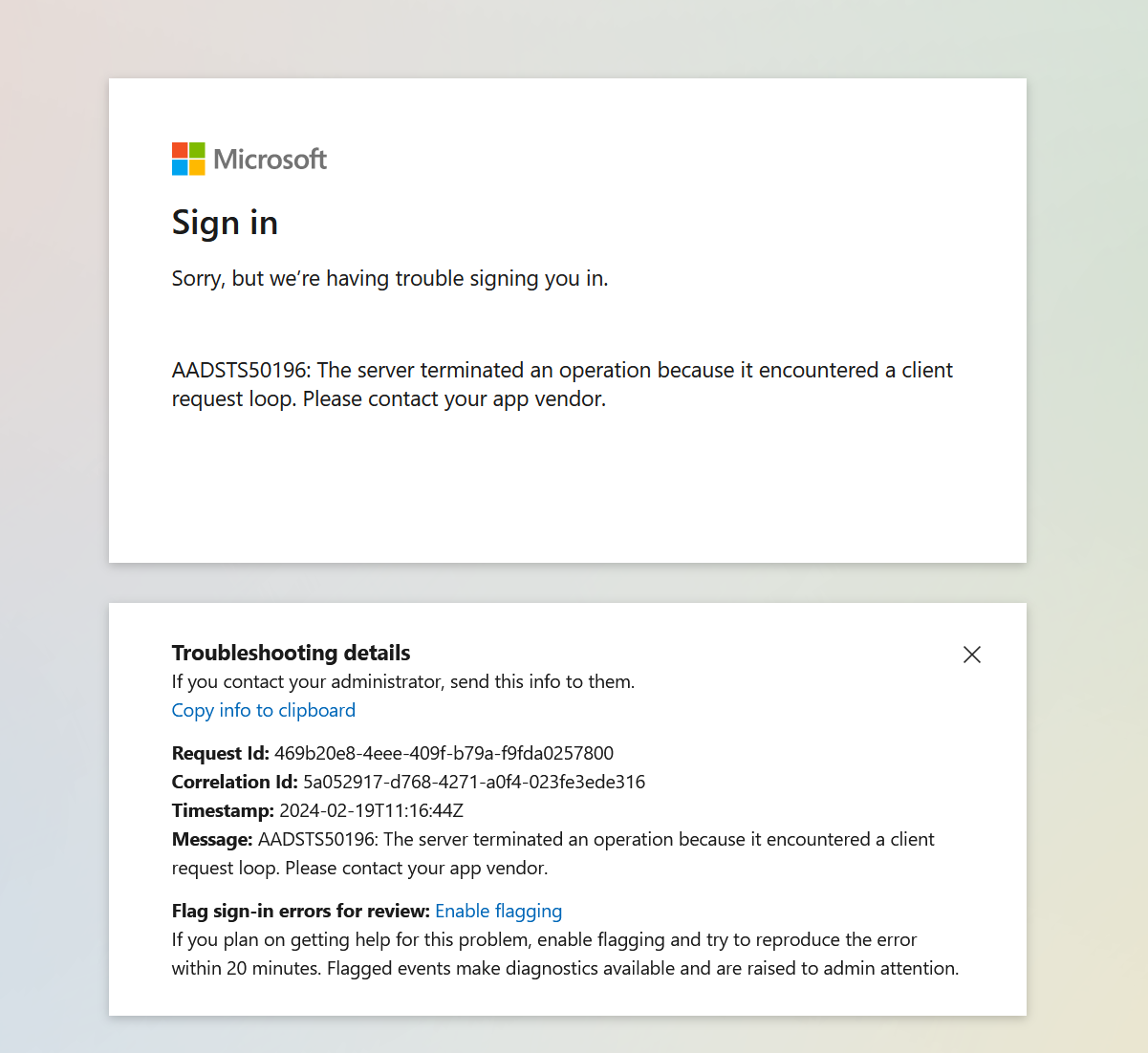
2. if I insist in Trying I get in a loop and i get the error message "AADSTS50196 authentication error,"
3. I have tried to clean Cookies cash. The only difference now is that i do not get in that indefinite loop but i have to reenter the sign in credentials and again reach the log in screen.
4. I have entered the office.com, Microsoft.com, hotmail.com as trusted sites but problem same
5. No issues in that particular Surface pro to sign in Microsoft 365 site via edge
6. No issues to sign in Microsoft 365 in my other computers via Mozila. It happens to that particular surface new installation
Any help/Troubleshooting will be appreciated
Semua Balasan (5)
I'm in it everyday with no issues.
Did you try Firefox in Safe Mode? https://support.mozilla.org/en-US/kb/diagnose-firefox-issues-using-troubleshoot-mode#search104
Also try this option. Clear all items for a single site https://support.mozilla.org/en-US/kb/remove-websites-address-bar-suggestions#firefox:win11:fx100
Diperbarui oleh jonzn4SUSE pada
I have tried both suggested actions
1. Troubleshooting mode 2. clearing the history
No success
The strange thing is that the same mozilla is working in all other machines installed and synchronized (via my account) but not in that particular Microsoft Surface Pro 7
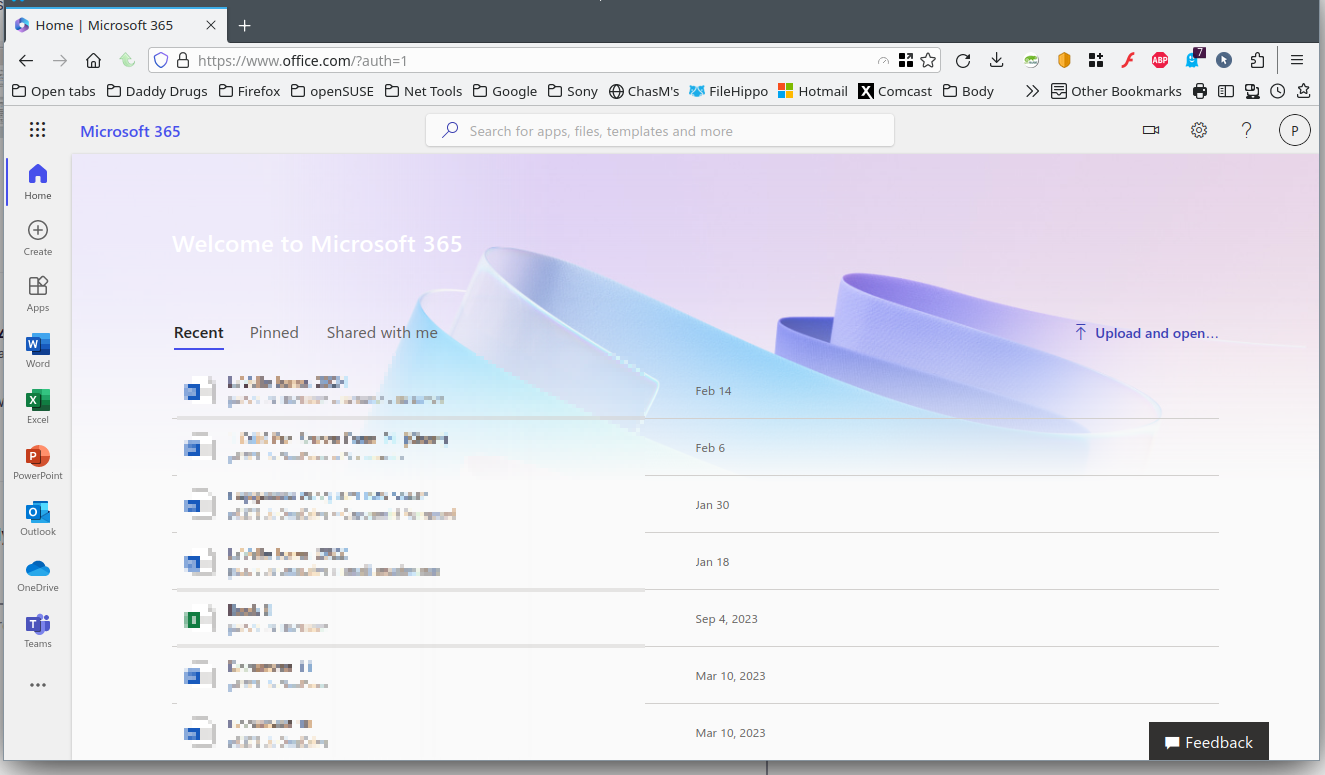
A full browser screenshot would be more helpful. Did you try tweaking or turning off ETP? see screenshot
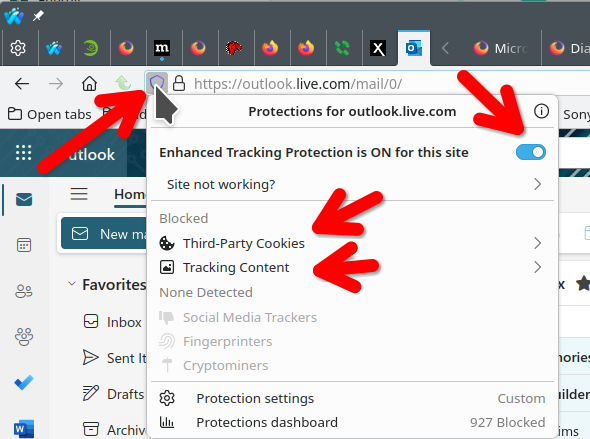
No but I have done it now and turned off the ETP please see the attached screenshot with error presented if I continue pushing the "sign on" button
This should be the issue