


Clicking FF icon does not open the browser. Must right click-new window

FF does not open when the icon is clicked. I must right click and choose new window. It also does not bring up the browser when minimized. System: Macbook pro, mavericks,

Solusi Terpilih
Hello,
I am glad to hear that your problem has been resolved.
If you have not already, please mark this thread as solved by marking the solution.
This will help other users experiencing similar problems find help faster and more efficiently.
I hope you continue using our products and thank you for contacting Mozilla Support.
Semua Balasan (9)
What icon are you clicking? Where is it located?
Some icons may need to be double clicked.
The icon/scroll bar at the bottom do the desktop. Normally only one click is needed. Double clicking does not work. Thanks G
This is what you are talking about, Yes?
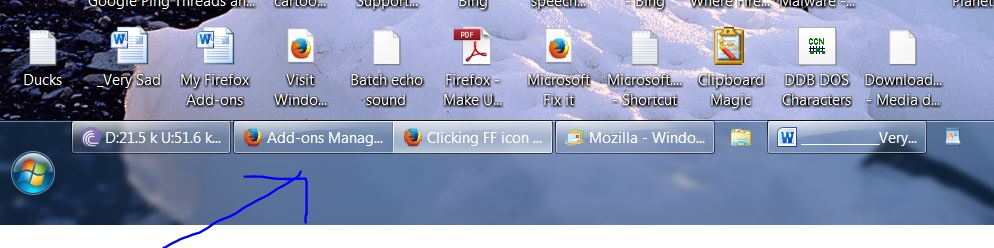
No, not like the attachment image. On a mac at the bottom is the application scroll bar. Mozilla's icon is there. I have to right click and choose open new window. Thanks gary
Check your MAC settings. It could be it was changed.
Not sure what settings to look at. The application dock or scroll bar does not have an option to change how to open, that I can find anyway. I always have to control click to choose open new window. All of the other apps open with one touch/click. Thanks, G
I think what happen is the option was changed from one click activation. Find that setting and reset it. That's all I can do for you. Good luck.
I updated Java and adobe flash and now it works. Must have been a mavericks problem. Thank you Gary
Solusi Terpilih
Hello,
I am glad to hear that your problem has been resolved.
If you have not already, please mark this thread as solved by marking the solution.
This will help other users experiencing similar problems find help faster and more efficiently.
I hope you continue using our products and thank you for contacting Mozilla Support.