


Even when I click on the prompt in the upper right hand corner to turn VPN ON, it does not stay on. I do NOT get the "next" pop-up.

How can I keep the built-in VPN on?
Wšě wotmołwy (7)

See if this article helps at all: Use built-in VPN in Firefox
From a pending revision to that article:
Turn on VPN in Firefox
- Look for the VPN setup prompt in the top-right corner of your Firefox toolbar.
- Click Get started to begin the setup process.
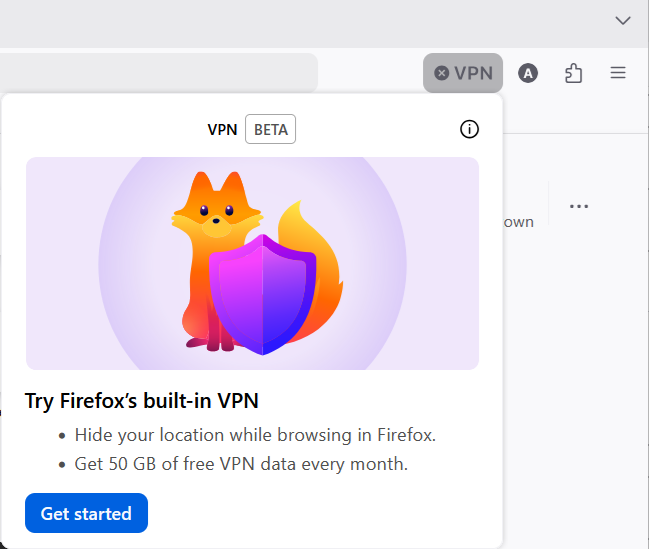
- Note: This prompt may appear twice. If you choose No thanks on the second prompt, the VPN icon will be removed from the toolbar.
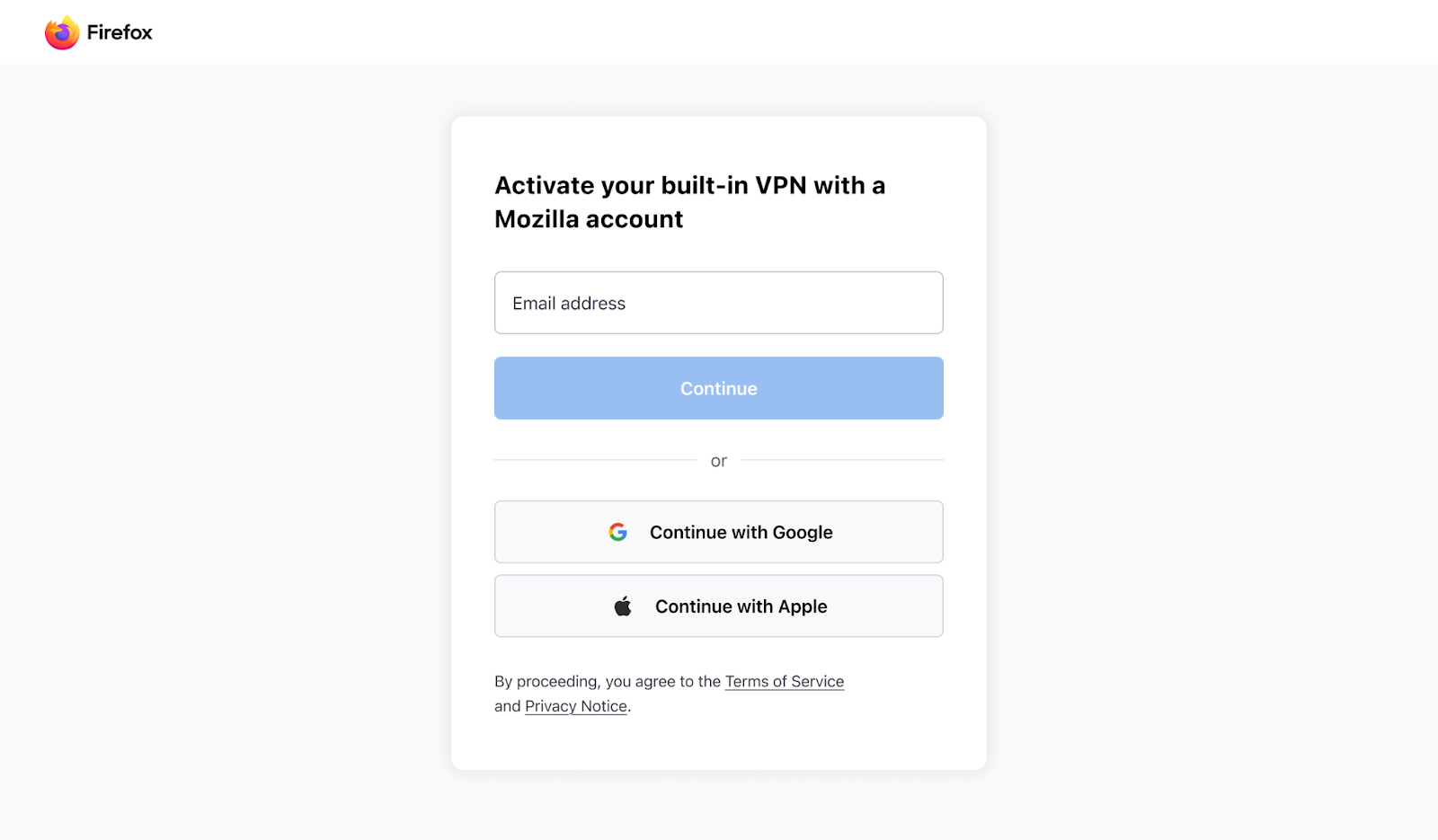
- Sign in or create a Mozilla account
- A page will open, prompting you to sign in. Follow the instructions.
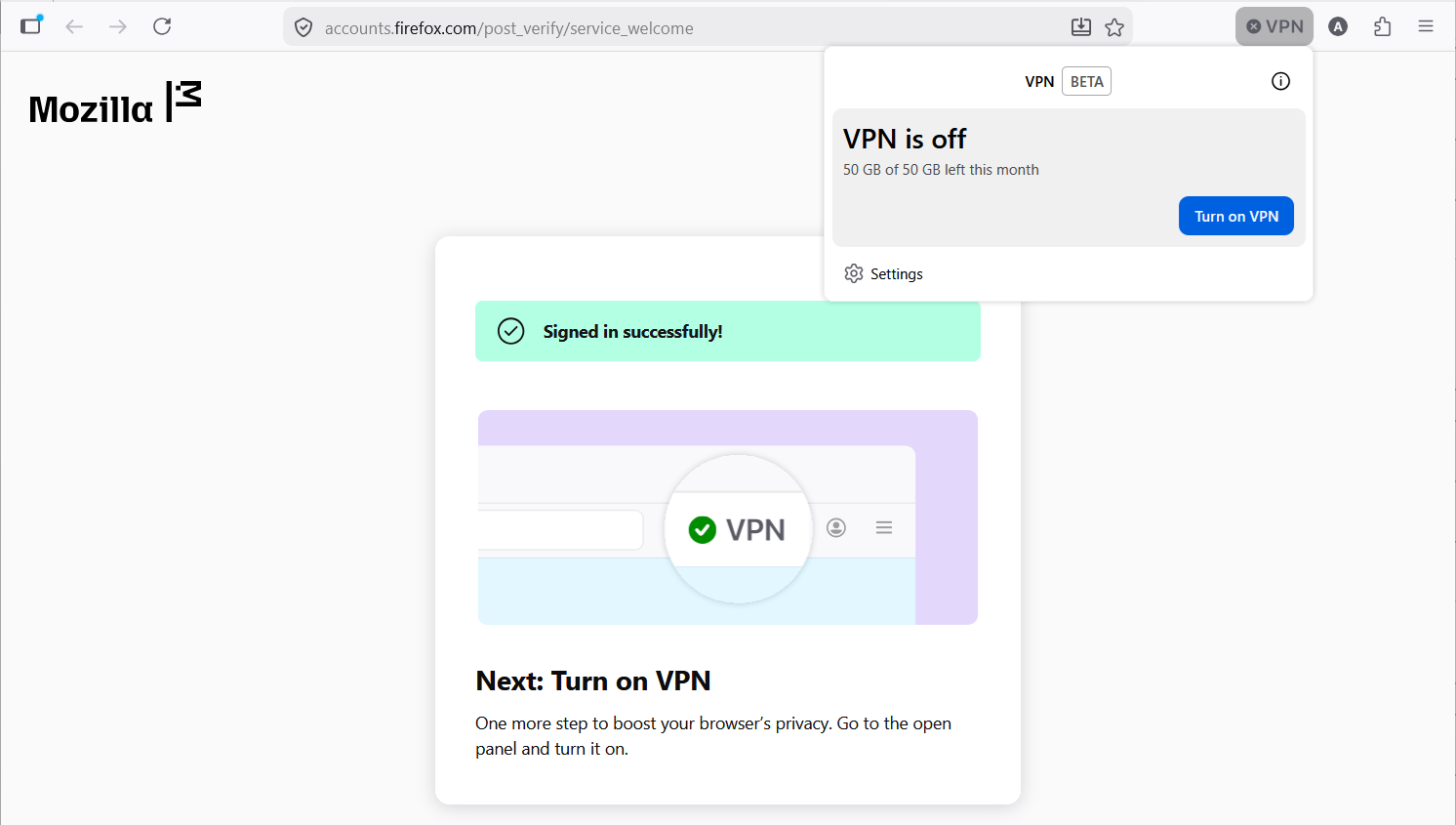
- Once complete, the VPN panel will appear.
- Use the [Turn on VPN] button in the VPN panel to turn the feature on.
- If you don’t see the panel, click the VPN icon in the toolbar.
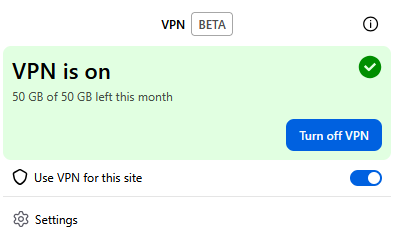
- Activate/Deactivate VPN
- Use the toggle switch in the VPN panel to enable or disable the VPN for a specific site in Firefox.
Thank you, but "Get started" does not appear when I click to turn on the VPN in the top right hand corner.
So, you do have the VPN icon in the top right section of the Firefox toolbar? What happens when you click it?
To begin with, it shows "VPN is off". I click on the "Turn on VPN" and it shows "VPN is on" on a green background. Below it shows "Use VPN for this site" and below that "Settings". It does not stay on when I move to a different site.
Does the VPN work if you turn it on for a different site? I don't use the built-in VPN myself so maybe another contributor can help you.
As a last resort, you can file a bug report, probably under the Firefox product and "IP protection" component. You can use this link: https://bugzilla.mozilla.org/enter_bug.cgi?product=Firefox&component=IP%20Protection
You can also post your feedback here: https://connect.mozilla.org/t5/discussions/introducing-firefox-s-built-in-vpn-ip-protection-now-in-the/td-p/120550 Introducing Firefox’s Built-in VPN: IP protection, now in the browser
Yes, it works on every site but I have to turn it on again each time. I will try filing a "bug report" as you suggest. Thank you so much for your help.