Windows 10 reached EOS (end of support) on October 14, 2025. If you are on Windows 10, see this article.

Pomoc přepytać

Hladajće so wobšudstwa pomocy. Njenamołwimy was ženje, telefonowe čisło zawołać, SMS pósłać abo wosobinske informacije přeradźić. Prošu zdźělće podhladnu aktiwitu z pomocu nastajenja „Znjewužiwanje zdźělić“.

Dalše informacije
Archiwowany

Gyazo login

SuMo Bot wotmołwjeny
Diawa

When i try to log in to Gyazo it goes to a web page that says

"Checking your browser before accessing gyazo.com ... Click here if you are not automatically redirected after 5 seconds."

I can log in via chrome and i can log in via firefox on my ipad. I looked at my malwarebytes and its not blocked there. So i know my acc is good. I know it will log in with firefox on my ipad. just not my Win11 Desktop Firefox.

When i try to log in to Gyazo it goes to a web page that says "Checking your browser before accessing gyazo.com ... Click here if you are not automatically redirected after 5 seconds." I can log in via chrome and i can log in via firefox on my ipad. I looked at my malwarebytes and its not blocked there. So i know my acc is good. I know it will log in with firefox on my ipad. just not my Win11 Desktop Firefox.

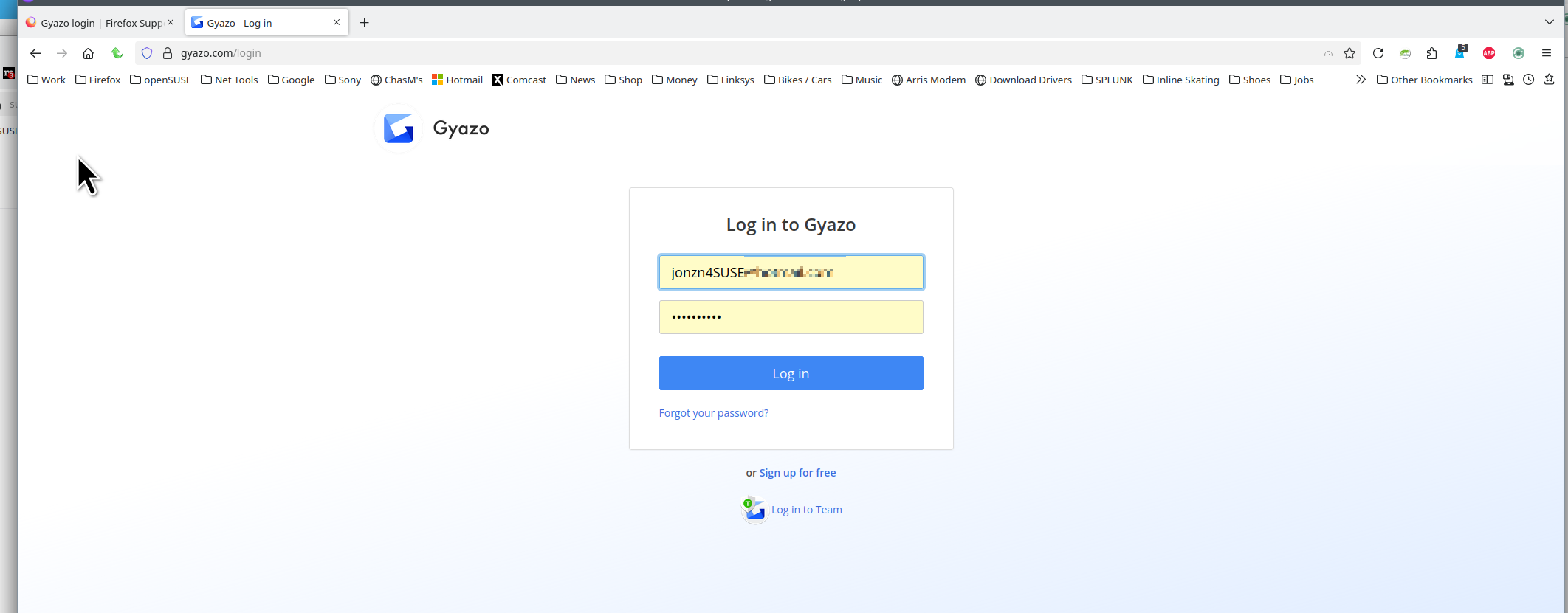
Wšě wotmołwy (1)

Site works for me. see screenshot Do you have the same issue with Firefox in Troubleshoot Mode? https://support.mozilla.org/en-US/kb/diagnose-firefox-issues-using-troubleshoot-mode#w_how-to-start-firefox-in-4troubleshoot-modesf5safe-modesf Did you try clearing the browser cache? https://support.mozilla.org/en-US/kb/how-clear-firefox-cache#