passwords not syncing between two open laptops

Hi All
I have my account set up on the original laptop. I have just opened my new laptop and logged in to firefox. I have set to sync including passwords and logins. I can see both open Firefox accounts on my laptops simultaneously. They are the same account and they have been synced repeatedly. However my passwords and logins are not appearing on the new laptop. They only show on the old laptop. Why?
Hi All
I have my account set up on the original laptop. I have just opened my new laptop and logged in to firefox. I have set to sync including passwords and logins. I can see both open Firefox accounts on my laptops simultaneously. They are the same account and they have been synced repeatedly. However my passwords and logins are not appearing on the new laptop. They only show on the old laptop. Why?
Wšě wotmołwy (1)
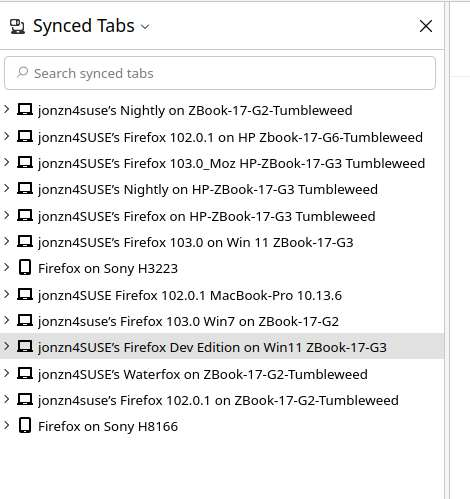
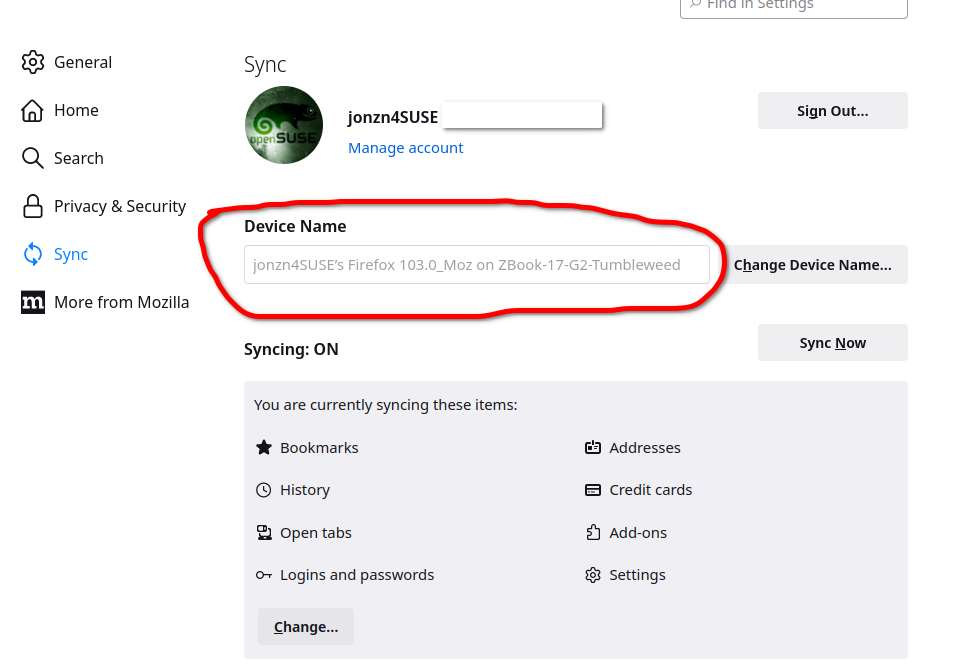
I would go to accounts.firefox.com, look at the connected devices, and remove the new laptop. Then go back to new laptop and sign back into sync and see what happens. In the sync section, give the devices better names to make it easy to see. see screenshot