


search bar not showing up

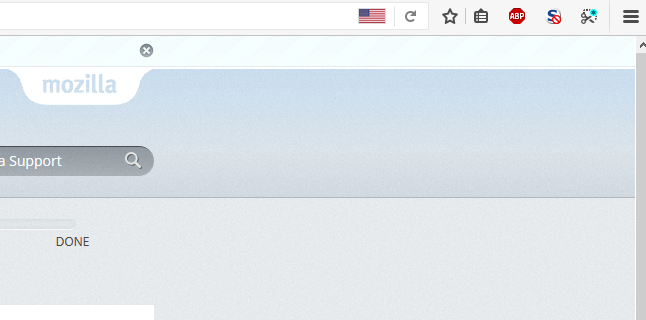
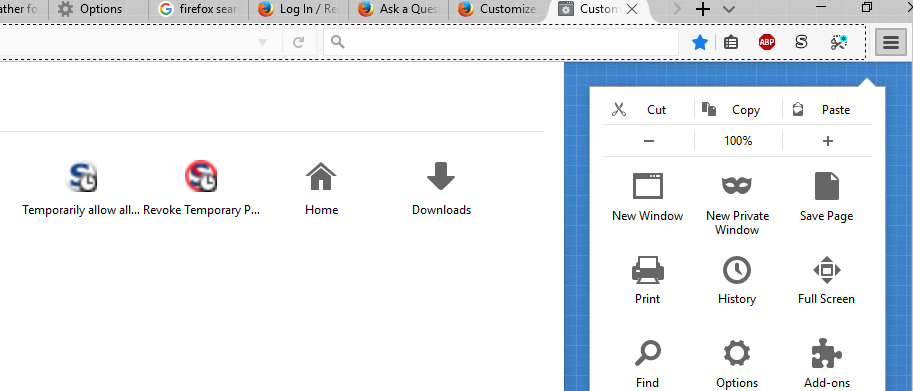
As it says in the title, the search bar isn't showing up next to the address bar. However, when I right click on the top toolbar and select customize, it shows the search bar there in the customize preview. Attached are screenshots of the upper right corner of firefox, and the upper right corner of the toolbar customize menu. What gives?
Wšě wotmołwy (2)
Wubrane rozrisanje
Sorry for the confusion, this may be an experiment. Could you try this:
Type or paste about:studies in the address bar and press Enter (or Return) to load that page.
If you are enrolled in a user interface experiment, it should be listed on this page and there should be a way to uninstall/remove or to opt out.
Can you find it there?
More info about SHIELD studies and how to opt out globally if you prefer: About Studies.
Thank you!