


MS Teams not working

I have just opened MS Teams on my Firefox 137.0 on my WIndows 11 and I get a blank screen. NOthing happens. I see that by looking in Edge the format of MS Teams layout has completely changed. I imagine that there's a setting to change to enable teams to work but how can I find it?
Svi odgovori (3)
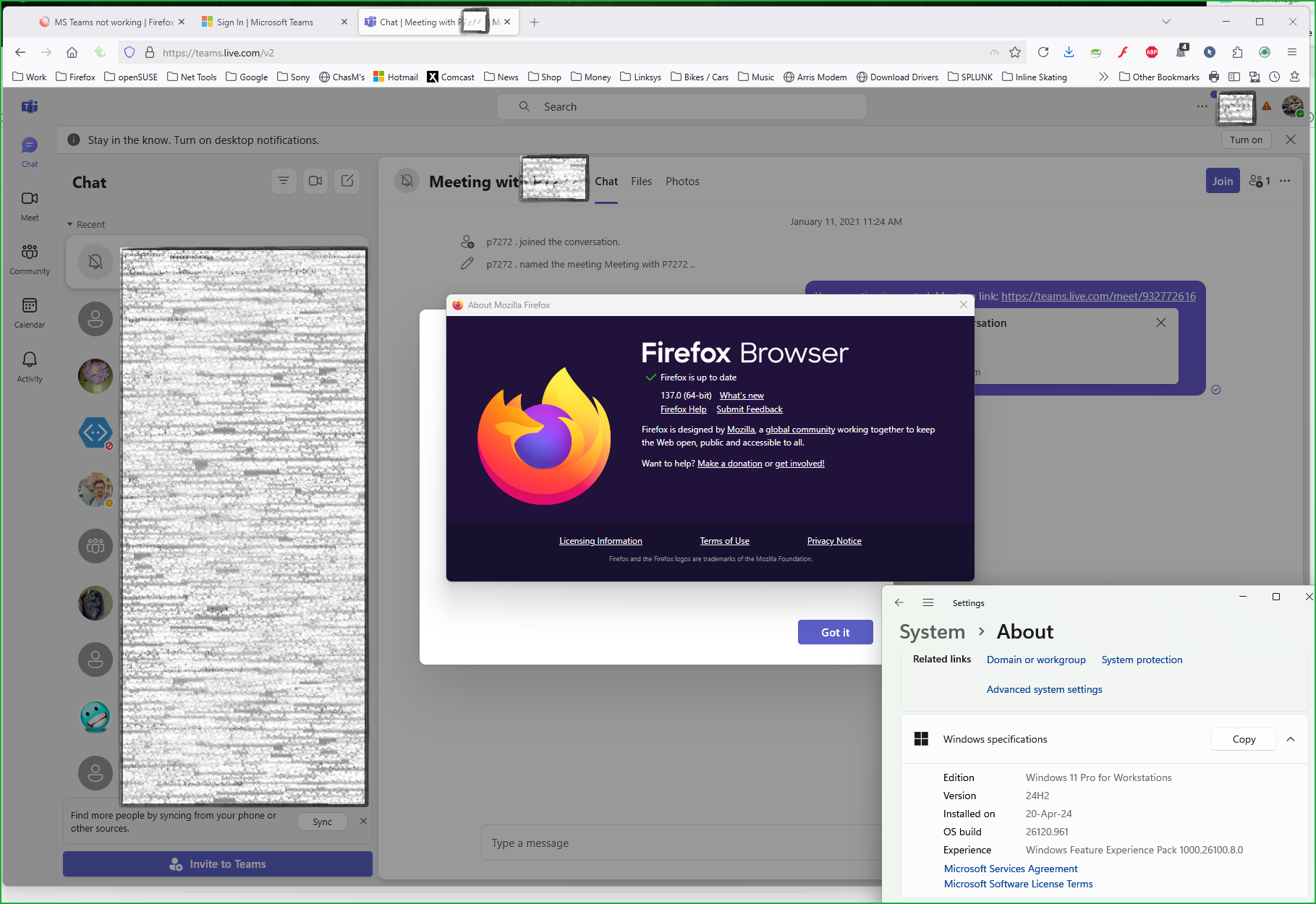
Can you show the issue? It works for me. see screenshot Did you try with Firefox in Troubleshoot mode? https://support.mozilla.org/en-US/kb/diagnose-firefox-issues-using-troubleshoot-mode#w_how-to-start-firefox-in-4troubleshoot-modesf5safe-modesf
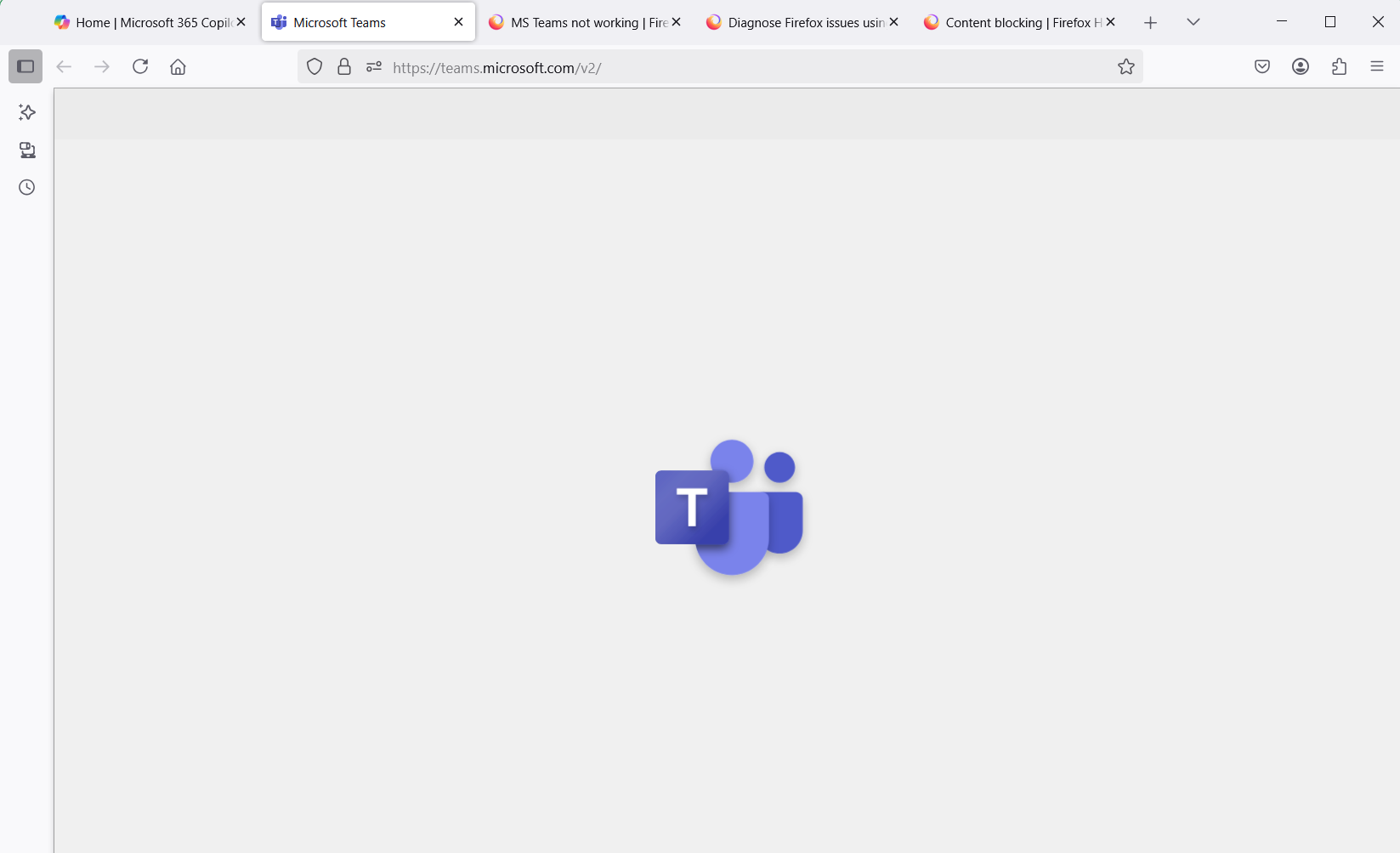
This is my screenshot... taken in troubleshoot mode. As you can see it isn't working.:(
Are you running pro version of Windows? If so, you should have Windows Sandbox enabled for testing. https://www.howtogeek.com/399290/how-to-use-windows-10s-new-sandbox-to-safely-test-apps/ What security software are you running besides MS Defender?